
License menu
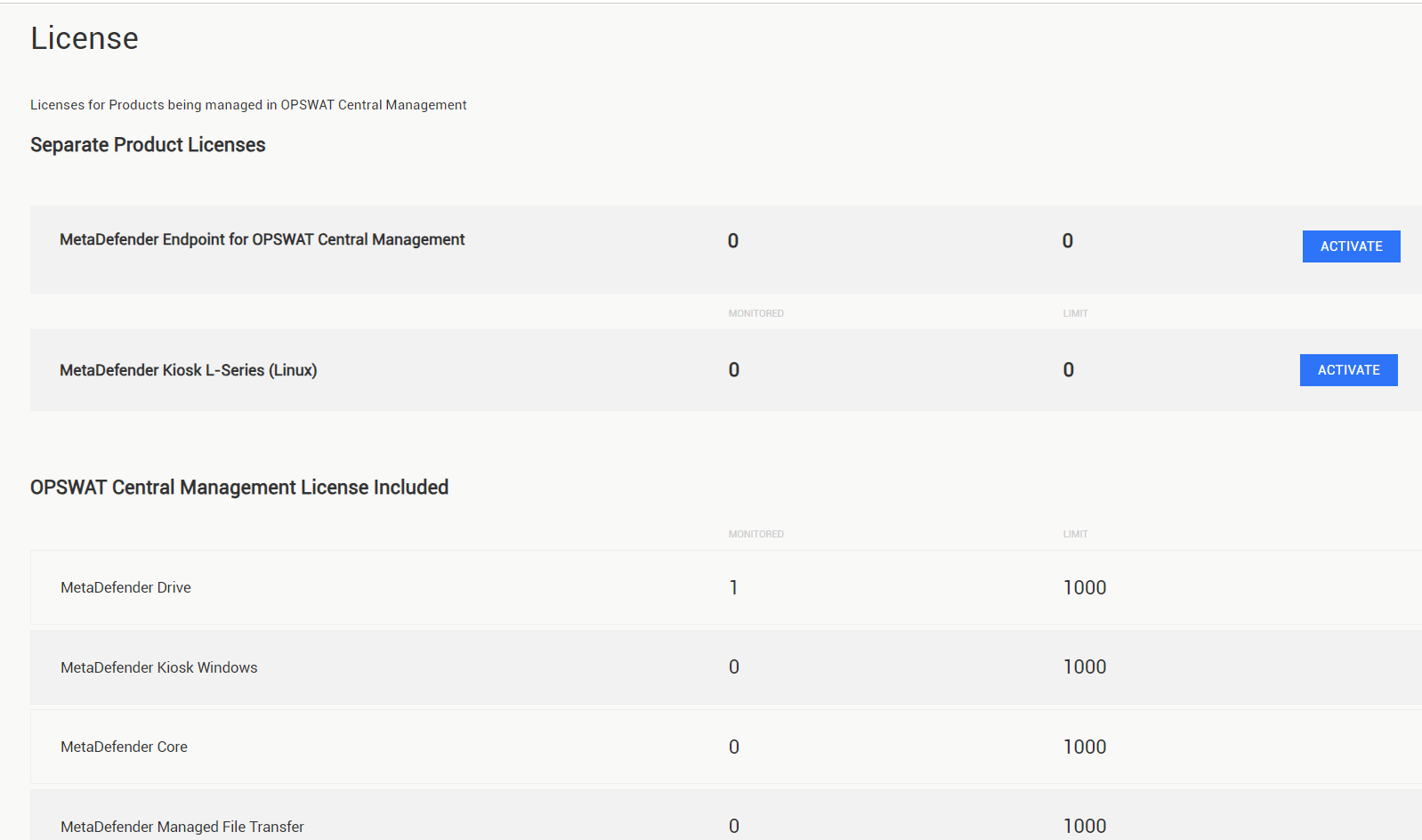
To check the license status of your installation, go to Settings > License menu on the OPSWAT Central Management console.
The following information is available, listed according to the types of products that are being monitored:
Property | Description |
|---|---|
Monitored | The number of devices or OPSWAT Products managed by the current OPSWAT Central Management instance. |
Limit | The maximum number of devices and OPSWAT Products allowed by the license registered to the current OPSWAT Central Management instance. |
Was this page helpful?
Installing or Upgrading