
The following guideline describes how to download reports from an existing MetaDefender Kiosk Linux instance.
Download latest reports from instance list:
Go to the MetaDefender Kiosk Linux management page under Inventory in the sidebar.
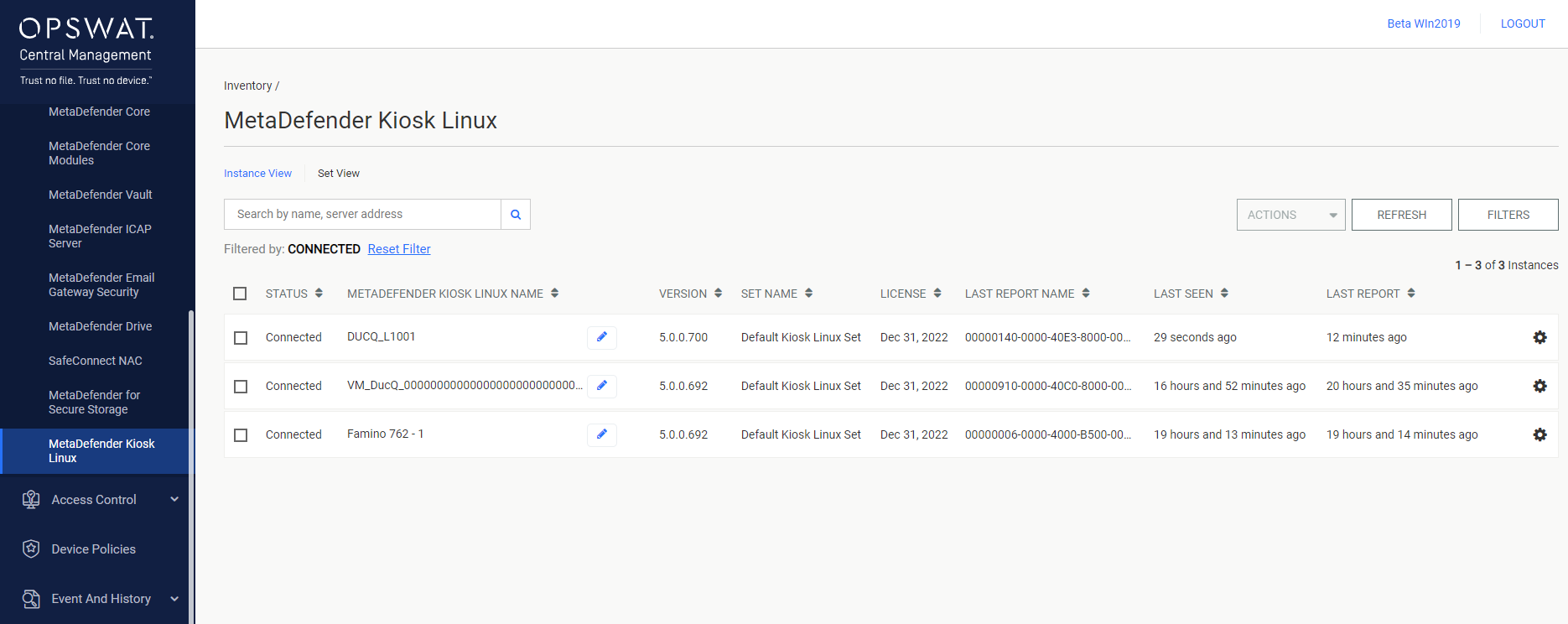
Select the MetaDefender Kiosk Linux instance that you want to download the report from.
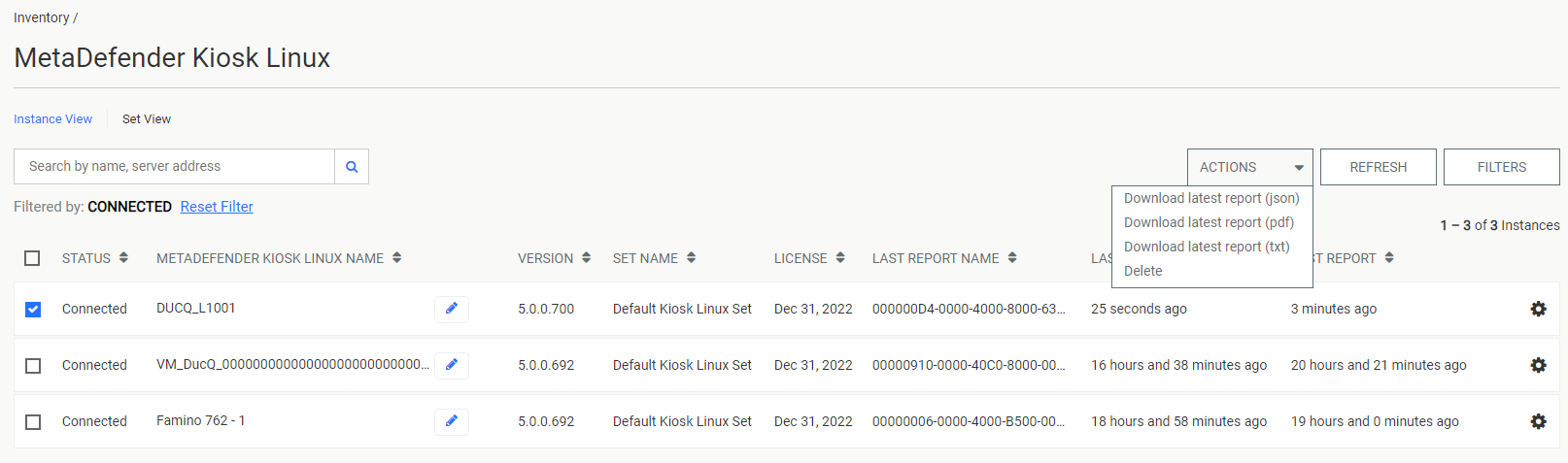
Select one of Download latest report (json), Download latest report (pdf) or Download latest report (txt).
View and download reports from a specific instance:
Go to the MetaDefender Kiosk Linux management page under Inventory in the sidebar.
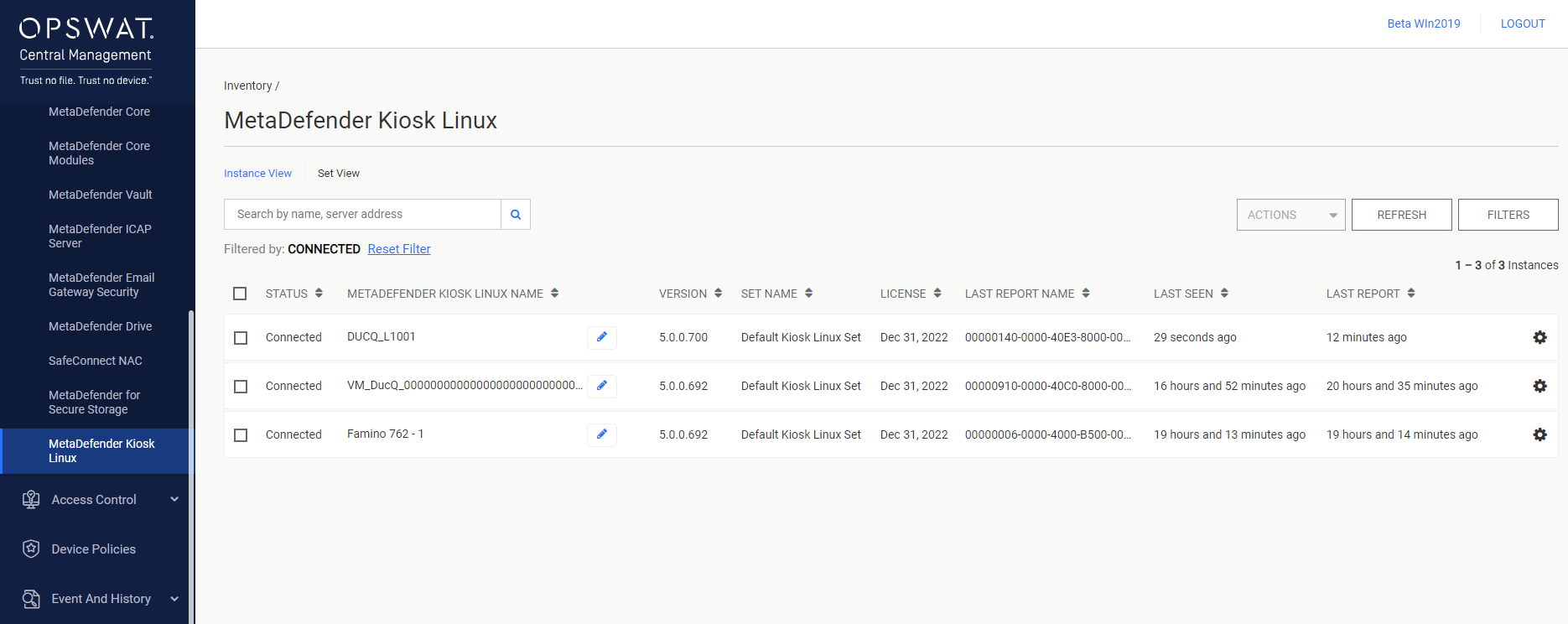
Click on a MetaDefender Kiosk Linux instance's entry to go to its details page.
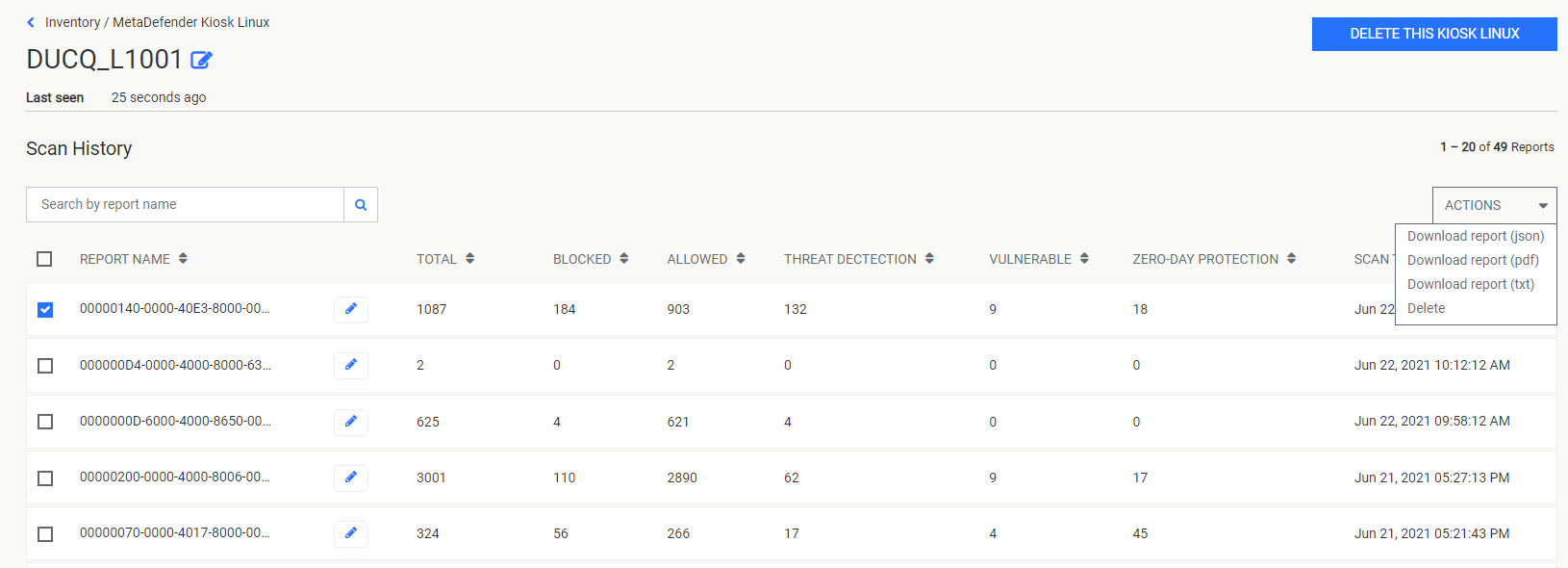
Select the report(s) to be downloaded by clicking their checkboxes. Select one of Download report (json), Download report (pdf) or Download report (txt) from the drop-down action menu.
Was this page helpful?
Integrations