
License information
Basic license information is always visible in the lower left side of the console interface. The following information is available:
Product version
License menu
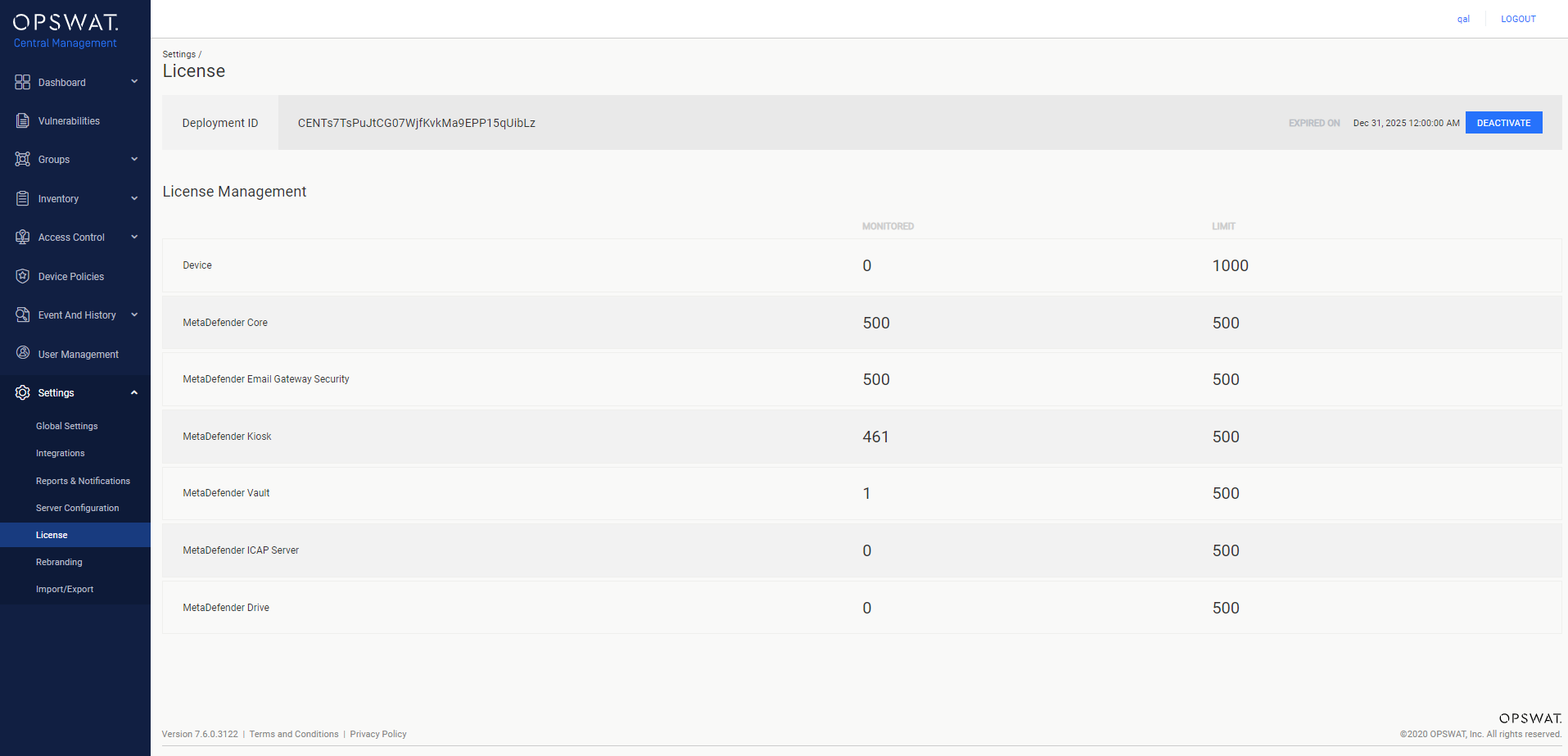
For more license details on the license status of your installation, go to Settings > License menu on the Web Management Console.
The following information is available, listed according to the types of products that are being monitored:
Property | Description |
|---|---|
Deployment ID | Identification of this installation |
Monitored | The number of devices or OPSWAT Products managed by the current OPSWAT Central Management instance. |
Limit | The maximum number of devices and OPSWAT Products allowed by the license registered to the current OPSWAT Central Management instance. |
Was this page helpful?
Installing or Upgrading