OPSWAT Central Management provides a solution for you to reset password by answering the security question that had been set up during configuration wizard.
Set up security question
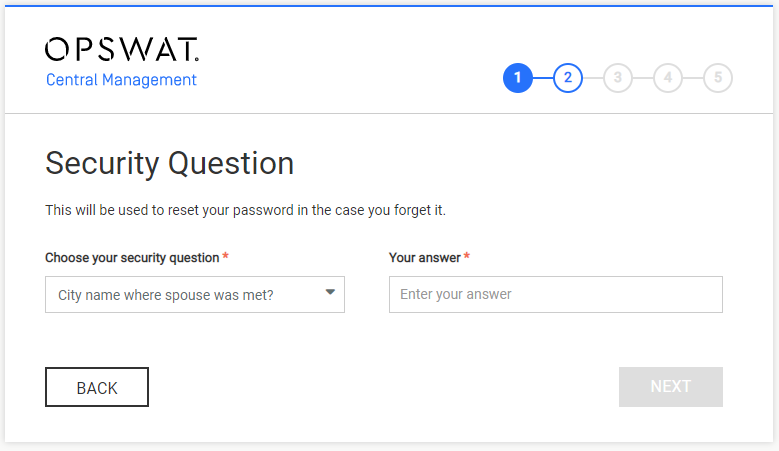
During set up wizard process, after administrator account set up step, you will be asked to fill in security information in order to recover your password in the future. You need to choose one from list of questions and answer it before going to next step. When all fields have been filled, click NEXT to continue.
Reset password
In case you forgot your password and can not login into OPSWAT Central Management, you can reset your password by answering the security question.
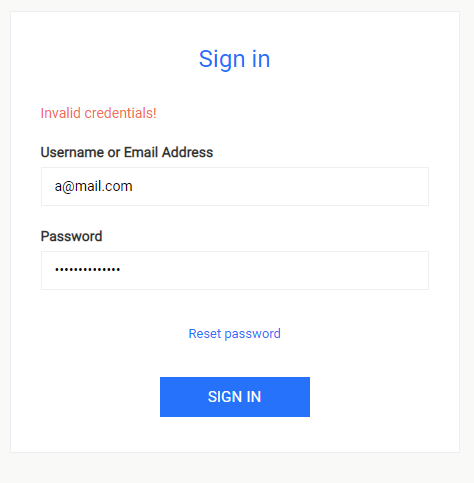
The Reset password option will be available after a failed login attempt:
Note: This account must be administrator account
Click on Reset password
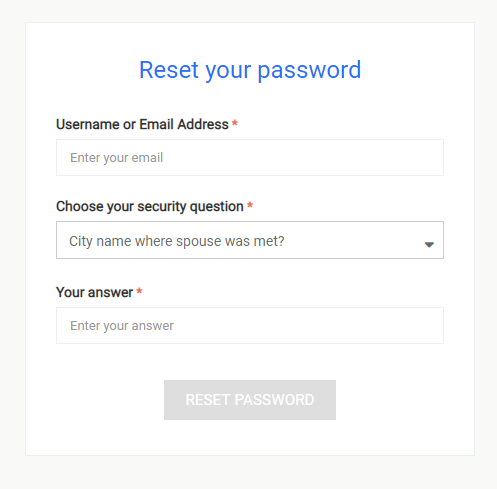
Fill in username/email address, your security question and answer to continue. After click on Reset password button, the system will check whether your information is valid. If it is, you can go on to the next step.
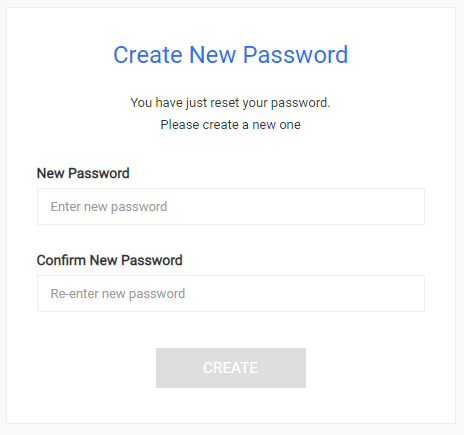
Enter new password and confirm then click Create. After reset your password successfully, system will automatically redirect to login page.