
The following guideline describes how to create a new Set in OPSWAT Central Management.
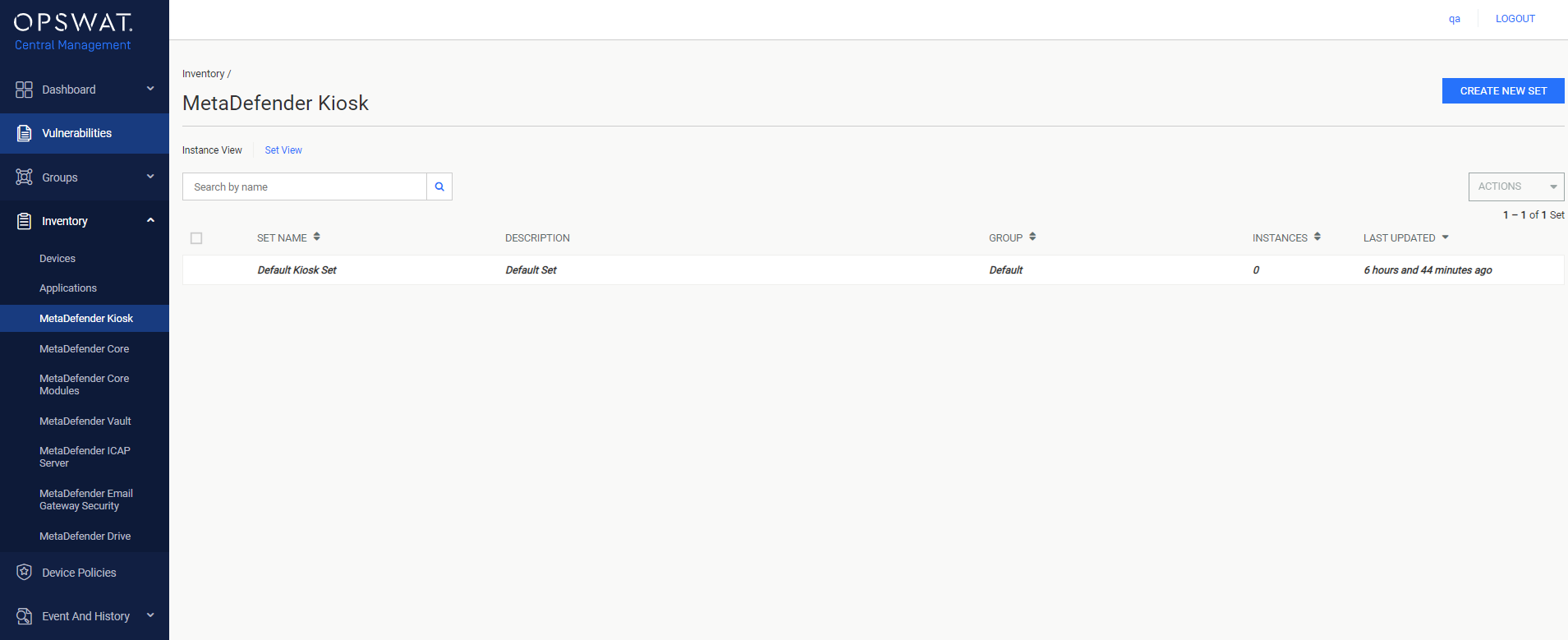
In Set View, select CREATE NEW SET.
In the General information page, fill out the required information for the new Set. Optionally, select an existing group where the new Set should be added to. Select ASSIGN MANAGED INSTANCES TO SET when ready.
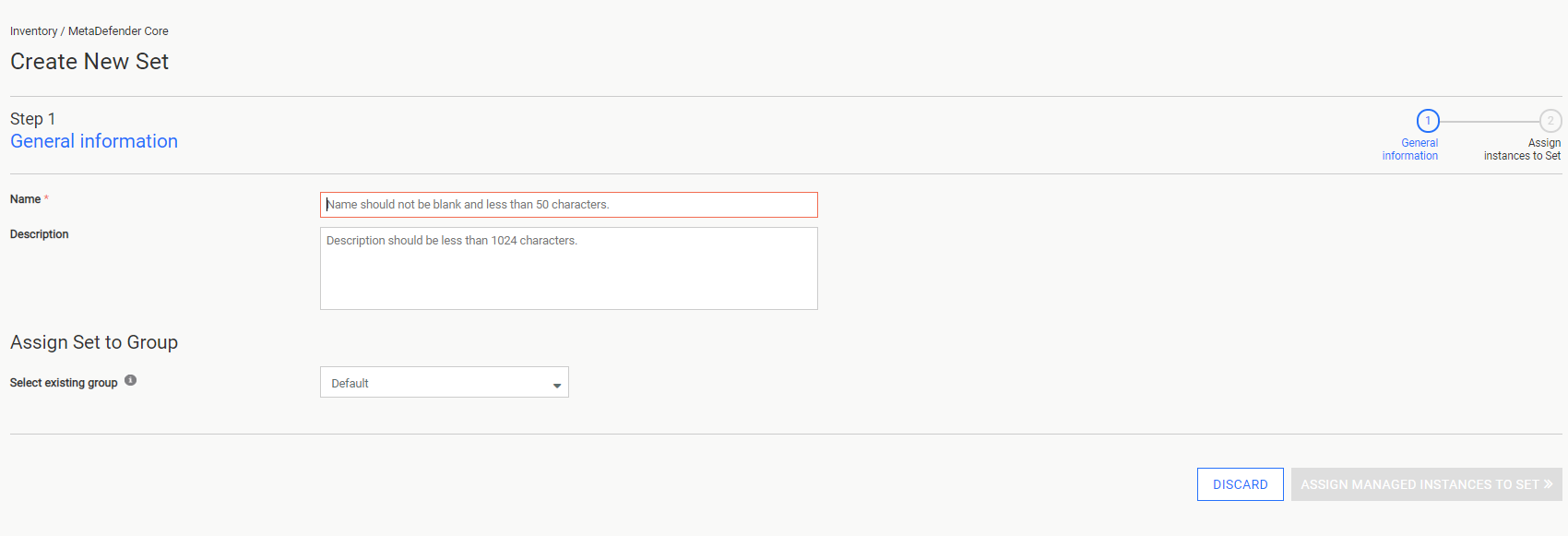
- Name: The name of the new Set, must be unique.
- Description: The description of the new Set.
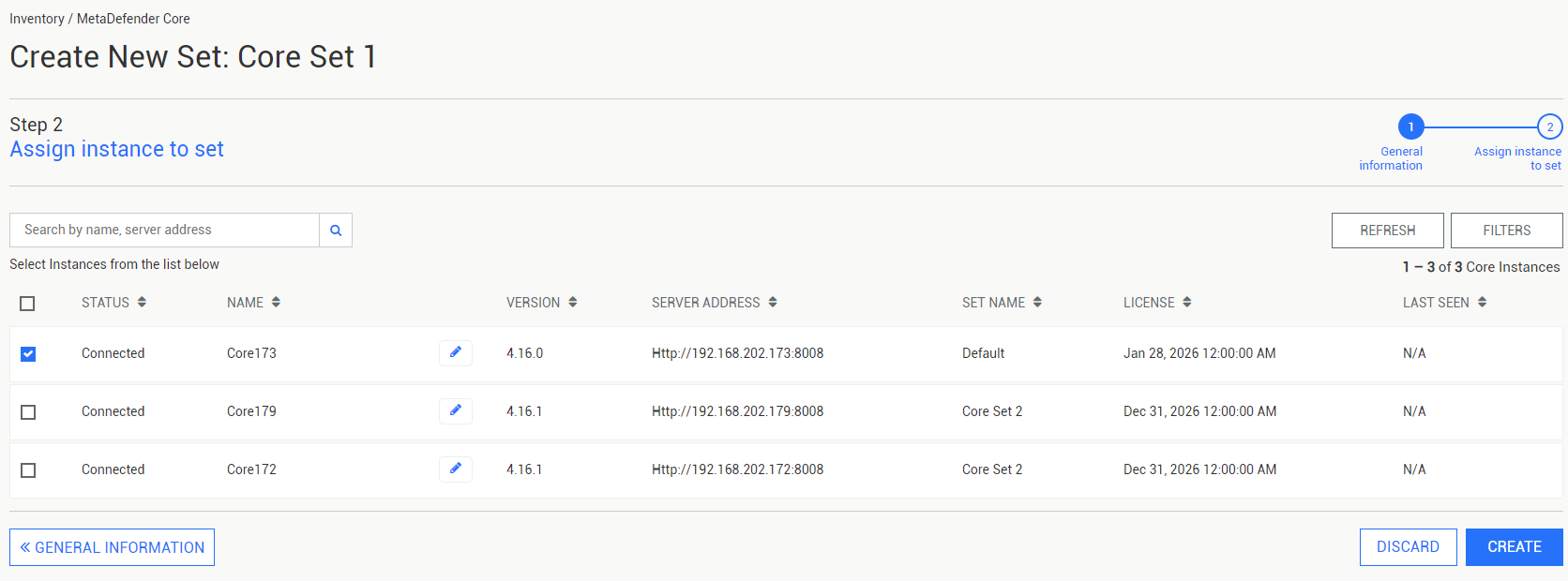
In the Assign instances to set page, click the checkboxes of the OPSWAT Product instances that should be added to the new Set. Select CREATE to finalize the new Set's creation.
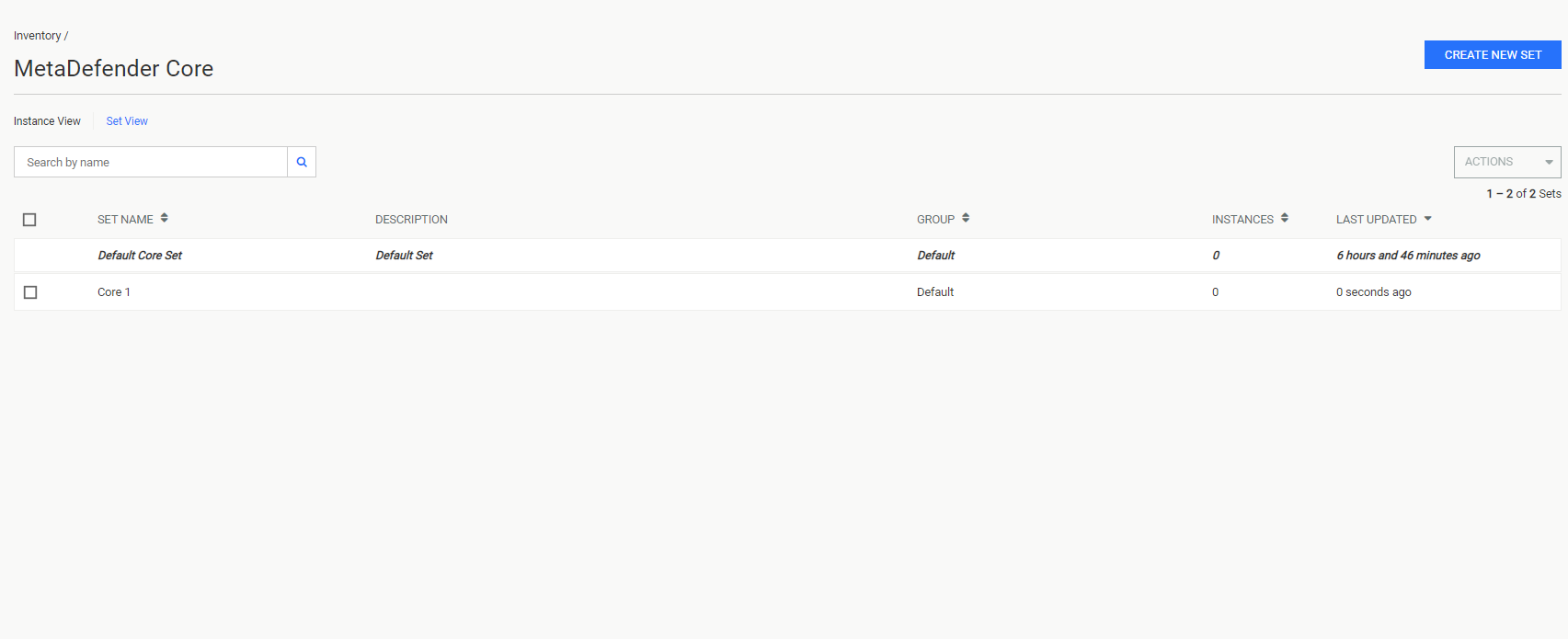
The new Set is displayed in Set View.
Warning
Adding an OPSWAT Product belonging to another existing Set will remove it from that Set.
Was this page helpful?
Operating