
The following guideline describes how to delete a MetaDefender Vault instance from OPSWAT Central Management.
Go to the MetaDefender Vault management page under Inventory in the sidebar.
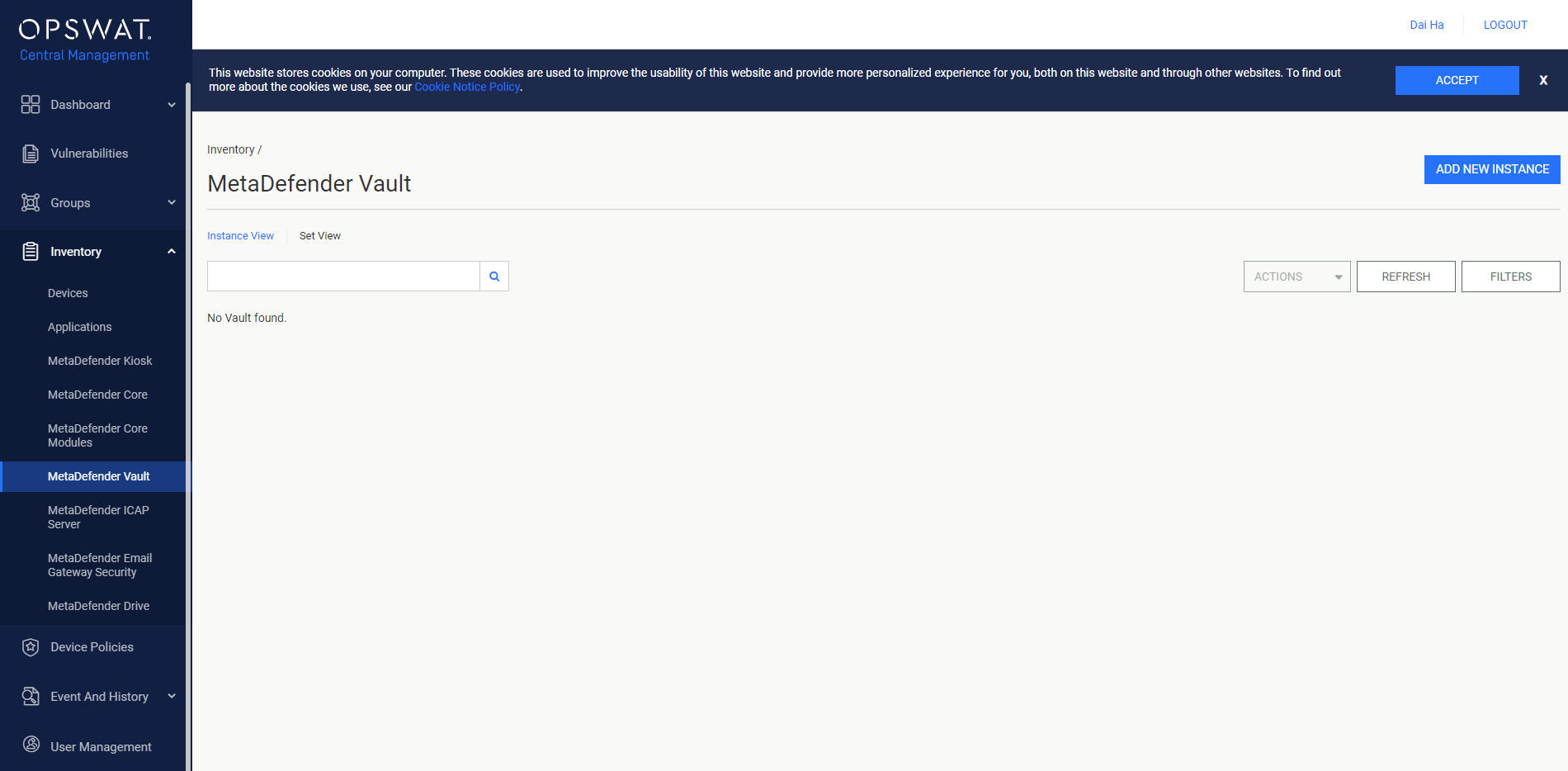
Select the MetaDefender Vault instance that you want to delete.

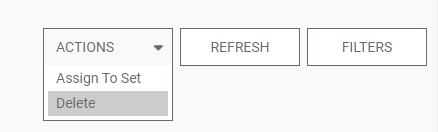
Click the ACTION drop-down menu and choose the Delete option.
Info
After PIN verification, the management page will reload if the result is successful.
Was this page helpful?
Integrations