Register and Sign in
2025.1.4
Search this version
Register and Sign in
Page
Code Steps
Category
Label
Link
Separator
Title
Message
Page icon
No icon. This page keeps the plain index row.
orSVG or PNG, square, at least 32×32.
Create new category
What is the title of your new category?
Edit page index title
What is the title of the page index?
Edit category
What is the new title of your category?
Edit link
What is the new title and URL of your link?
Sign in
AI Tools
Summarize Page
Copy Markdown
Open in ChatGPT
Open in Claude
Connect to Cursor
Connect to VS Code
To log in to your account:
Go to My OPSWAT Portal and enter your email address.
Click Sign in
Start using our features.
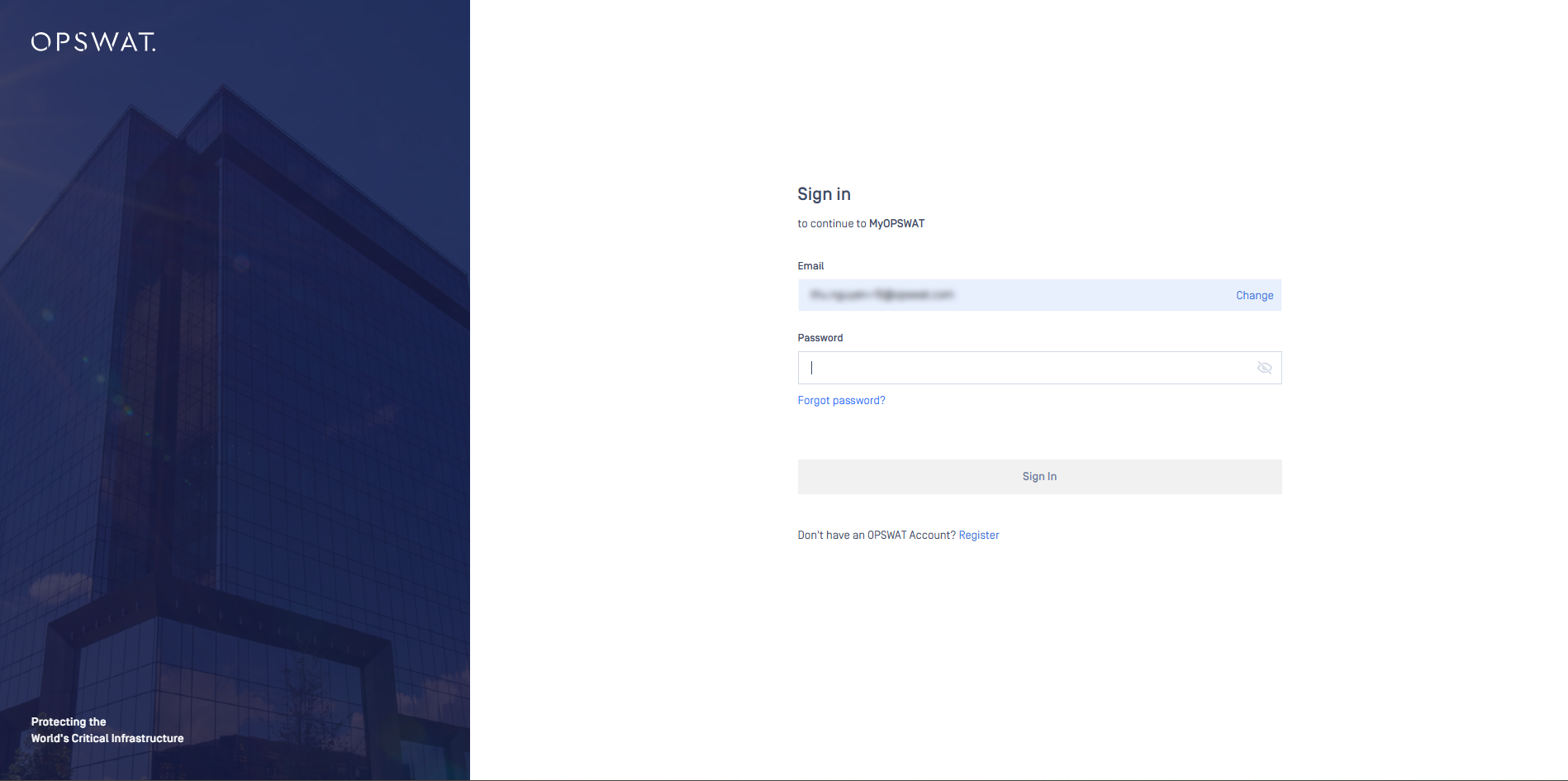
To change your password:
Click Forgot Password?
Enter the account's email address and select Submit
A new activation link is sent to your email address. Follow the instructions in the email to create a new password.
Note If you do not receive the password reset email, please follow the instructions in this document to resolve the issue.
To go back to an expired session:
When your My OPSWAT Portal session ends, the Session Timeout message shows.
To go back to your session, click Sign in and enter your password.
Last updated on
Was this page helpful?
Next to read:
Setup SSO with Microsoft Entranull
Discard Changes
Do you want to discard your current changes and overwrite with the template?
Archive Synced Block
Message
Create new Template
What is this template's title?
Delete Template
Message