
MetaDefender Storage Security uses scan pools to group scan instances. A single pool can hold MetaDefender Core, MetaDefender Core Cluster, and MetaDefender Cloud instances together, in any combination.
Scan pools balance the load of scan requests across the instances they contain. A pool still records the type it was created with, but that value no longer limits which instances you can add to it.
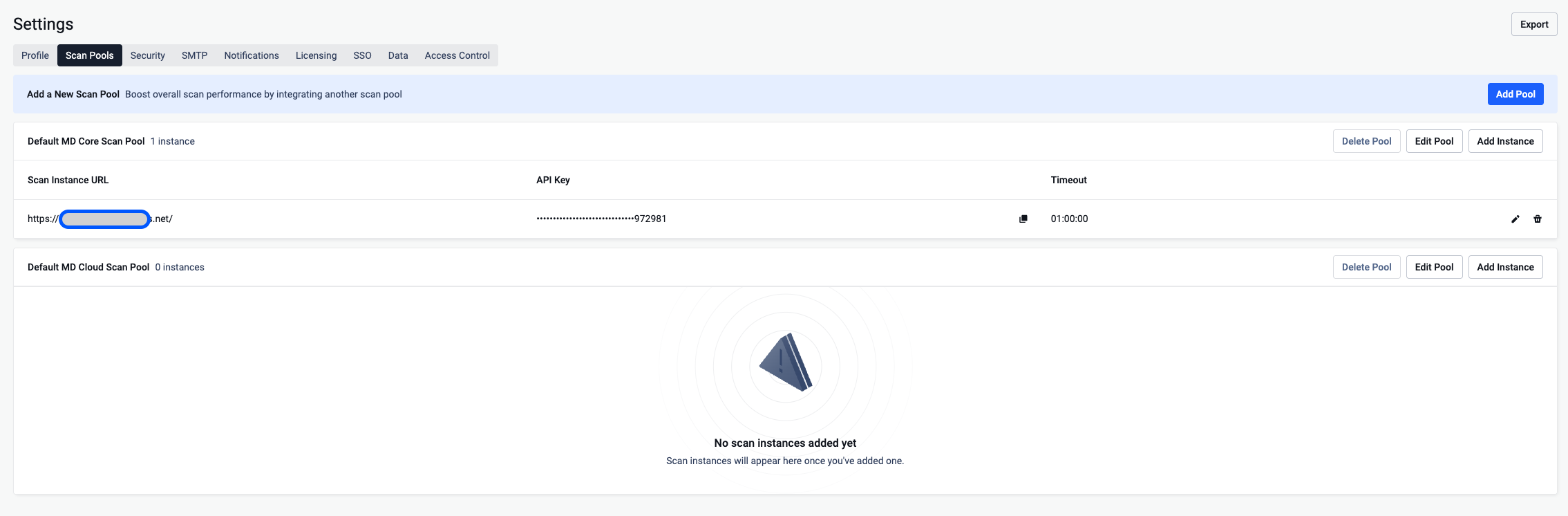
The default scan pool
Every installation has one default scan pool, named Default MetaDefender Scan Pool. Earlier versions created two, one per instance type.
On upgrade both existing default pools are kept with all their instances, but only the MetaDefender Core one stays marked as default. No workflow changes the pool it points to. If you renamed a pool yourself, your name is kept.
Scan rules in a mixed pool
MetaDefender Core and MetaDefender Cloud use different rule names. A workflow now keeps its rules separately per engine type, and only the matching rules are sent with a scan request. A workflow saved before the upgrade keeps a single rule list until you edit and save it, and that list is sent to every instance in its pool.
If a workflow has no rule for the selected instance type, the scan is refused with an explicit message rather than submitted with rules the engine cannot interpret. Workflows created before the upgrade keep working unchanged as long as their pools hold one engine type. Before you add an instance of the other engine type to a pool, open each workflow that uses it, add rules for that engine, and save.
Technologies are reported from the instances in the pool. MetaDefender Cloud does not report which technologies a rule enables, so one MetaDefender Cloud instance in the primary or failover pool makes all technologies show as unknown for every workflow using that pool. This is expected: a file may be scanned there, so no guarantee is claimed.
Failover pools
A failover pool no longer has to be the same type as the primary pool.
To learn more about the required permissions and the endpoints used by MDSS for MD Core, please read the following KB article: Which API endpoints from MD Core does MDSS utilize?
MD Cloud instances use private processing by default to ensure maximum data privacy and security. Therefore, a non-Community API key must be used when integrating in MDSS. With private processing:
All submitted files are automatically deleted immediately after analysis completion
Scan results are only accessible to the original API key owner