
Uninstall via Command Line
Debian / Ubuntu (.deb package)
To remove all files installed by MetaDefender Storage Security:
sudo mdss -u clean
To remove the mdss package from the system:
sudo apt-get remove mdss
Red Hat Enterprise Linux / CentOS (.rpm package)
To remove all files installed by MetaDefender Storage Security
sudo mdss -u clean
To remove the mdss package from the system:
sudo yum remove mdss
Uninstall via Uninstall Wizard (Windows only)
NOTE
The Uninstall Wizard is available only for the Windows installer (
.exe).
Step-by-Step Instructions
Open Start → Control Panel → Uninstall a program
Locate MetaDefender Storage Security in the list
Double-click the entry
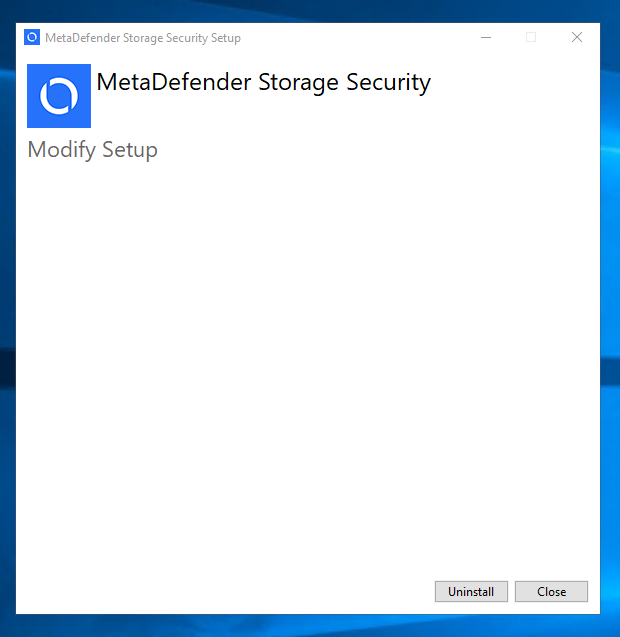
Click Uninstall to begin the process
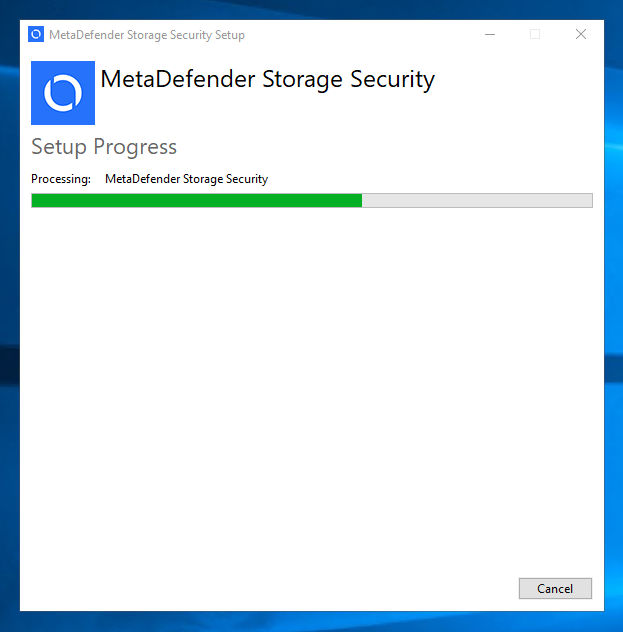
Wait for the uninstallation to complete
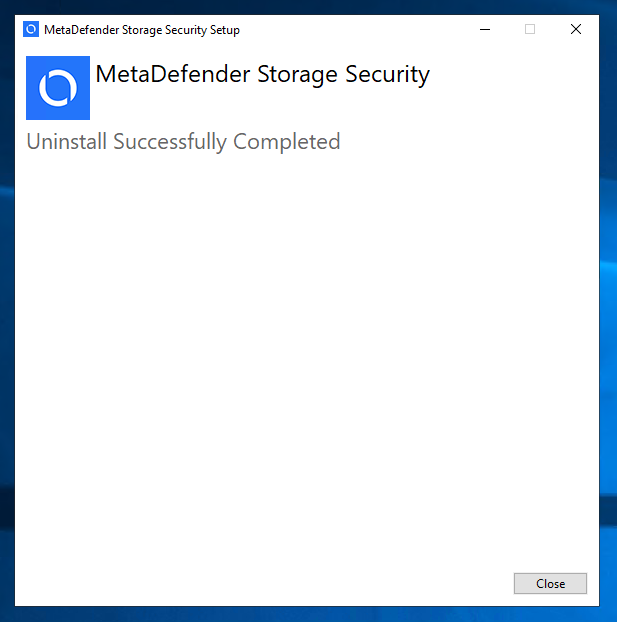
Click Close to finish.
Was this page helpful?
Installation