Uninstall using the command line
Debian / Ubuntu package (.deb)
In order to remove any files installed by MetaDefender Storage Security the following command should be executed:
In order to remove the _mdss _package from the system the following command should be executed:
Red Hat Enterprise Linux / CentOS package (.rpm)
In order to remove any files installed by MetaDefender Storage Security the following command should be executed:
In order to remove the mdss package from the system the following command should be executed:
Uninstall using the Uninstall Wizard
The Uninstall Wizard is only for the Windows installer (.exe file).
Step by step uninstall
Go to Start → Control Panel → Uninstall a program
Find and double click the MetaDefender Storage Security entry
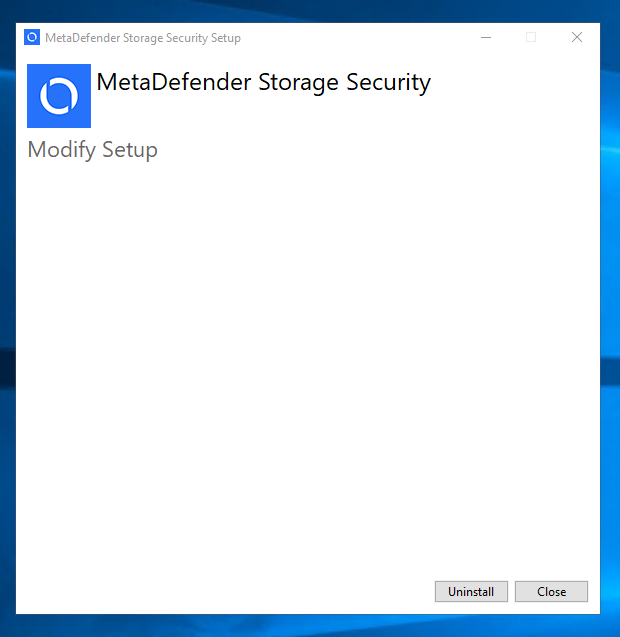
Click Uninstall to proceed with uninstalling MetaDefender Storage Security.
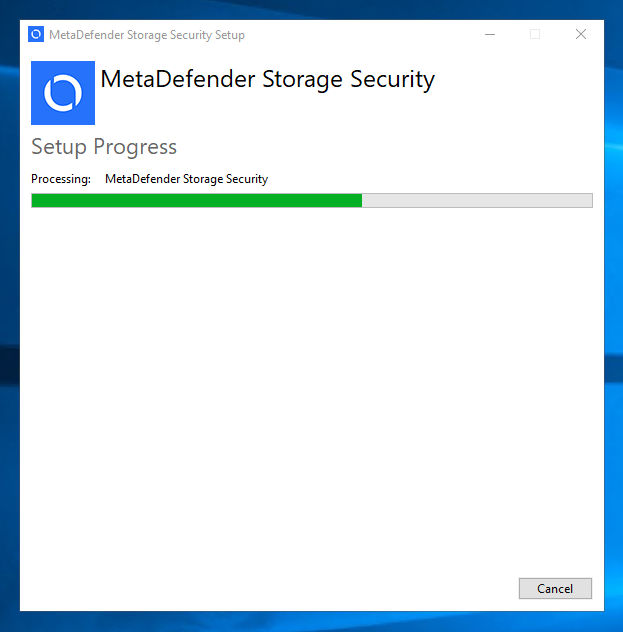
Please wait while the product is being uninstalled.
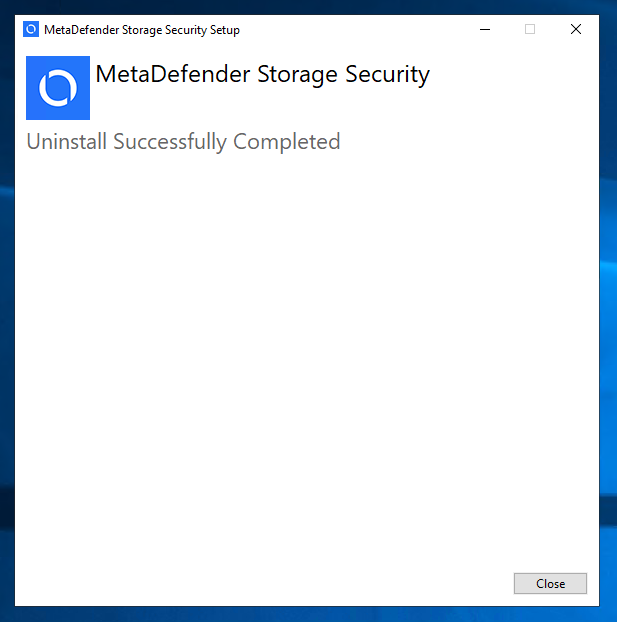
Click Close to complete the uninstall.