
This page allows supervisors to manage files uploaded by supervised users.
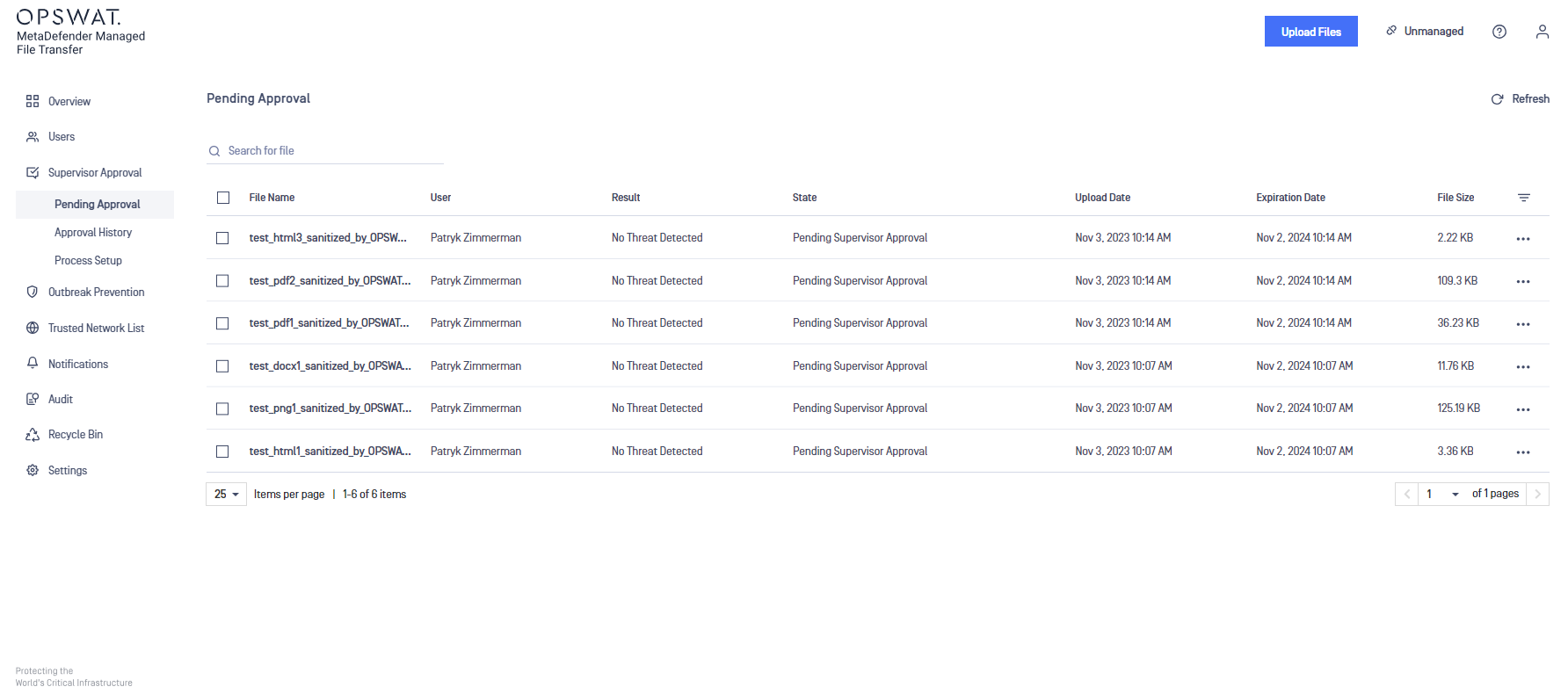
The following options are available in the last column:
Approve file: make the file available for download
Revoke approval: deny access to download the file
Retry processing (only visible in case of failures)
Download
Rescan
Info
Supervisors can see "Pending Supervisor Approval" and "Blocked" files, but they can only approve files that are not blocked by MetaDefender Core.
Approve or Revoke Multiple Files at Once
Supervisors can also approve or revoke multiple files simultaneously.
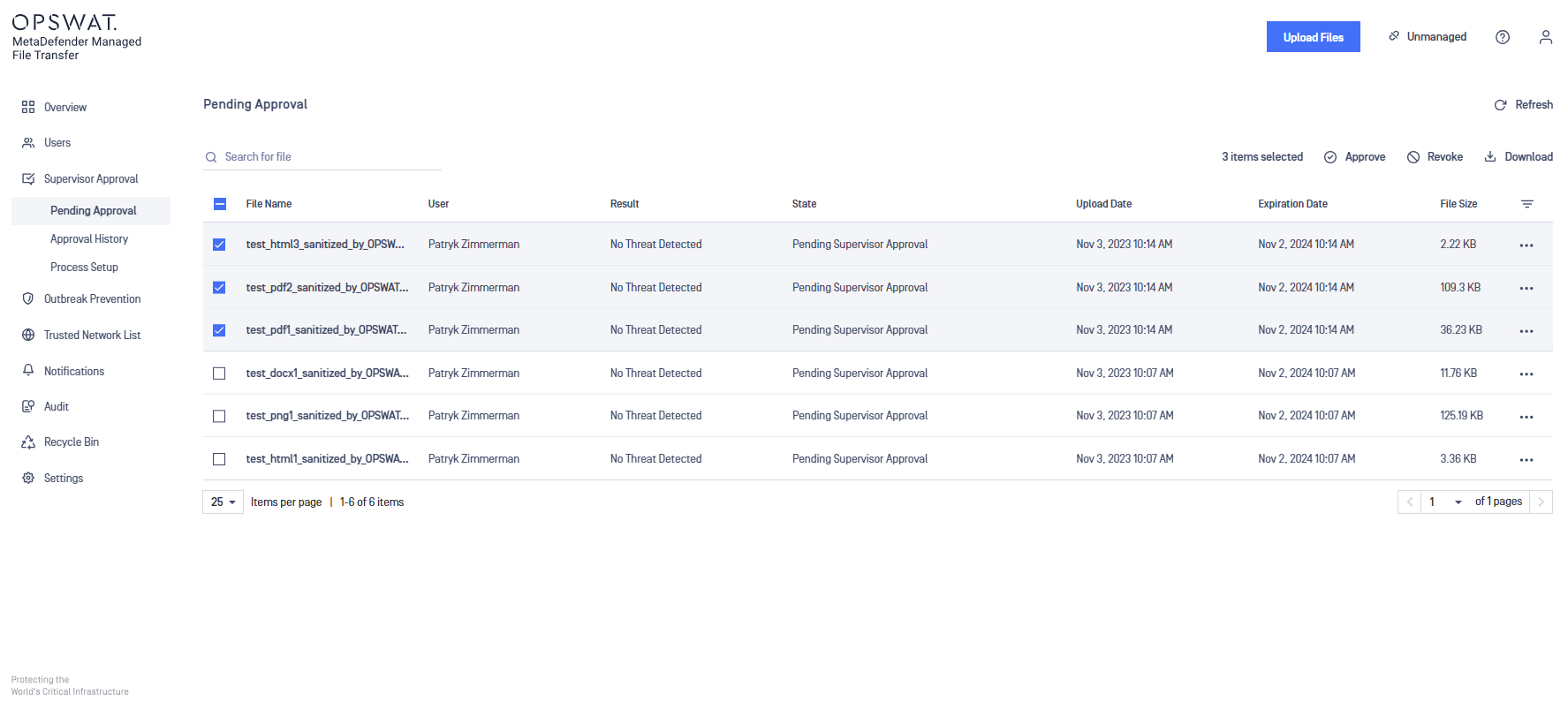
By selecting multiple files, the following actions become available:
Approve
Revoke Approval
Delete
Download as archive
Was this page helpful?
Operating