
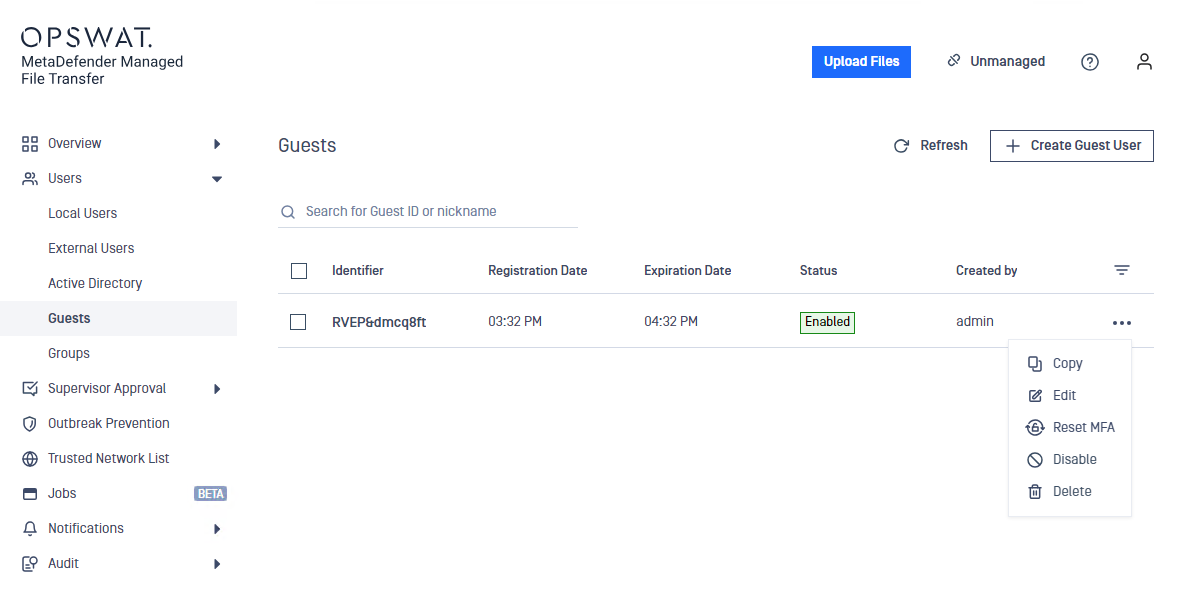
The "Reset MFA" option will appear only for users who have already set up the TOTP client application.
Click the three dots next to the user's name and select "Reset MFA."
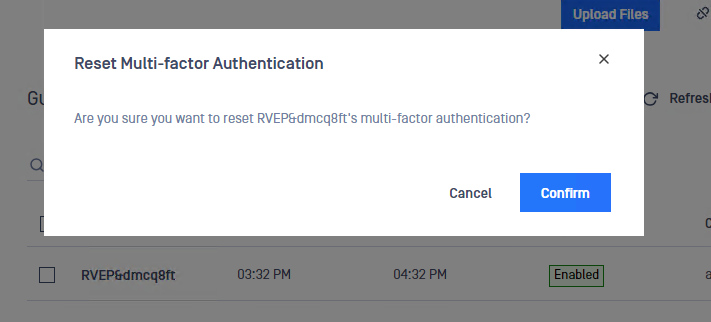
Confirm the action when prompted.
Info
Upon completion, users will need to reconfigure their TOTP client.
Was this page helpful?
Operating