The MetaDefender® MFT provides the possibility to execute any previously stored Push type and Active job on selected files and folders. With this feature the files and the content of the folders can be transferred to a host integration independently from the job's execution time and the formerly set source(s). The files and folders will be transferred to the destination, which has been set on the selected job.
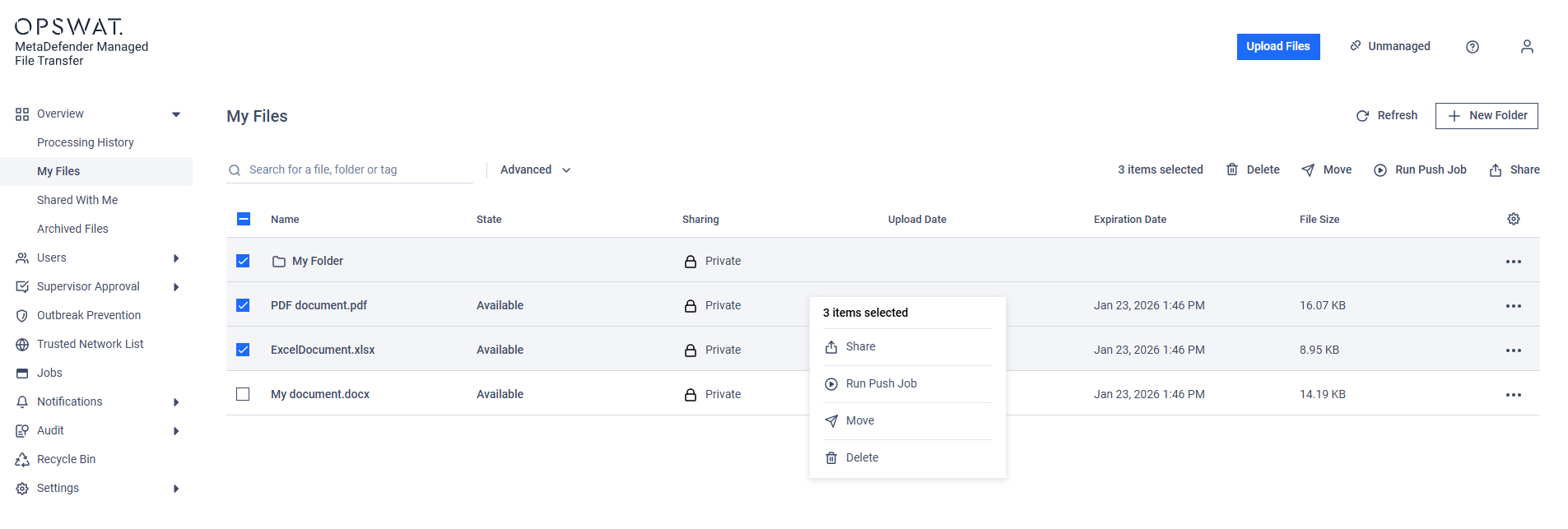
Select files and / or folders on the My Files page, then click on the "Run Push Job" button, either from the bulk action menu on the top or from the context menu opened by a right click on any selected item.
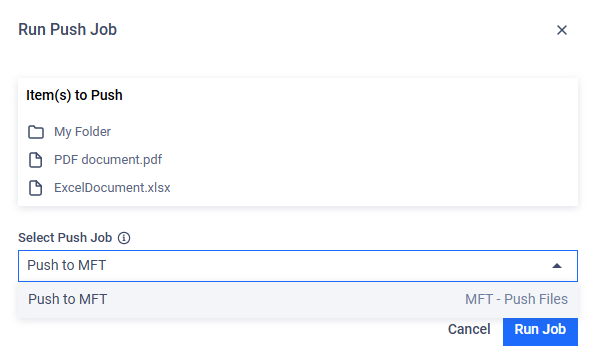
On the appearing modal select the desired job to execute, then click on the "Run Job" button:
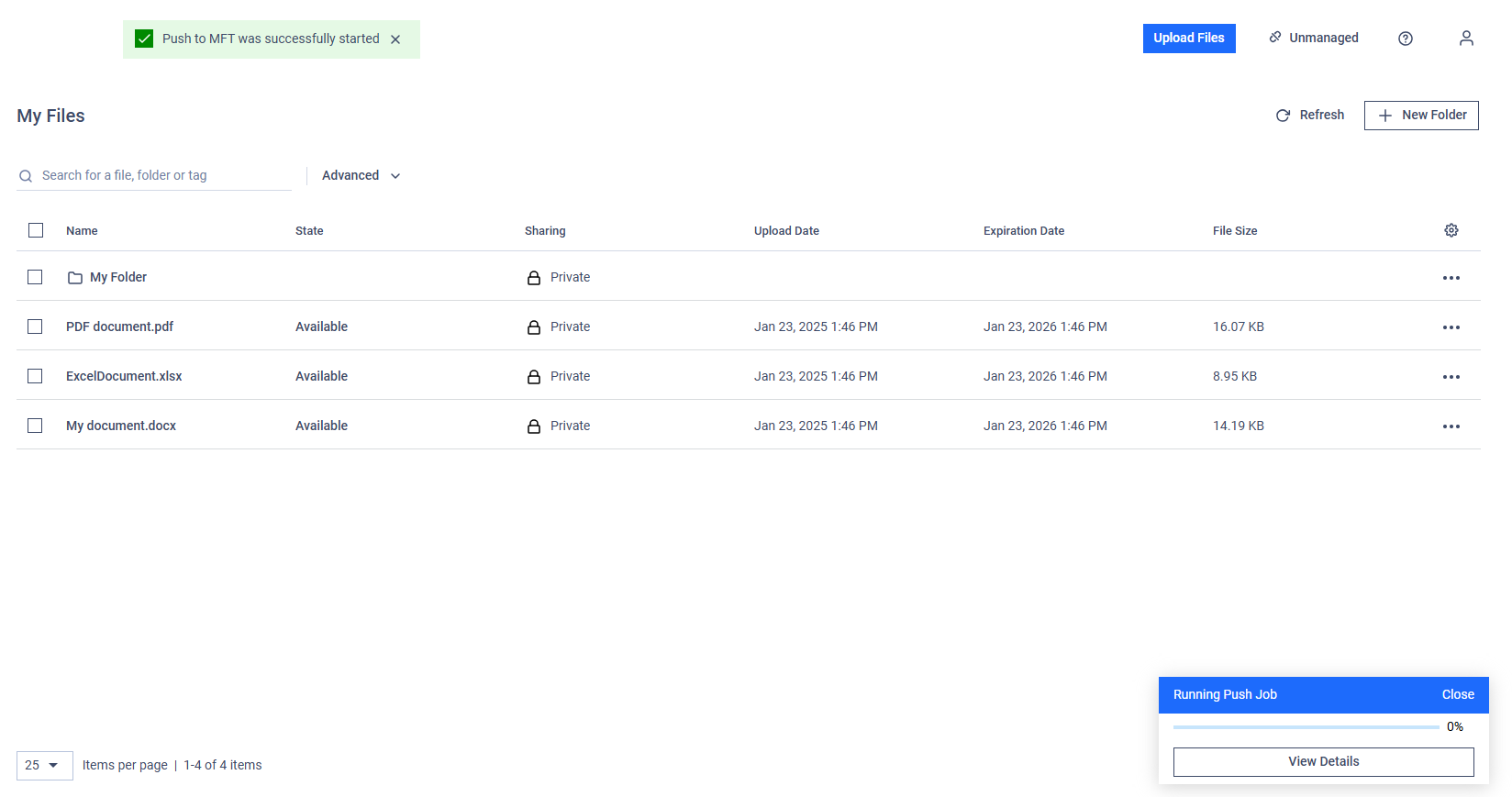
The progress of the execution can be followed on the progress corner modal: