
End-User Guide
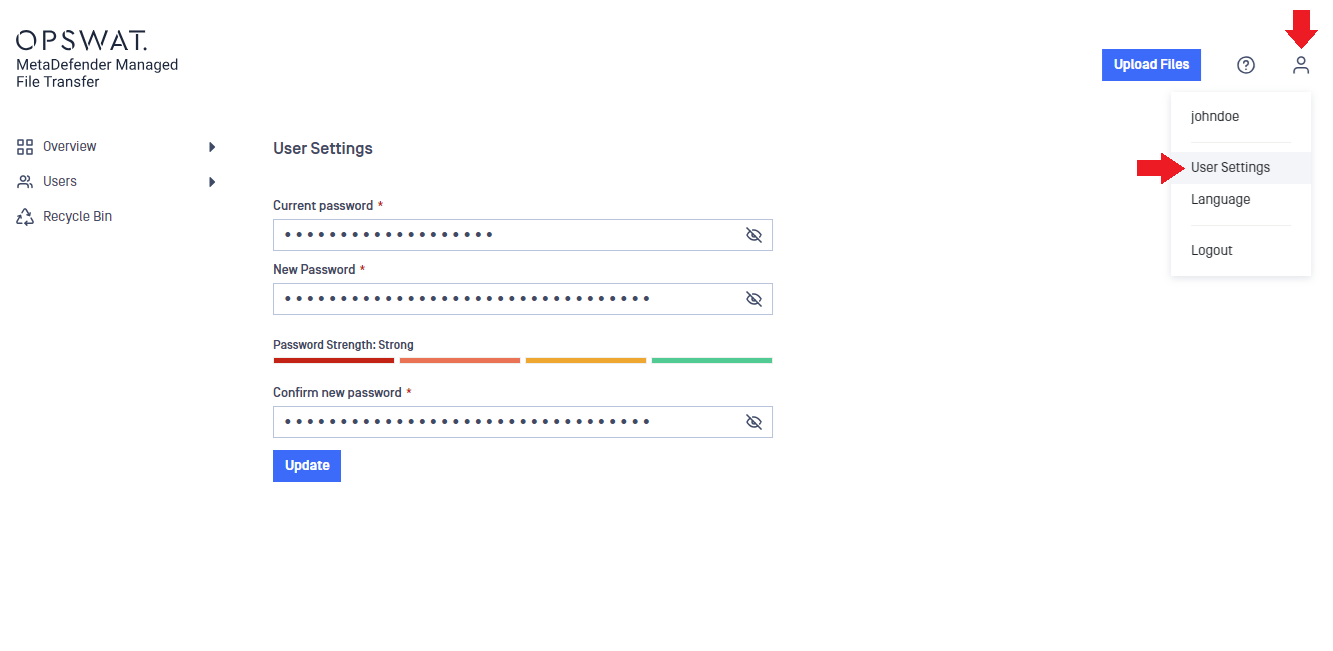
You can change your password anytime by clicking the "User" icon in the top-right corner of the application and selecting "User Settings." Pay attention to the password strength indicator for extra security.
Was this page helpful?
On This Page