
Post-installation configuration optimizes system functionality by allowing administrators to customize settings, configure security, and establish integrations.
Setup
An initial configuration needs to be completed before you can start using MetaDefender Managed File Transfer™. You only need to complete this setup on the first installation.
Until the setup is complete, you can only access MetaDefender Managed File Transfer™ from a browser running on the same computer it was installed on.
Open a web browser—or click "Launch" when using the Install Wizard—and navigate to http://localhost:8010
Follow the setup instructions in the browser window that opens. You will be provided with a unique encryption key. Copy and store this key securely, as it will be displayed only once during this process.
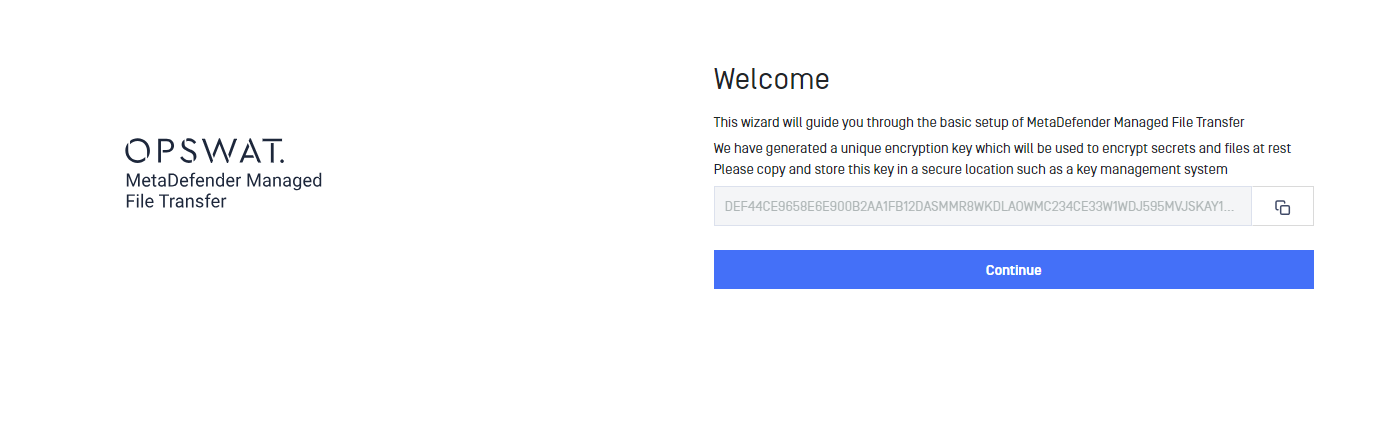
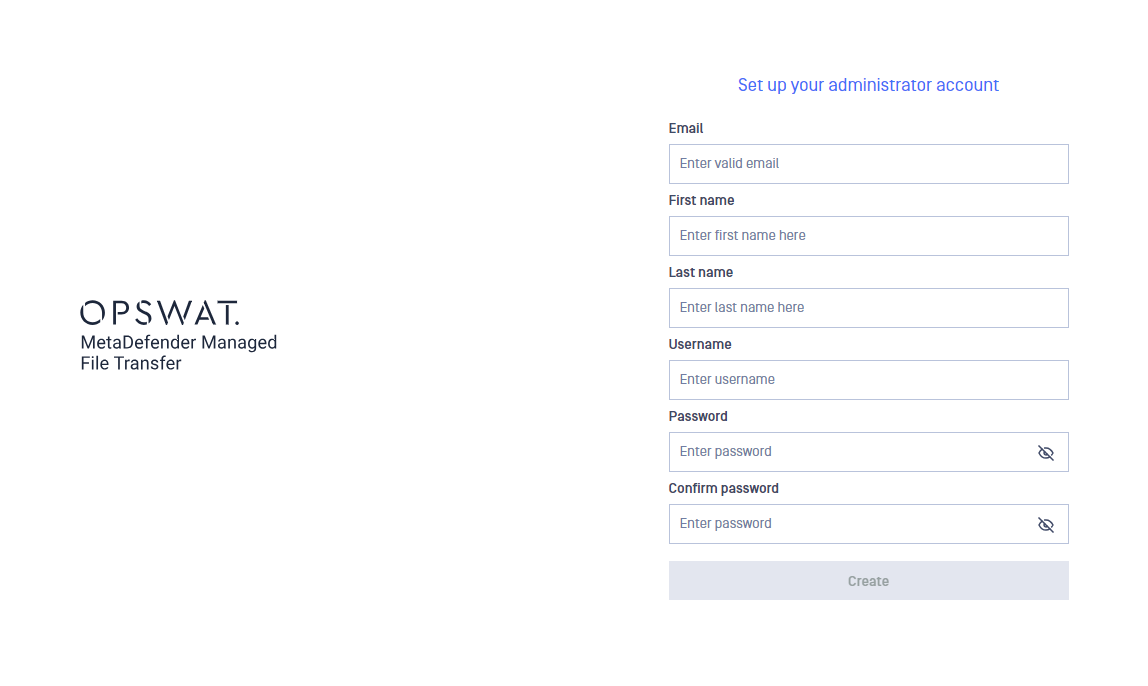
Click "Continue", set up a local administrator account and click "Create"
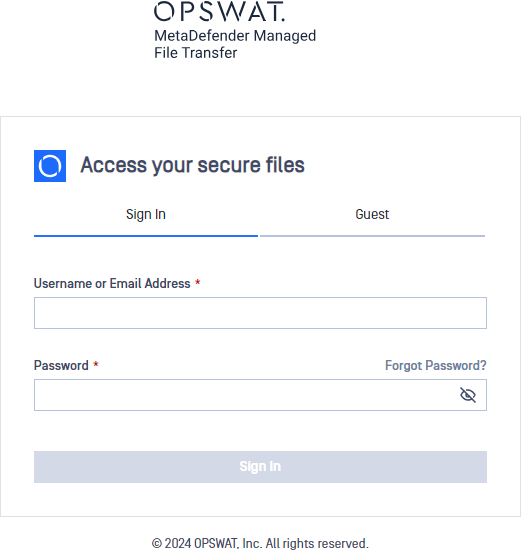
Setup is now finished, and you can login using the account you have just created
Recommended additional configurations
Integrate with MetaDefender Core™: Multi-scanning and Data Sanitization - Integrating Metadefender Core