
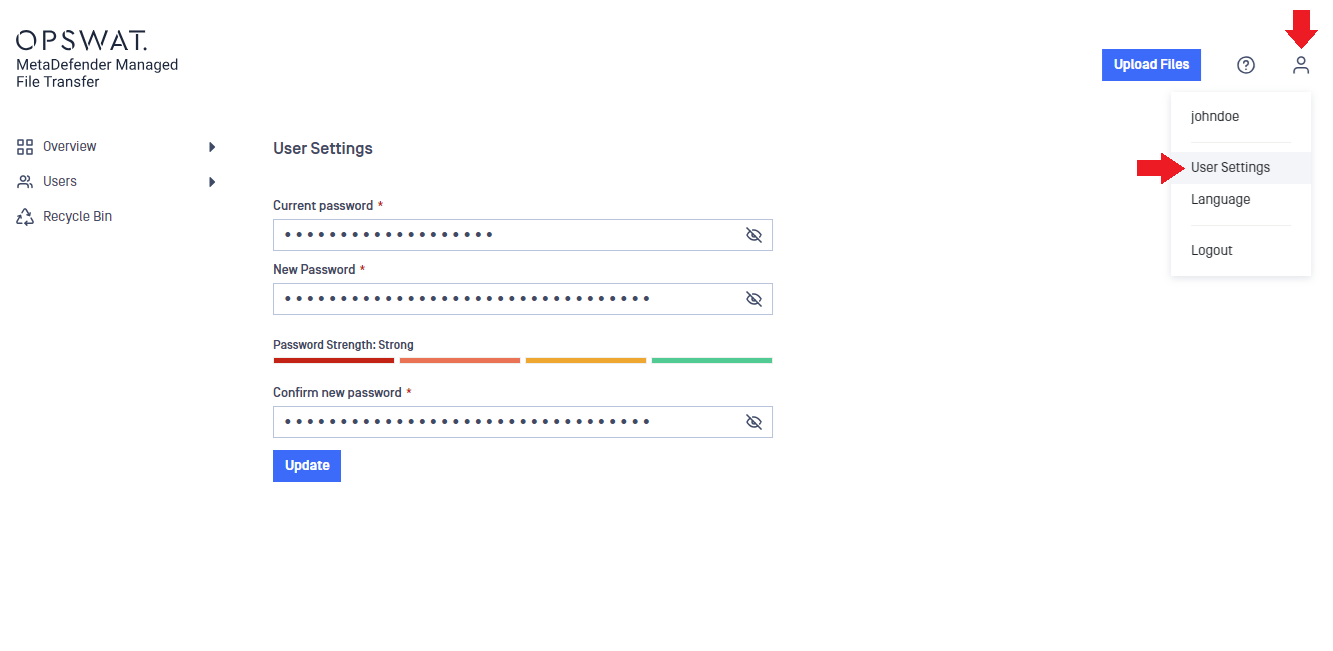
Resetting your password is convenient and can be done at any time. Just click on the user symbol located in the top right corner of the application and choose User Settings from the list. Be sure to note the password strength indicator for added security awareness.
Was this page helpful?
End-User Guide