
Using the UpdateCredentials tool to change the username, email, password or enabled status for local administrator users
You can find the tool in the Tools directory of your installation. By default, it will be C:\Program Files\OPSWAT\MetaDefender Managed File Transfer\Tools directory.
Info
This tool needs to run on the same machine where MetaDefender Managed File Transfer is installed.
Only local administrator accounts can be changed
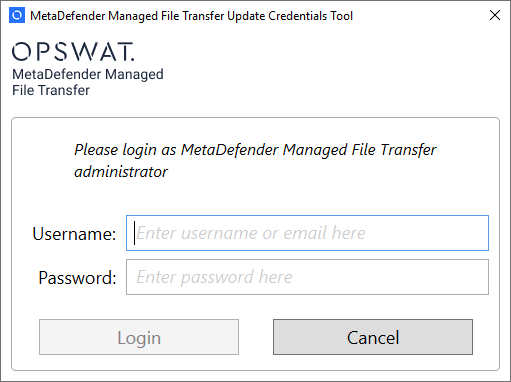

Run the tool. You will be asked to login. Provide the credentials for the administrator account, you want to change
If the password is correct you can enter a new username, email or password and change the enabled status
Click Update credentials
Close the tool. You will now be able to log in using the specified username or password
Was this page helpful?
Knowledge Base