
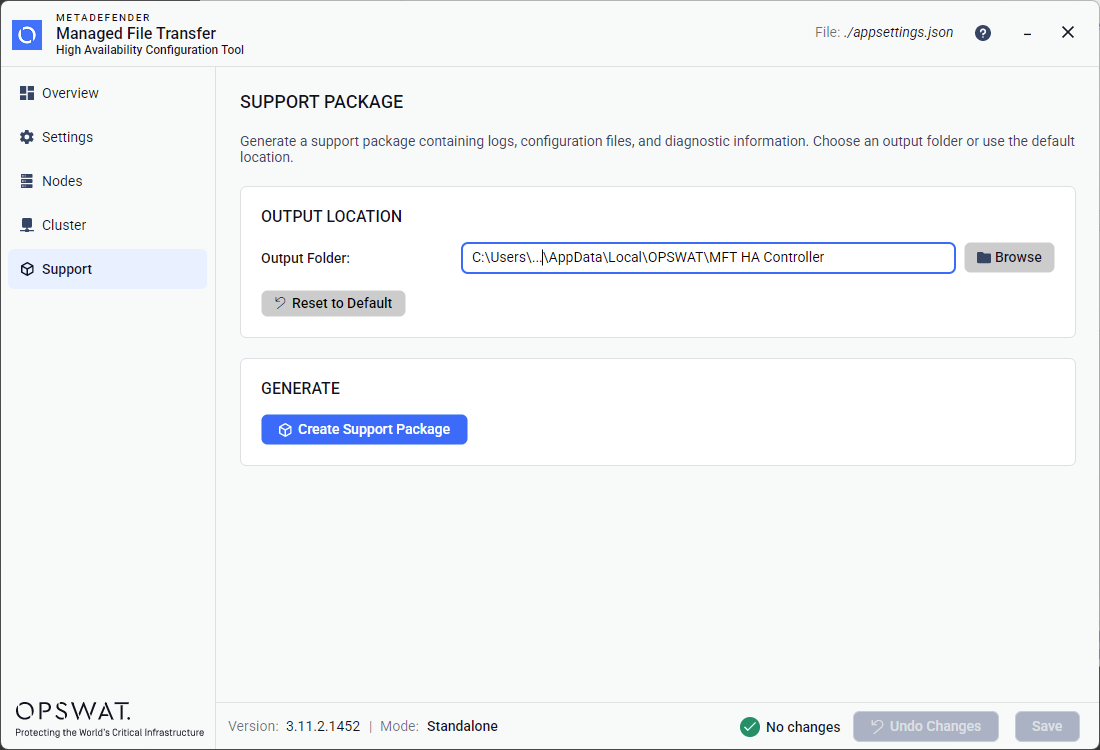
The Support page allows you to generate a diagnostic support package for troubleshooting.
Generating a Support Package
Output Folder — by default, a system-appropriate temporary directory is used. You can:
Type a custom path directly into the text field.
Click Browse to open a folder picker dialog.
Click Reset to Default to restore the default output folder.
Click Create Support Package to generate a ZIP file containing logs, configuration files, and diagnostic information.
After generation:
A success banner shows the file path and an Open in Explorer button to reveal the file in your system's file manager.
If the operation fails, an error banner with details is displayed.
Was this page helpful?
High Availability