
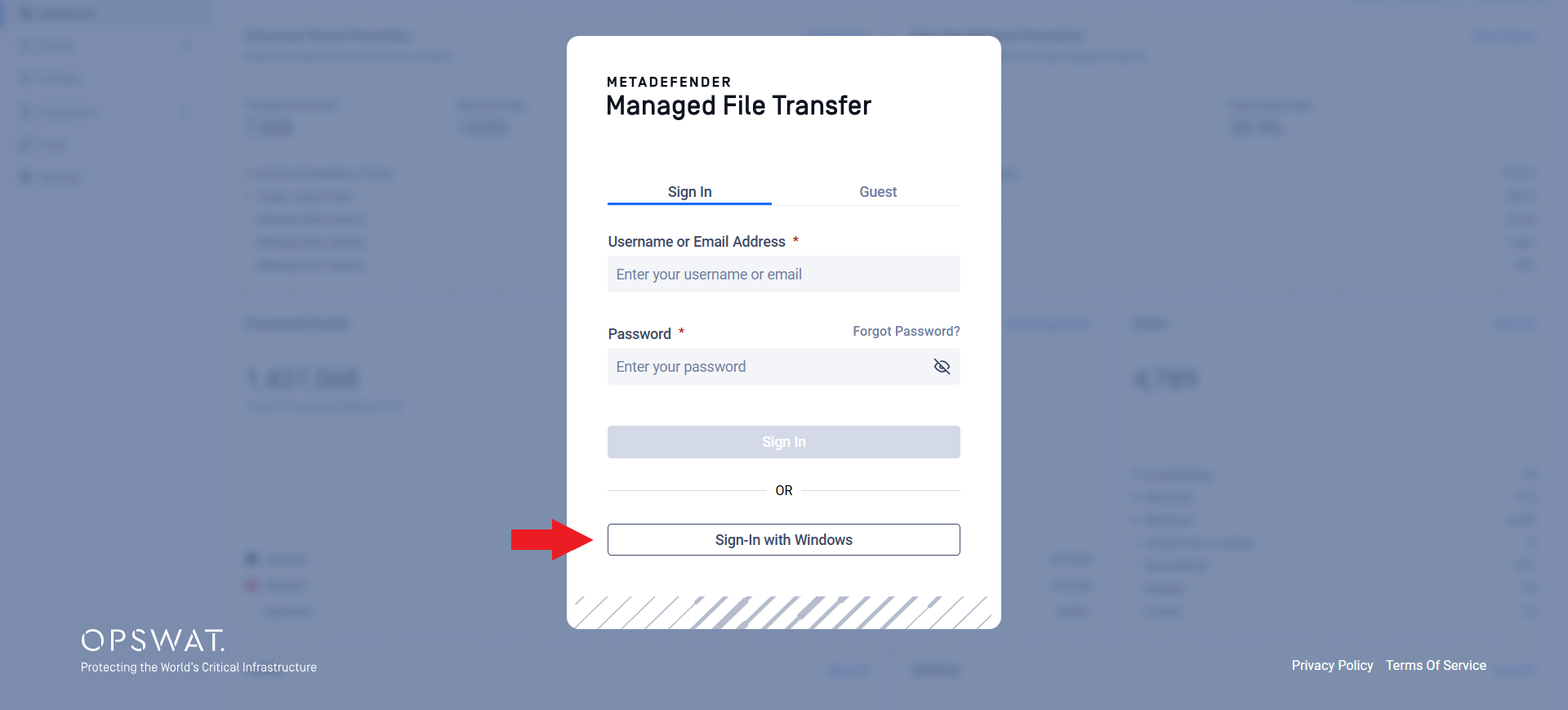
If MetaDefender® MFT is set up to use Active Directory with Integrated Windows Authentication, you can sign in quickly using your Windows account.
If your computer is joined to the Active Directory domain and you are already logged in with your domain account, simply click Sign In with Windows on the login page, no need to re-enter your credentials.
If you are not already authenticated, your browser may ask for a username and password. In this case, enter your Active Directory account details to continue.
Was this page helpful?
End-User Guide