
Before installation, download the latest version of MetaDefender MFT HA Controller™ Installer (metadefender-mft-ha-controller-<version>.exe) from My OPSWAT™.
Installation can be done by using the Installation Wizard, or from command line.
Installing with the Wizard
Perform the steps listed below:
Start the downloaded installer.
Read the Terms of Service, and accept it by checking "I agree to the license terms and conditions" checkbox.
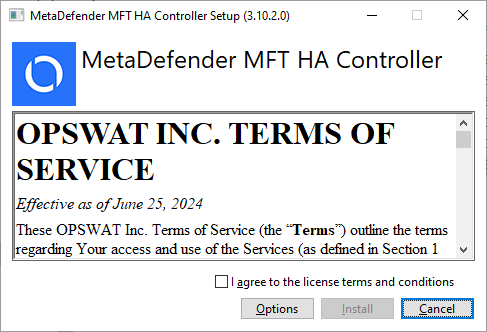
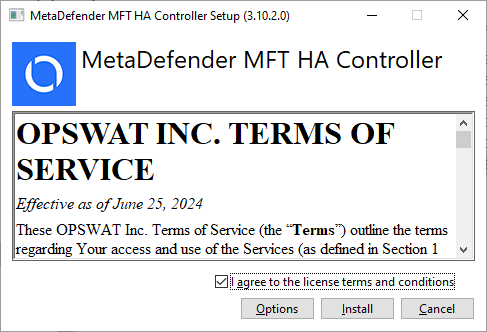
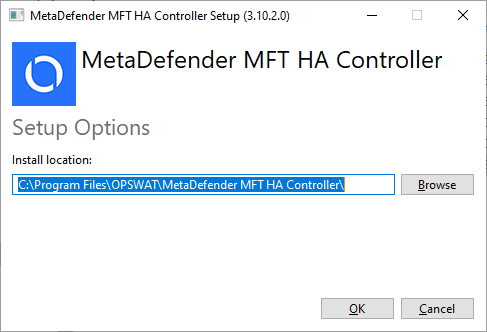
Choose installation directory if you want to install to a different location. The default installation directory is "C:\Program Files\OPSWAT\MetaDefender MFT HA Controller". By choosing the Options button, it can be changed.
Click on Install.
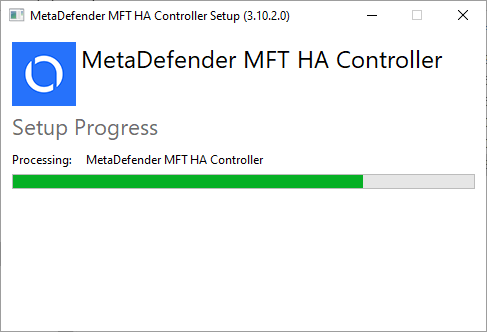
Click on Close after installation finished successfully.
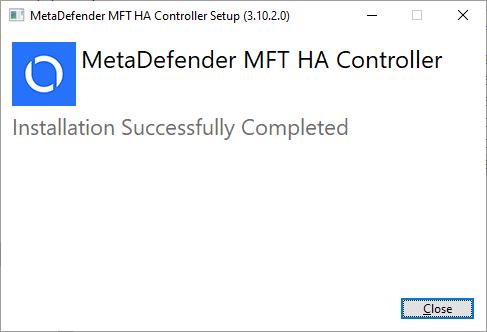
Once the installation has been successfully completed, proceed with the steps in the Initial Setup guide. This ensures that MetaDefender MFT HA Controller™ is properly configured and fully operational within your environment.
Installing with Command Line
All names are case-sensitive. Mistyped or non-existent parameters will be ignored.
By executing the installer from command line, the following parameters can be used:
Name | Description |
|---|---|
/silent | Set this parameter to run the installation without user interaction, displaying any graphical user interface, or progress indicators. |
/passive | Set this parameter to run the installation without user interaction, and displaying a graphical user interface only with a progress bar. |
/log <log_path> | Set this parameter to change where the install exe (bundle) will write log messages. |
/uninstall | Set this parameter to perform an uninstallation of the MetaDefender MFT HA Controller™ |
Avoid using the /silent and /passive parameters together, as only the last one specified will be applied.
Example 1
Installation in silent mode:
Example 2
Uninstall in silent mode