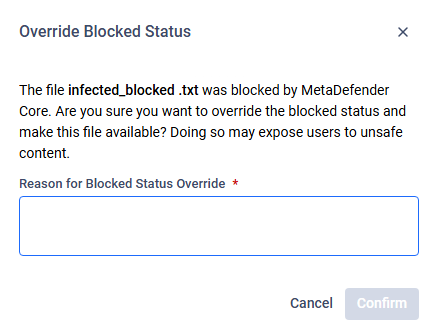
Some roles have the option to override the 'Blocked' status of a file, essentially unblocking it and making it available.
Override Blocked Status
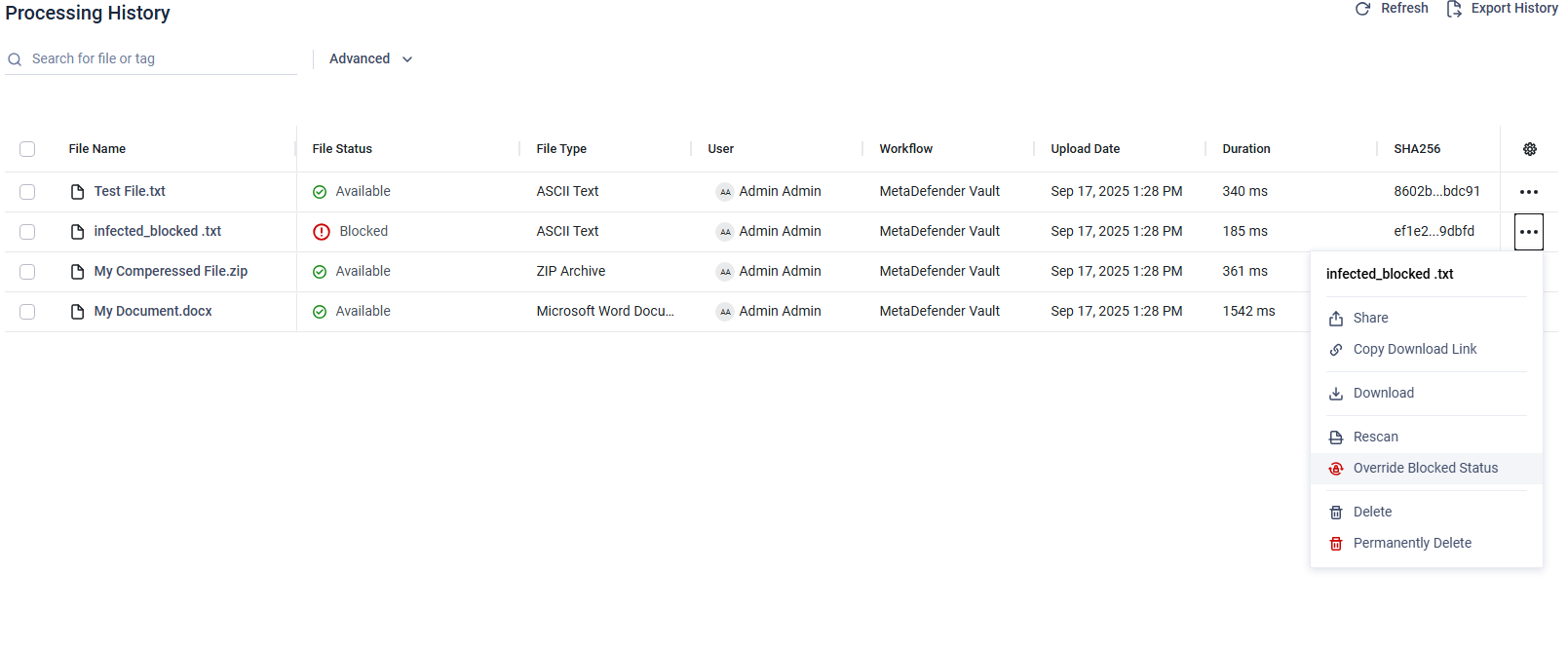
The Override Blocked Status option allows to make a file available even if it was originally flagged and blocked by MetaDefender Core™.
When applied, the file status changes from Blocked → Available - overridden.
Once overridden, the file will be handled as any other Available file, e.g. a shared user can download it.
This can only be done on the Processing History page.
Restore Blocked Status
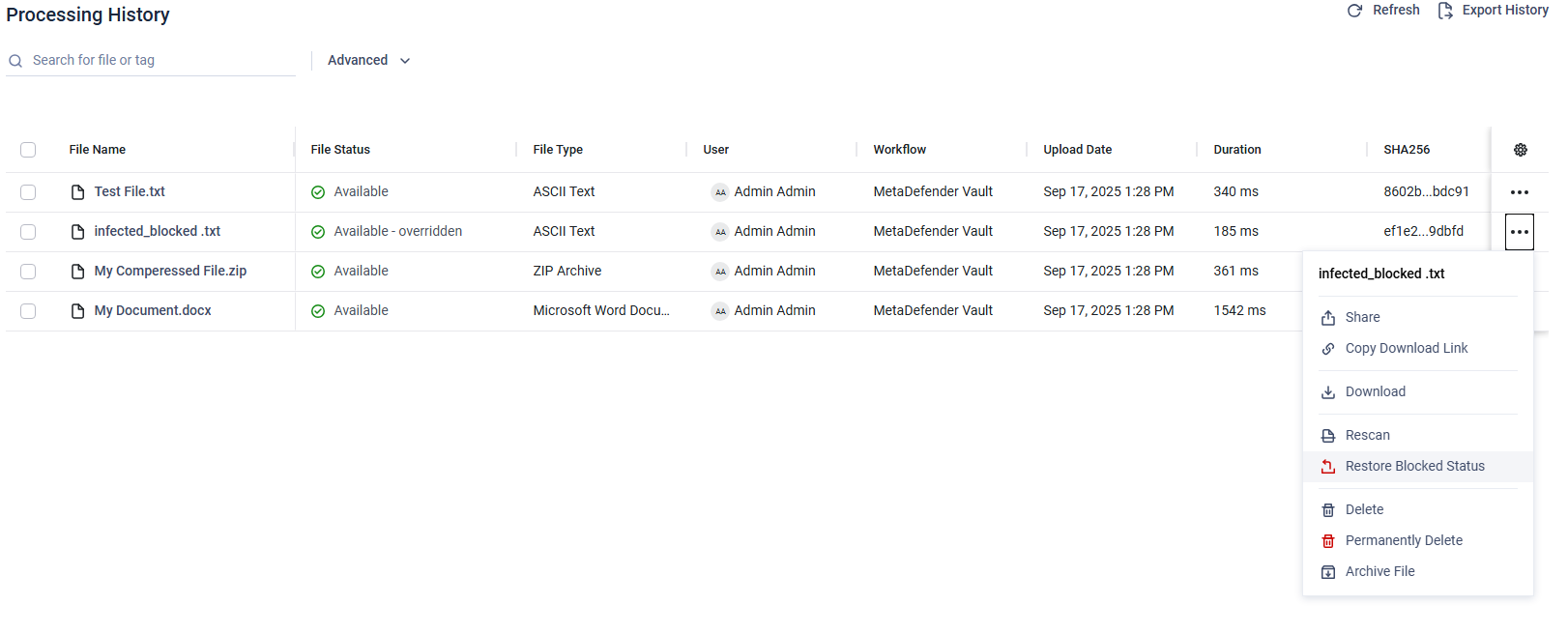
The Restore Blocked Status option allows to revert an overridden file back to its original blocked state.
When applied, the file status changes back to Blocked.
Once restored, the file is treated again as Blocked and cannot be accessed or downloaded by regular users .
When performing either action, the user is required to provide a reason. Both the action and the reason are recorded in the audit log for traceability and compliance purposes.