Overview
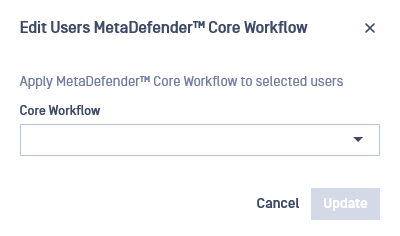
To apply a specific MetaDefender Core™ Workflow rule to users, go to the "Local Users" menu. You can add a new rule to a single user via the "Add User" or "Edit User" buttons, or apply the rule to multiple users simultaneously.
The dropdown list only displays workflows available on every MetaDefender Core™.
Custom workflows apply only to local users. Guests and external users do not inherit the workflow assigned to their creators> they use the default workflow.
Single User
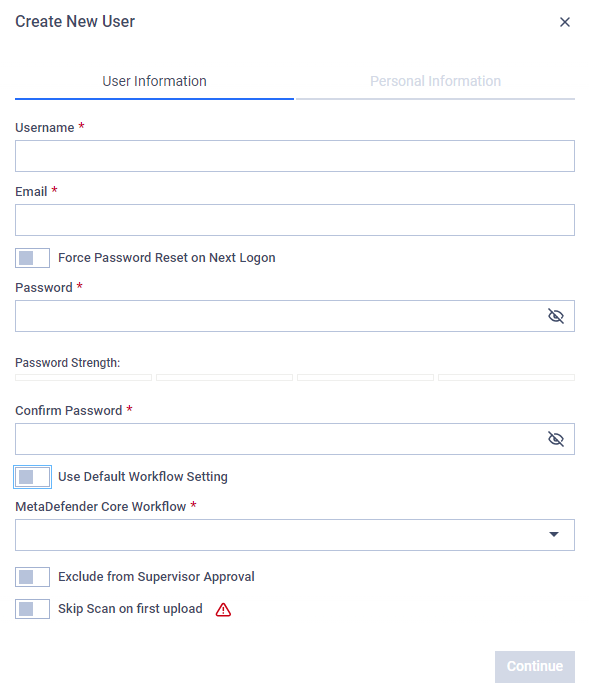
To create a new user with a custom workflow rule or to edit an existing user's workflow:
Open the "Create new user" or "Edit user" modal.
In the modal, you can edit the workflow by disabling the "Use Global Workflow Setting" option.

Multi-User
To apply a custom workflow to multiple users:
On the "Local Users" table, select multiple users.
Above the table, click the "Update Workflow" button. This allows you to apply a single workflow rule to many users at once.