
Overview
Kiosk 4.8.0 (or later) allow MetaDefender Drive updating engine and sync scan reports directly from the Kiosk UI. It coordinates with the MD Drive DTK (Drive Toolkit) to download engine updates from My OPSWAT and applies them to a connected MDDrive device.
Key points:
When the MD Drive integration is enabled, Kiosk automatically download MD Drive engine updates from MyOPSWAT.
Engine updates and report syncs are initiated from the Kiosk UI when an MD Drive is plugged into the Kiosk.
The Kiosk displays clear update and sync progress.
Prerequisites
MD Kiosk v4 (Windows) version 4.8.0 or later.
MD Drive is already enrolled to My OPSWAT
Proper network access from Kiosk device to My OPSWAT server for engine downloads and report sync.
Enable the MetaDefender Drive integration
Go to Workflows > Integration Workflow > MetaDefender Drive.
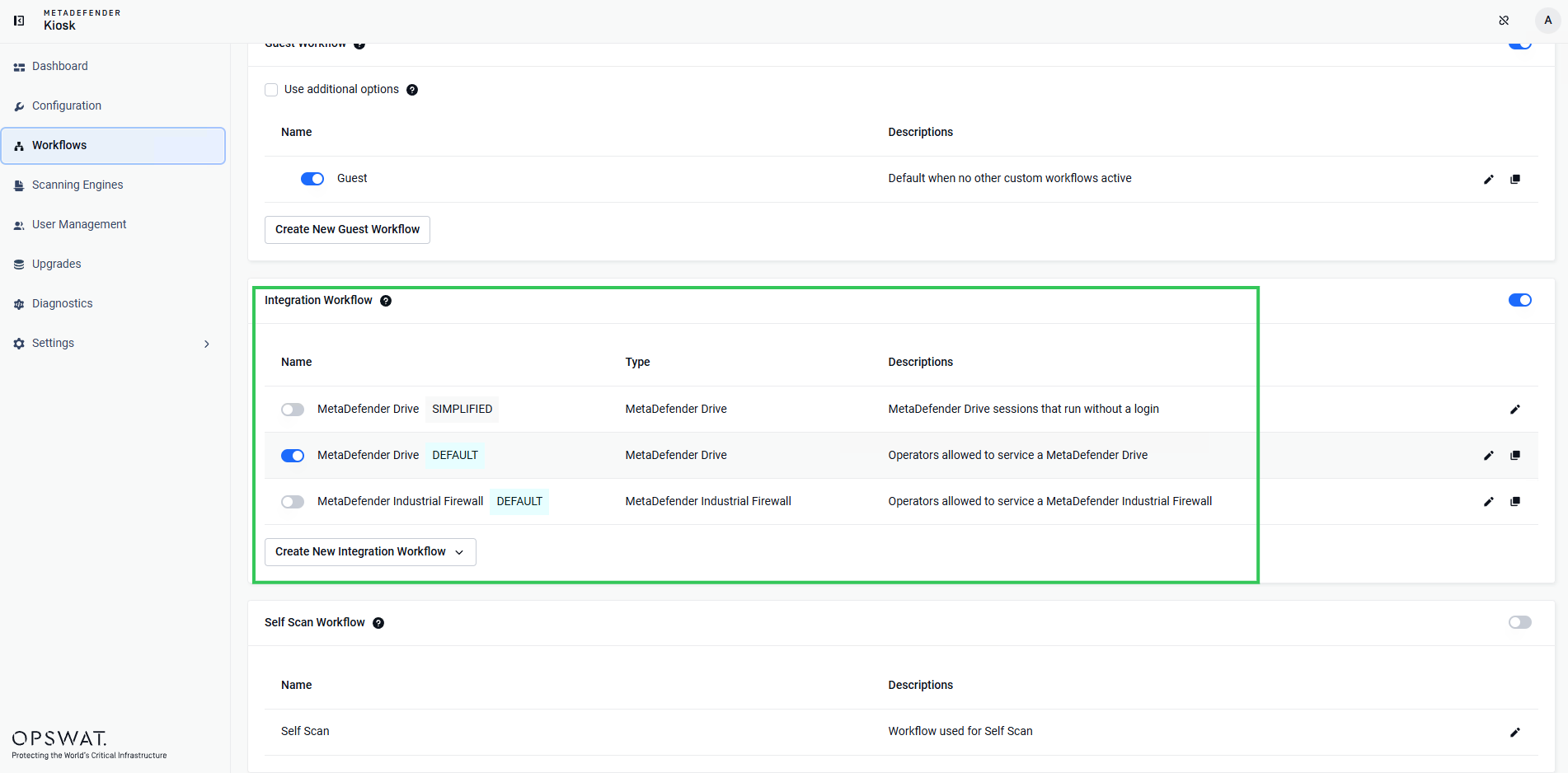
For more information on the supported features and operations, see the MetaDefender Drive guide