
In order to perform a successful Kiosk Active Directory (AD) integration, the following steps must be followed:
Navigate to the Kiosk console to admin (icon)/login settings
Select the User directories tab from the login settings list
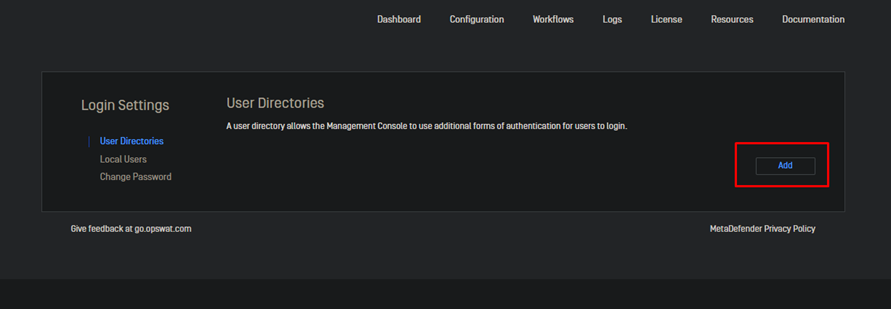
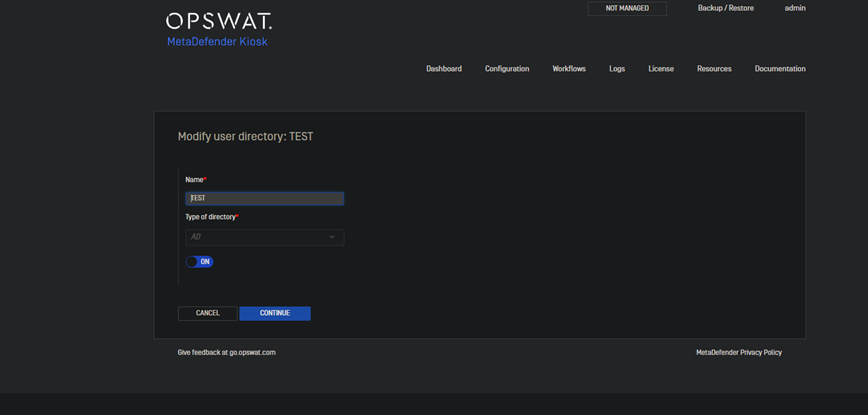
Select the type of directory from the drop-down list (AD in this situation)
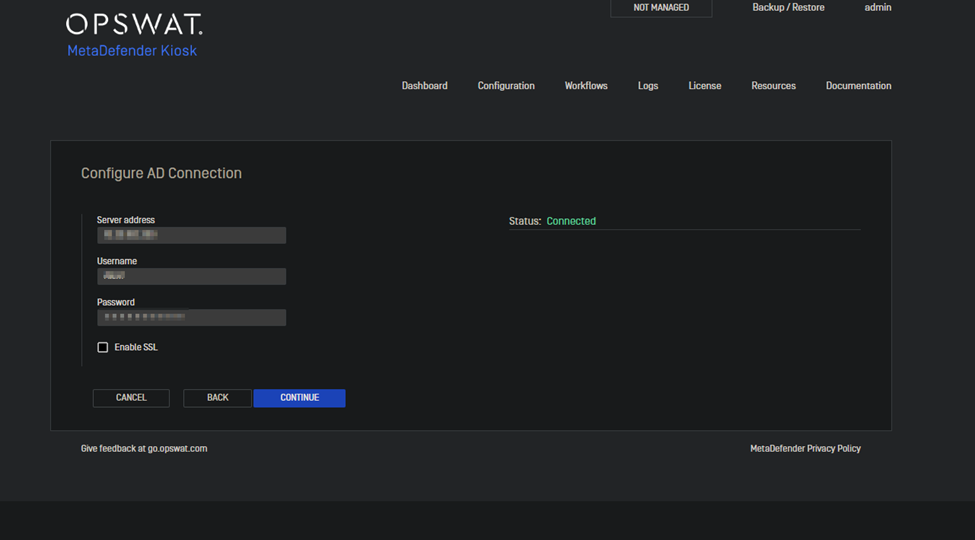
Fill in the correct credentials and select the continue tab (make sure the AD server is reachable from the Kiosk side)
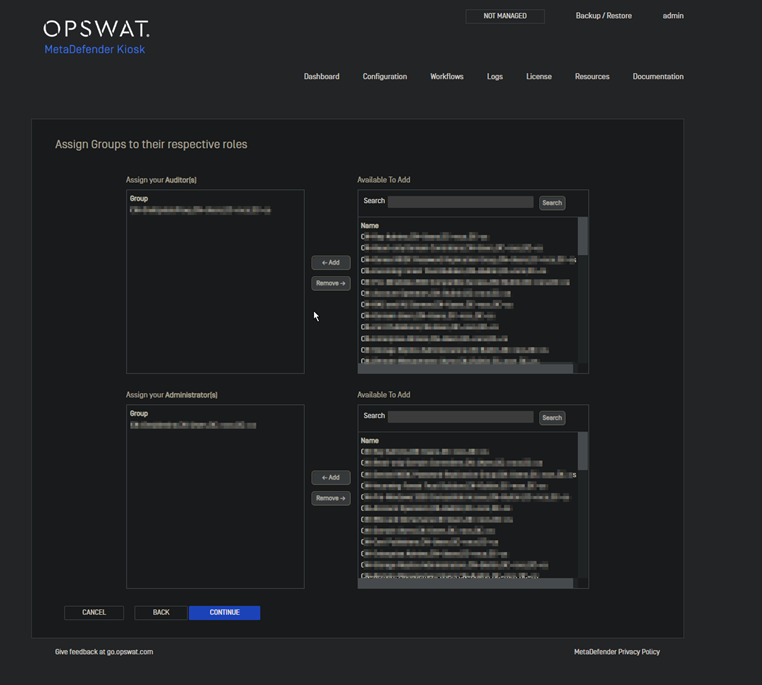
The next page allows you to assign users to either the Administrator or Auditor role.
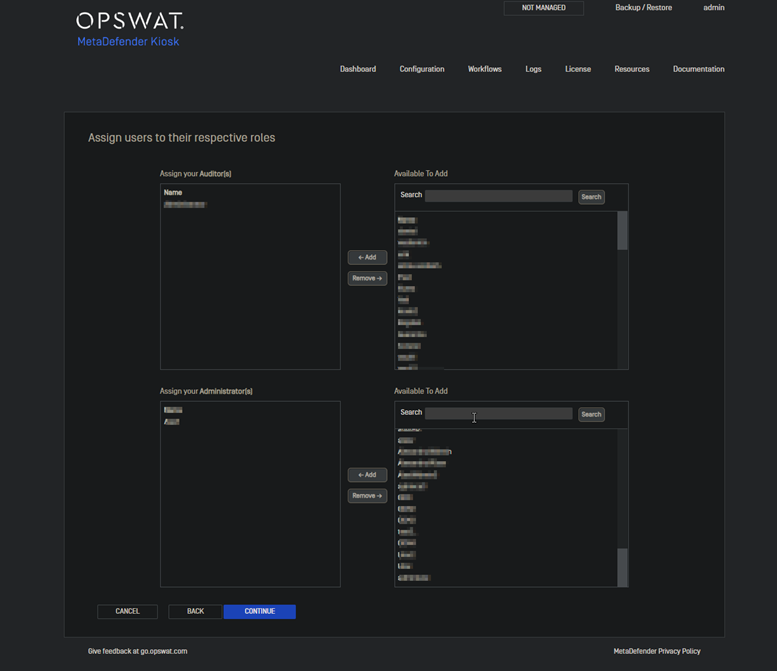
The next page allows the configuration of groups to the different roles
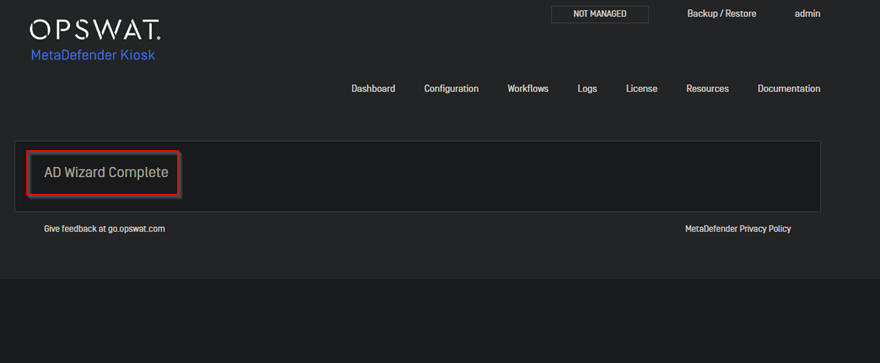
After completing the steps mentioned above you should get the following confirmation at the final stage of the process.
If Further Assistance is required, please proceed to create a support case or chat with our support engineer.