
The MetaDefender Kiosk Management Console allows you to manage the MetaDefender Kiosk system through a web browser.
Supported browsers
Chrome
Firefox
Edge
Access to the console
The Management Console can be accessed through http(s)://<MetaDefender Kiosk System>:8009. After an initial, fresh installation, a configuration wizard is displayed to setup the Management Console.
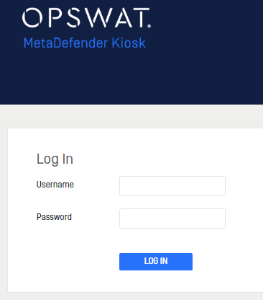
A user must log in to access the management console. The username is case-insensitive. A user can either be local to the management console or from a connected user directory. For local users, a maximum of 5 unsuccessful login attempts are allowed until the management console disallows any further logins for 30 minutes. For users from a user directory, any lock out security is expected to be handled on the user directory side. Once logged in, if no activity is made for some time, the idle user will be automatically logged out.
Access allowed for each role
An administrator is allowed to access all features of the Management Console
An auditor is only allowed to view and retrieve logs; no changes can be made to the Kiosk under this role
User role | ||
|---|---|---|
Management Console section | Administrator | Auditor |
Dashboard |
|
|
Configuration |
|
|
Workflows |
|
|
Logs |
|
|
License |
|
|
Resources |
|
|
Documentation |
|
|
Central Management Details |
|
|
|
|
|
Backup/Restore |
|
|
Security |
|
|
Login Settings | ||
|
|
|
|
|
|
|
|
|


Continue reading more for further details on the Management Console.