
To backup or restore the MetaDefender Kiosk configuration, click Back Up / Restore in the top-right corner of the Configuration page.
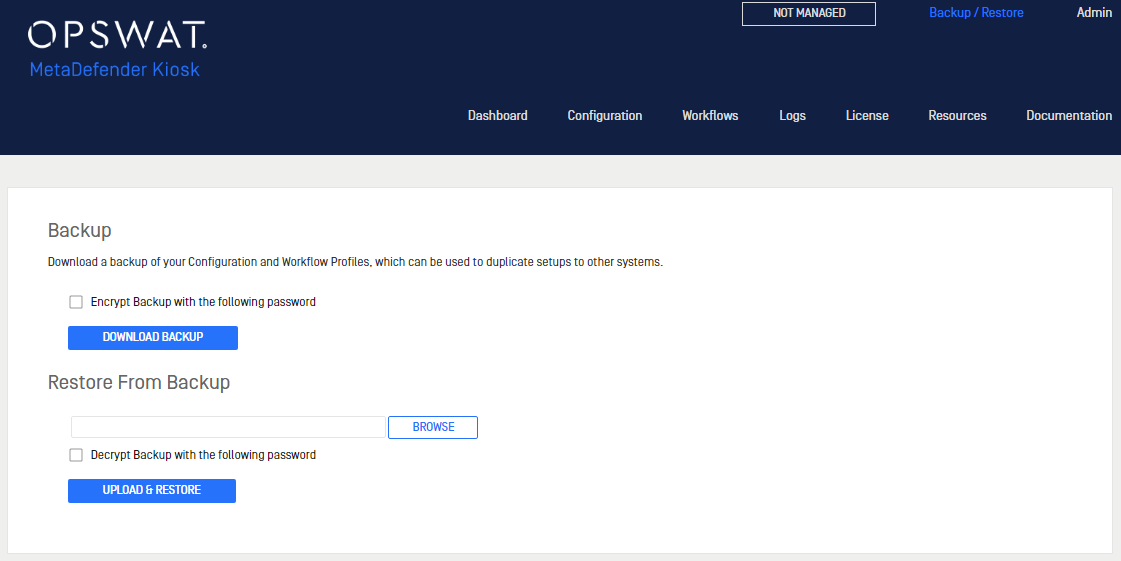
Downloading a configuration backup
Click Download Backup to download a file with all of the MetaDefender Kiosk configuration settings saved.
Restoring configuration settings
To restore settings on this or a different MetaDefender Kiosk system, upload the configuration settings file using the Browse button in the Restore From Backup section.
Was this page helpful?
Installation