
How to run the container with non-root access via Docker Container
Step 1: get the docker image from docker hub (Refer to: Run image published on OPSWAT Docker Hub)
Step 2: launch docker image with non-root option
specific UID:GID = 1000:1000 to enable non-root support
beside that, below environment variable require to run the doc
MD_USER=admin
MD_PWD=admin
ACCEPT_EULA=true
DB_USER=postgres
DB_PWD=postgres
DB_MODE=1
DB_HOST=localhost
DB_PORT=5432
DB_TYPE=local
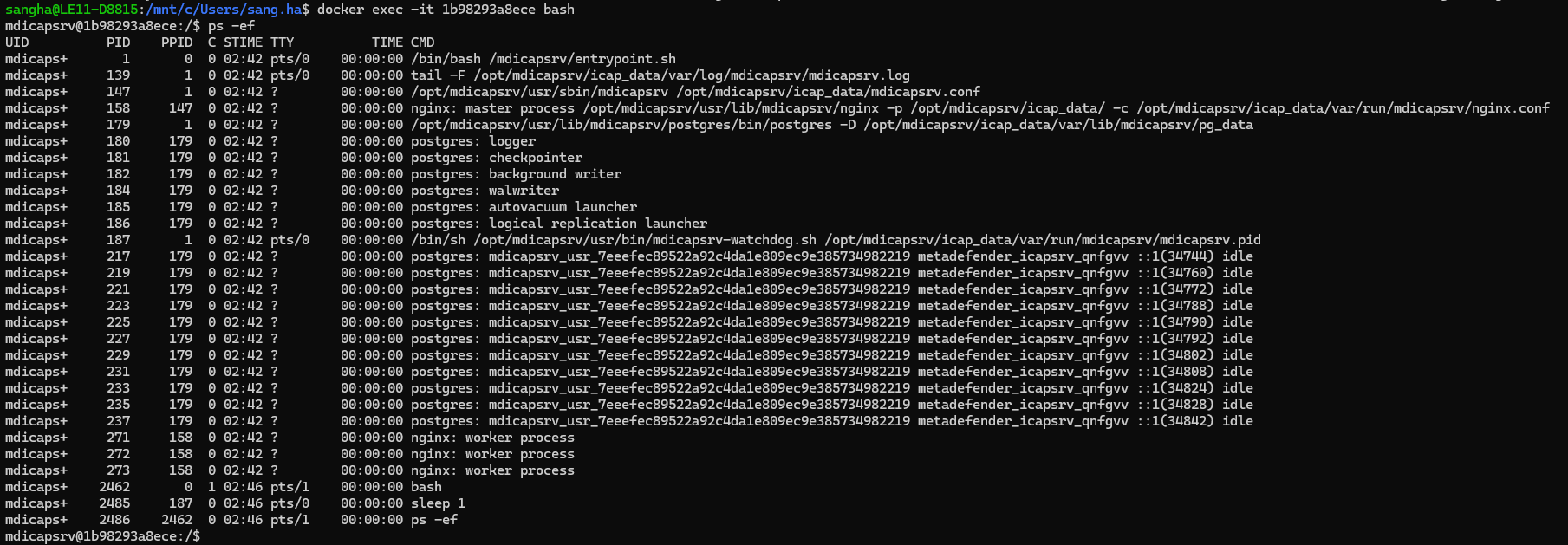
Step 3: verify the UID:GID works properly
run command inside container to see the process mdicapsrv is running
Non-root access on Kubernetes
Step 1: Download help chart of MD ICAP Server from Github
Step 2: Modify UID:GID to run as non-root
create file override.values.yaml to override default value
Step 3: deploy the helm chart with override values

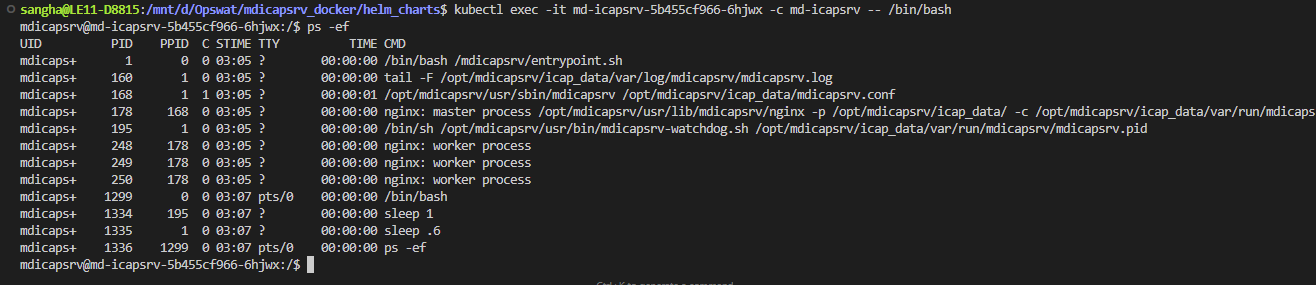
Step 4: verify the pod and mdicapsrv are running

How to customer the UID and GID value?
The default value of UID and GID is 1000, these default value can be customized via Docker toolkit on My OPSWAT Portal and rebuild a new image (refer to Using build tool kit with your own docker image)
Step 1: modify RUN_UID and RUN_GID value in file Dockerfile
Step 2: Rebuild docker image