
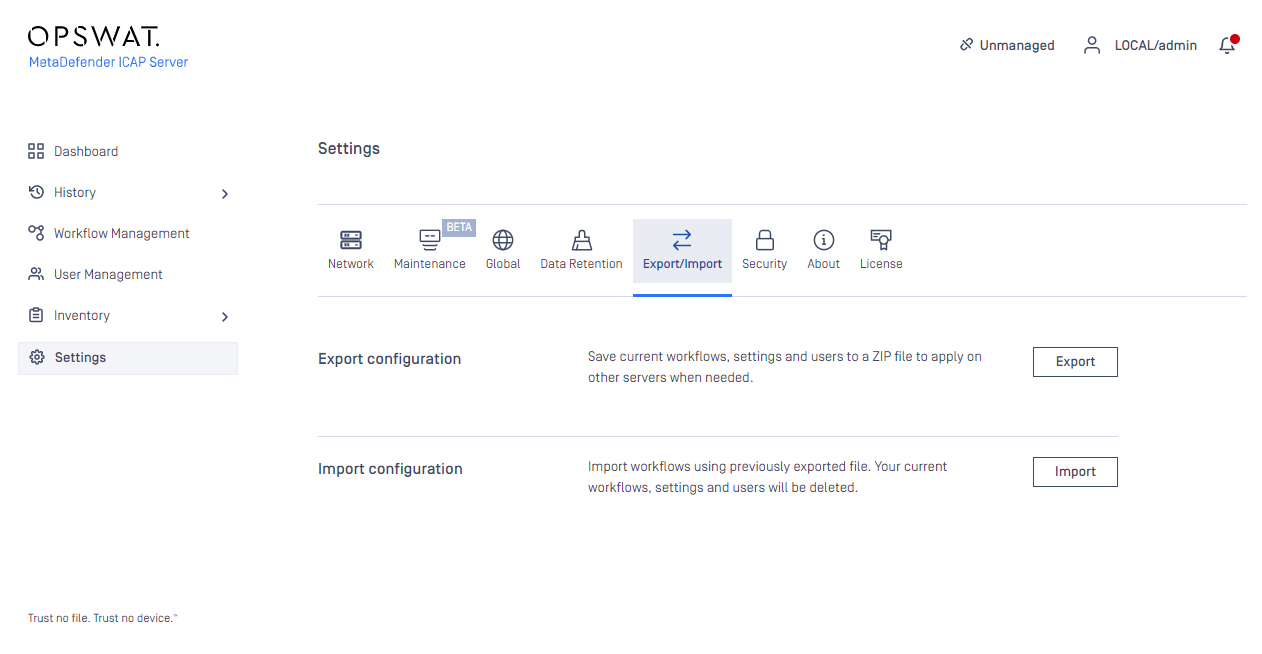
Starting with MetaDefender ICAP Server 4.11.1, admin users or authorized users can export current MetaDefender ICAP Server configuration or import an existing configuration under Settings -> Export/import page.
Export
Click the export button to download the JSON file containing the current configuration. This JSON file will contain the following configurations:
User Management
Global Settings
Server Profiles
Security Rules
Security Config (https, icaps)
Certificates Config
History Config
Audit Log Config
Session timeout configuration
Import
The importable file must be a valid JSON file and it should contain all the necessary fields, otherwise the MetaDefender ICAP Server will reject it. After the successful import, the new configuration will replace the old one.
Note
If the imported configuration is the same as the active configuration, the MetaDefender ICAP Server will reject it. This is the expected behavior.