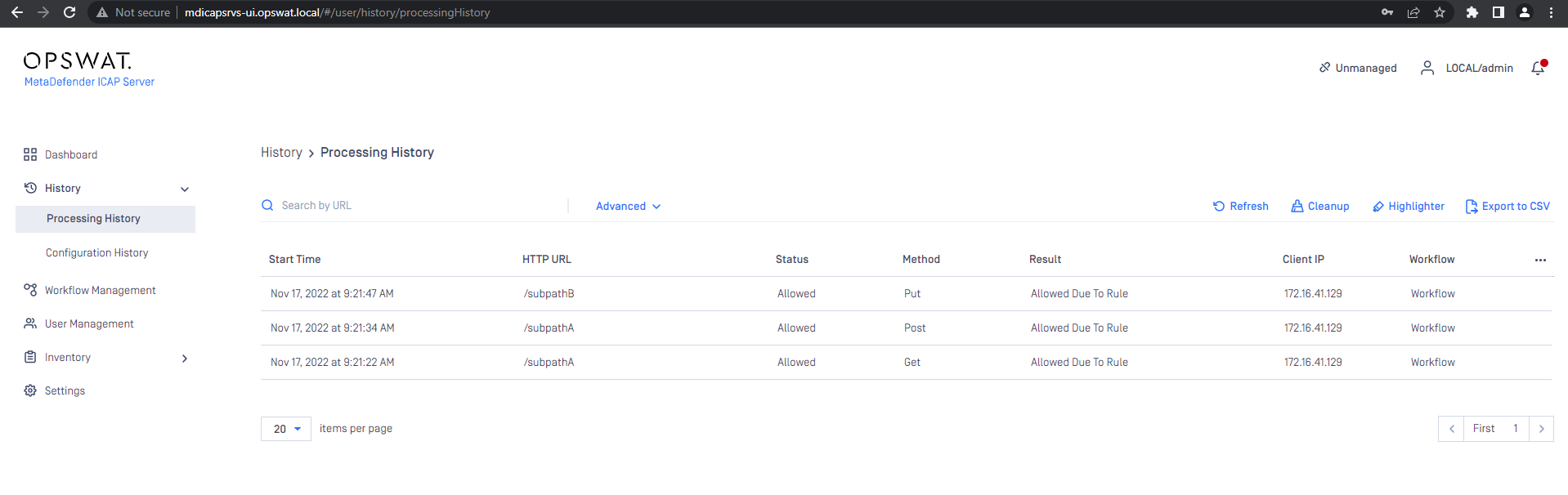
OMetaScan NGINX Ingress Controller Configuration
The configuration of OMetaScan NGINX Ingress Controller is similar to the NGINX Ingress Controller Introduction - NGINX Ingress Controller (kubernetes.github.io)
ConfigMaps
ConfigMaps allow you to decouple configuration artifacts from image content to keep containerized applications portable.
The ConfigMap API resource stores configuration data as key-value pairs. The data provides the configurations for system components for the nginx-controller.
Name | Type | Default | Usage |
|---|---|---|---|
enable-ometascan | bool | “false” | Enable or Disable ometascan module globally Note: You must enable this config to use ometascan module |
Annotations
Name | Type | Default | Usage |
|---|---|---|---|
nginx.ingress.kubernetes.io/ometascan-send-timeout | number | 60 | Sets a timeout for transmitting a request to the proxied server. The timeout is set only between two successive write operations, not for the transmission of the whole request. If the proxied server does not receive anything within this time, the connection is closed. |
nginx.ingress.kubernetes.io/ometascan-read-timeout | number | 86400 (1 day) | Defines a timeout for reading a response from the proxied server. The timeout is set only between two successive read operations, not for the transmission of the whole response. If the proxied server does not transmit anything within this time, the connection is closed. |
nginx.ingress.kubernetes.io/ometascan-pre-cache-size | number |
(maximum number of Nginx) | Config maximum caching size per request. |
nginx.ingress.kubernetes.io/ometascan-pre-cache | "true" or "false" | "false" | Turn on/off pre-caching request when sending to ICAP Server |
nginx.ingress.kubernetes.io/ometascan-pass | string | No default | Sets the protocol and address of a ICAP server and an optional URI to which a location should be mapped. Note: Must have it for enable annotation |
nginx.ingress.kubernetes.io/ometascan-methods | string | GET HEAD POST PUT PATCH DELETE | This directive specifies HTTP request methods that are considered by |
nginx.ingress.kubernetes.io/ometascan-connect-timeout | number | 60 | Defines a timeout for establishing a connection with a proxied server. It should be noted that this timeout cannot usually exceed 75 seconds. |
You can add these Kubernetes annotations to specific Ingress objects to customize their behavior.
OMetaScan NGINX Ingress on Minikube
Requirement
Minukube: https://minikube.sigs.k8s.io/docs/
NGINX Ingress with OMetascan module images on docker hub
For example:
latest image: opswat/nginx-ingress
or specific the tag: opswat/nginx-ingress:controller-1.5.1_ometascan-1.0.0_r1
MD ICAP Server at least version v5.1.0 which has already enable NGINX integration NGINX Integration Configurations
Pre-setup
Enable Nginx ingress on Minikube
start minikube
enable the NGINX Ingress controller, run the following command
Verify that the NGINX Ingress controller is running
The output is similar to:
Change default Nginx Ingress image to Nginx Ingress with OMetascan module image
Update the default image to opswat/nginx-ingress using the following command:
Verify that the images is changed:
the output:
Verify that the NGINX Ingress controller is replaced and running
The output is similar to:
Enable OMetascan Module
Set enable-ometascan: "true" to turn on the OMetascan module on ConfigMaps of ingress-nginx-controller:
Deploy Echo Server as Service A
refer to: https://github.com/Ealenn/Echo-Server#kubernetes
Example:
/path1rewrite to/subpathA(use ometascan)/path2rewrite to/subpathB(use ometascan)Only PUT methods
Max client body size 100 Mb
/path3rewrite to /subpathC(do not use ometascan)

OMetaScan NGINX Ingress on Kubenetes
Requirements
An existing K8S cluster
Helm CLI
NGINX Ingress with OMetascan module images:
An existing MD ICAP Server on Kubernetes
Instructions
Example:

1.Install NGINX Ingress Controller via Helm Chart
Output:

Output:
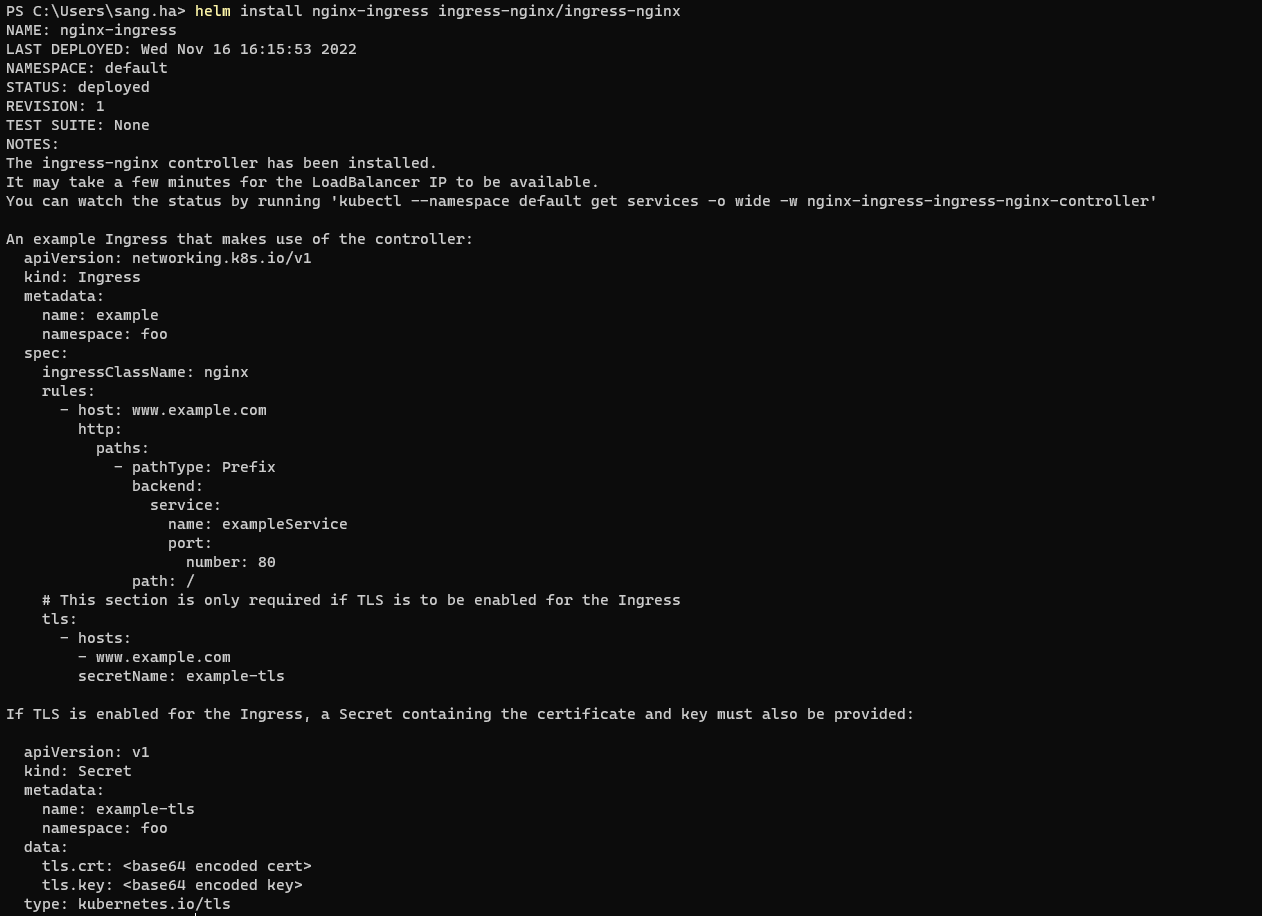
Verify the result install nginx-ingress as cli:
Output:

Make sure your nginx install with status of the pod nginx-ingress is running!
2. Replace The Ingress Controller Image
To replace the ingress controller image, we need to patch the existing k8s resource (deployment, DaemonSet, etc.) for the existing ingress controller to include the new image. For this, edit the ingress-controller-patch-image.yml file and replace the container name to match the existing controller and run the following command (replace 'deployment' and 'ingress-nginx-controller' with your specific resource type and name for the controller):
ingress-controller-patch-image.yml
Output:

update-configmap-ingress-controller.yml
Output:

3. Deploy A Service To Test with MetaDefender ICAP Server
3.1.Create deployment sample:
Output:

3.2.Expose service sample:
Output:

3.3.Create file ingress for sample app:
ingress-be.yml
Output:

Add the following line to the bottom of the /etc/hosts file on your computer (you will need administrator access):
The expected MD ICAP Server will scan requests