
Symptom of install failure
When you install ICAP Server on Debian 9 you may get the following error message:
Reason
By default, Debian 9 is installed with libssl1.0.2. For compatibility reasons OPSWAT products require libssl1.0.0. libssl1.0.0 is, however, only available in Debian 8 repositories, and is not available for Debian 9.
Resolution
To install libssl1.0.0 on Debian 9 from a Debian 8 repository perform the following steps:
Open https://packages.debian.org/jessie/libssl1.0.0 in your browser
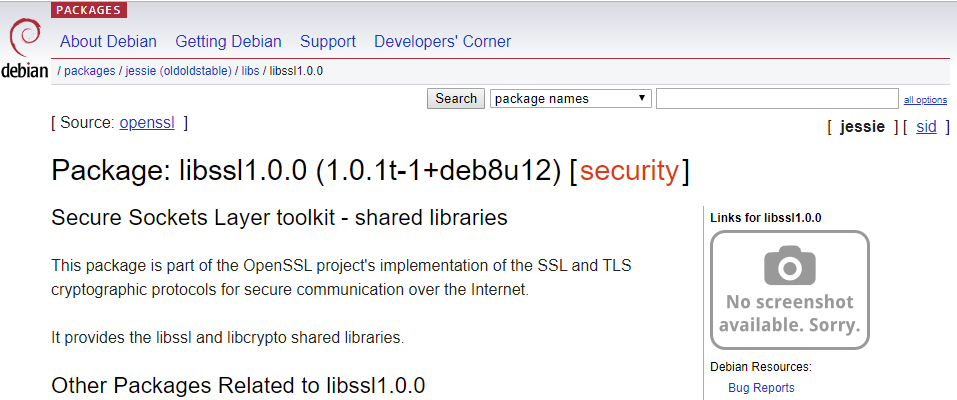
In the "Downloads" section, at the bottom of the page, select your server's architecture
Select a mirror (http://security.debian.org/debian-security in the example) and download the package
Install the downloaded package
Clean-up the previous broken ICAP Server installation (optional)
Re-install ICAP Server