
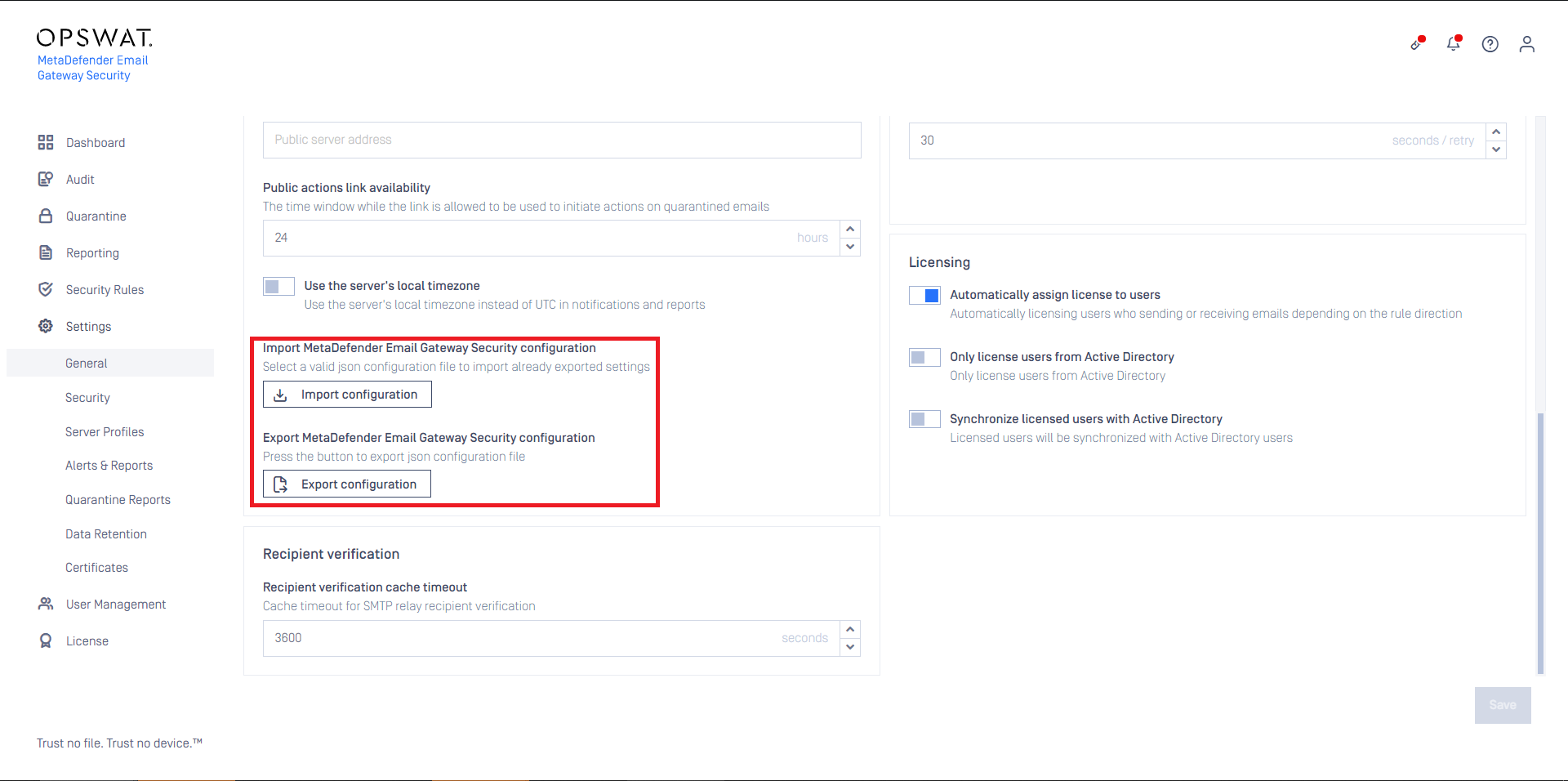
To export the current configuration of Email Gateway Security click Settings > General / Configuration / Export configuration.
To import a previously exported configuration back click Settings > General / Configuration / Import configuration.
Command line tool
Email Gateway Security provides a command line tool as well to do the configuration export and import. The tool is called configutil.exe and is located in the mailagenthost sub folder.
Usage: configutil.exe [OPTIONS] Options:
-l, --url=VALUE REST Url (Default: http://localhost:8058)
-u, --user=VALUE User name (Required)
-p, --password=VALUE Password (Required)
-i, --import Import configuration
-e, --export Export configuration
-f, --file=VALUE File name (Required)
-h, -?, --help Show this help
Was this page helpful?
Configuration