
Overview
A support package contains essential information regarding the operating system and OPSWAT software found on the machine. This information is used by the OPSWAT Customer Success and RnD teams to perform the support activities.
The contents of the generated support package may contain sensitive information that may require special handling.
Generating support packages
Web Management Console
Using the command line as a back-end, Email Gateway Security provides generating support packages in the Web Management Console GUI.
Using the Web Management Console, support packages can be downloaded through a web session, no direct access is needed to Email Gateway Security's file system.
To manage support packages through the GUI:
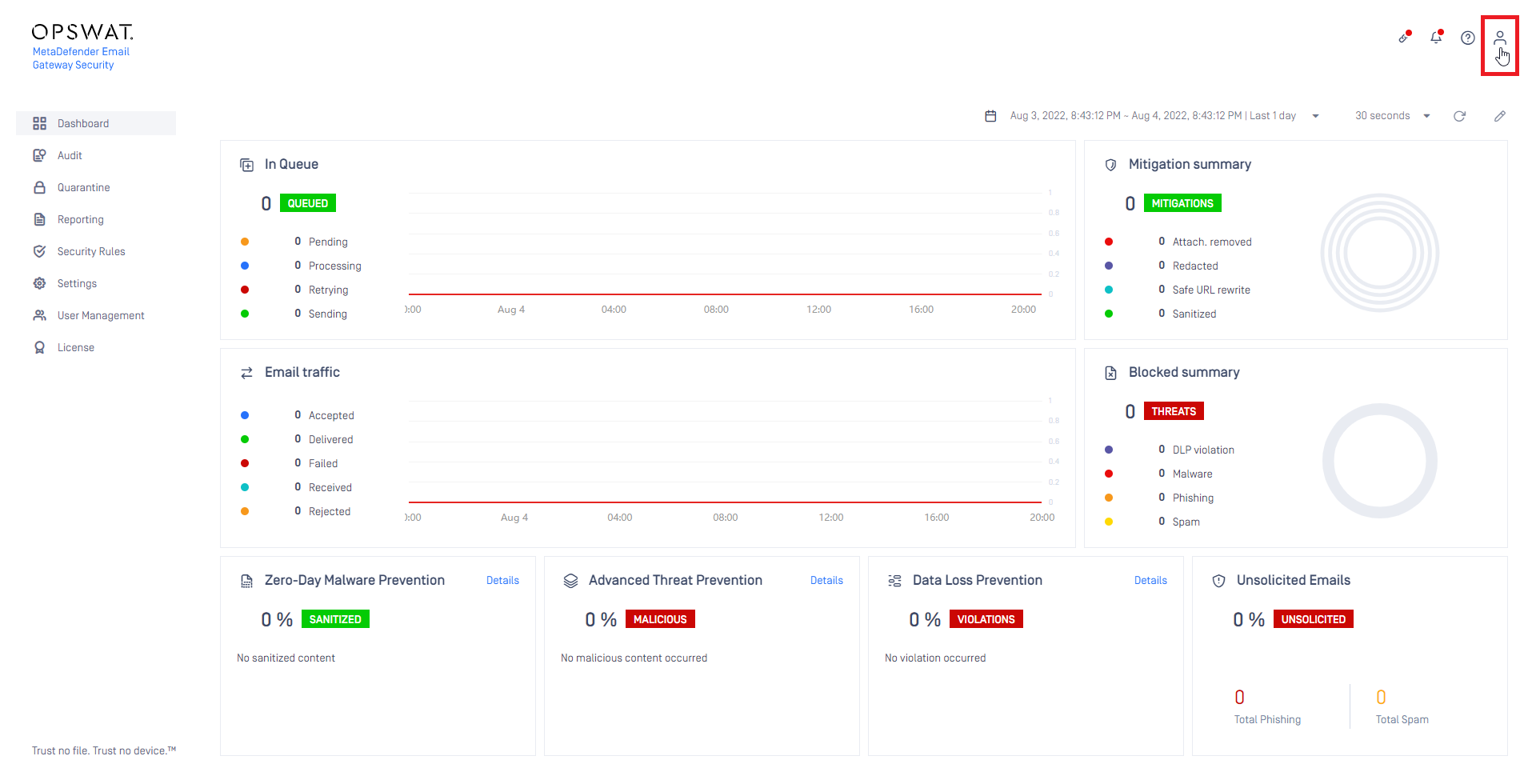
1.Open the user menu (click on the  icon in the upper left corner of the Web Management Console)
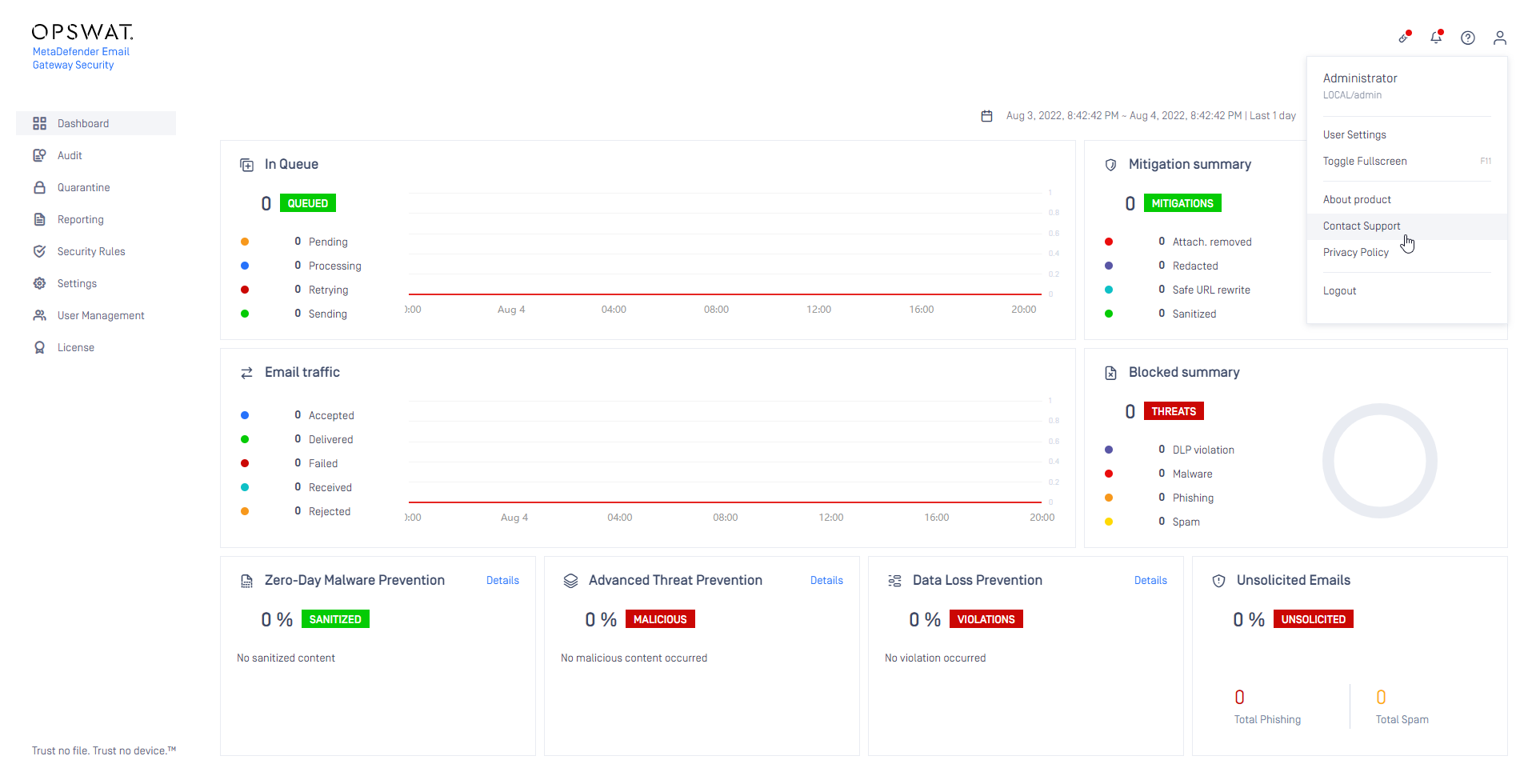
  2.Click on Contact Support
 3.The Contact Support page lists the previously generated support packages that are still existing in the file system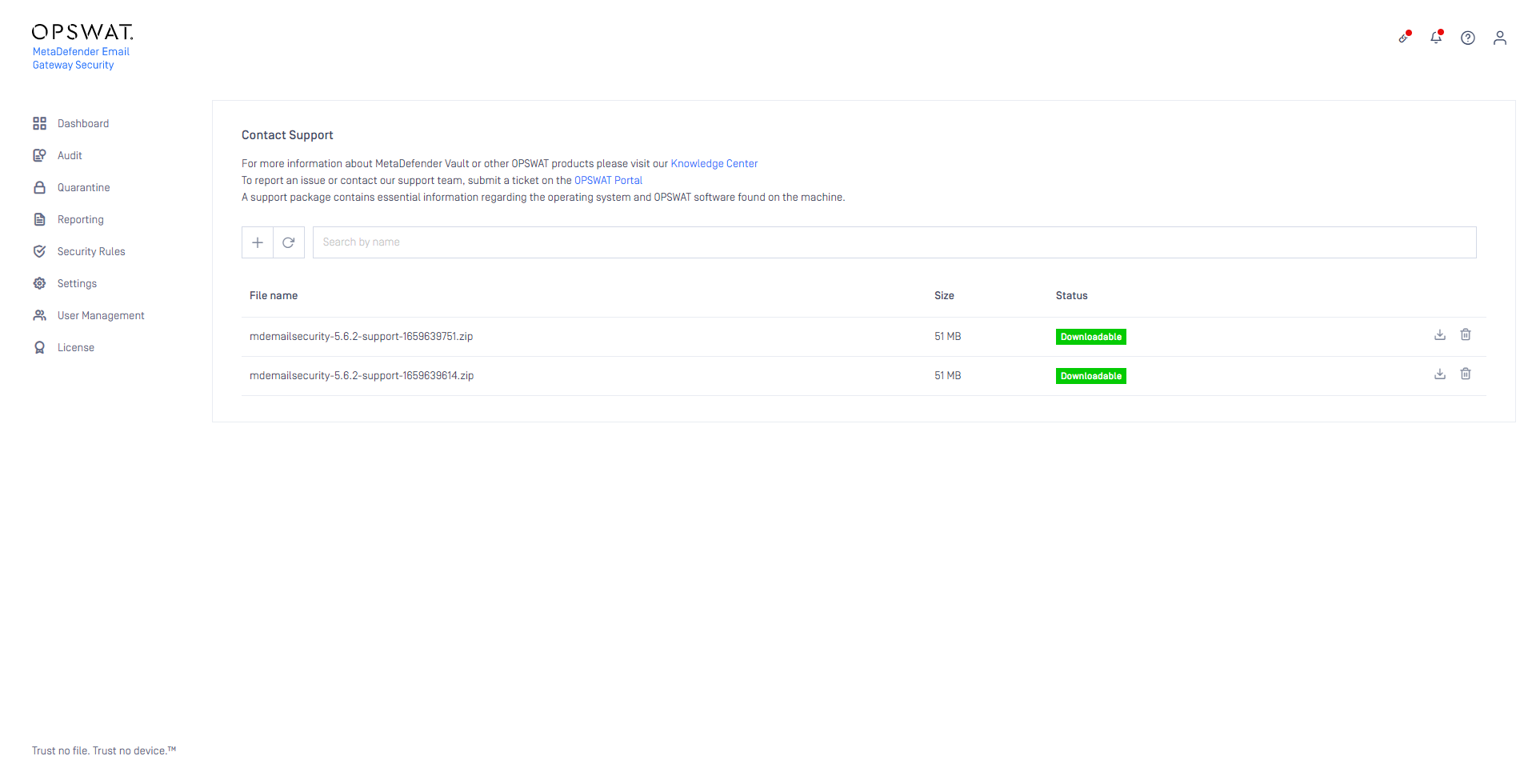
Main functions
Icon | Function |
|---|---|
Generate a new support package | |
Delete an existing support package | |
X | Cancel generating the support package, while the package generation is still in progress |
Download the listed support package |
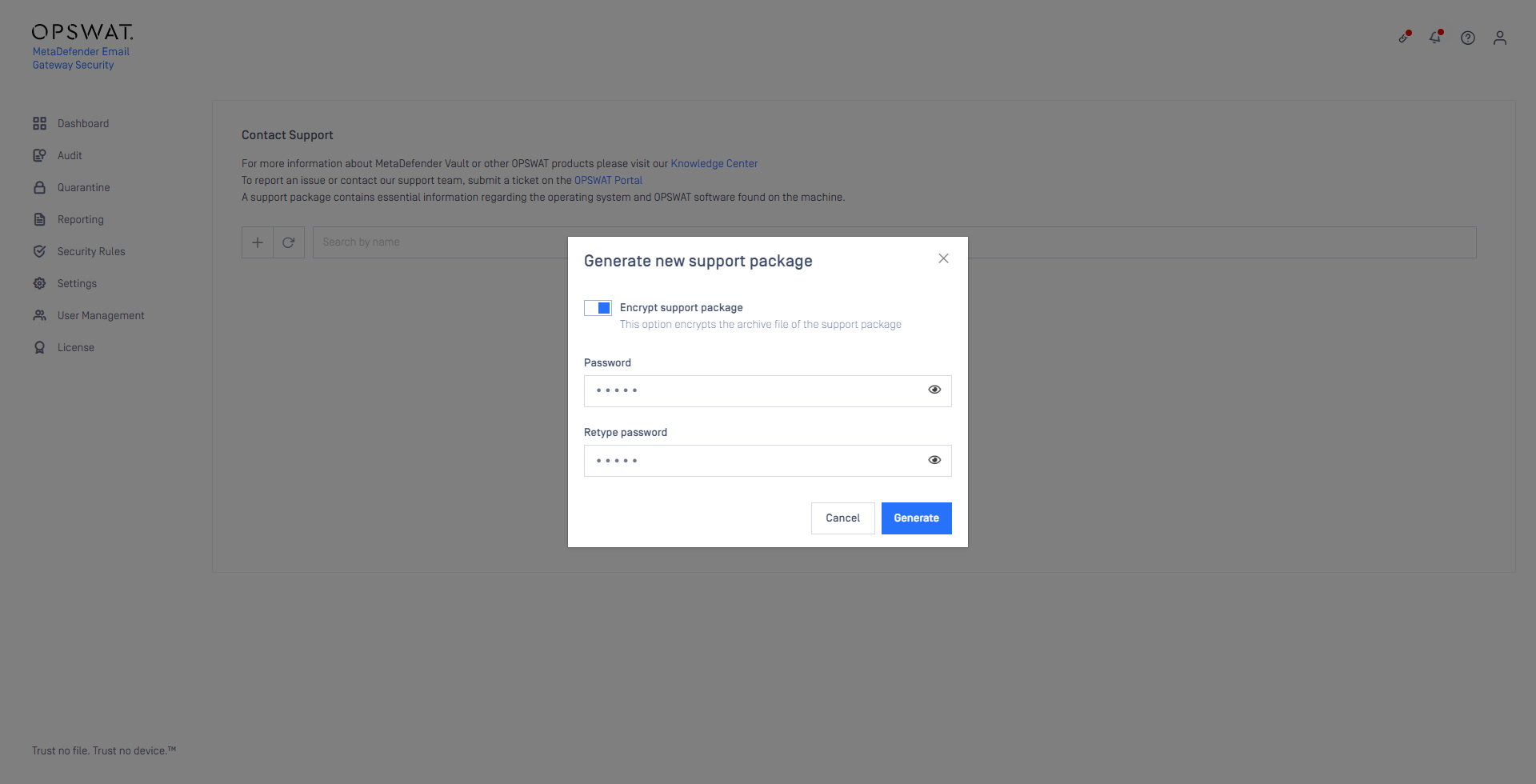
Right at the beginning of the generation, password encryption may be allowed for the support package. This way the package is generated as a password encrypted zip file.
Command line
To create a support package start the support data collection script found under the installation directory of the product, by default this is C:\Program Files\OPSWAT\Metadefender Email Security\mdemailsecurity-collect-support-data.bat.
The batch file must be executed with Administrator privileges. Start a command prompt as Administrator, change to the installation directory and run the batch file.
Running the batch file directly from File Explorer –even with Administrator privileges (Run as Administrator)– may give unexpected results.
As the script processes the necessary information, the script generates the support package output.
The package files is a zip archive with the following name scheme:
mdemailsecurity-<VERSION>-support-<TIMESTAMP>.zip
Where the timestamp is the date when the package was generated.
Example:
mdemailsecurity-5.5.1-support-1641813523.zip
The generated package will be placed in the same location as the script that was called.
Contents
The support package contains the following elements:
Relative path | Type | Description |
|---|---|---|
config | directory | The configuration files of OPSWAT software found on the machine |
config/config.copy | file (binary) | Config database without user data |
log | directory | The log files of OPSWAT software found on the machine |
os.info | file (text) | Operating system information |
hw.info | file (text) | Hardware information |
network.info | file (text) | Network information |
files.info | file (text) | OPSWAT software directory information |
You are recommended to check the contents of the generated support package before handing over to OPSWAT to make sure it does not contain any confidential information.