Offline Engines Update for MetaDefender Drive Toolkit
To update the scanning engines using a MetaDefender Drive Toolkit in an isolated environment, you can download the engine definitions using OPSWAT Update Downloader and add them to the MetaDefender Drive Toolkit:
Download the MetaDefender Drive engine package files from Update Downloader.
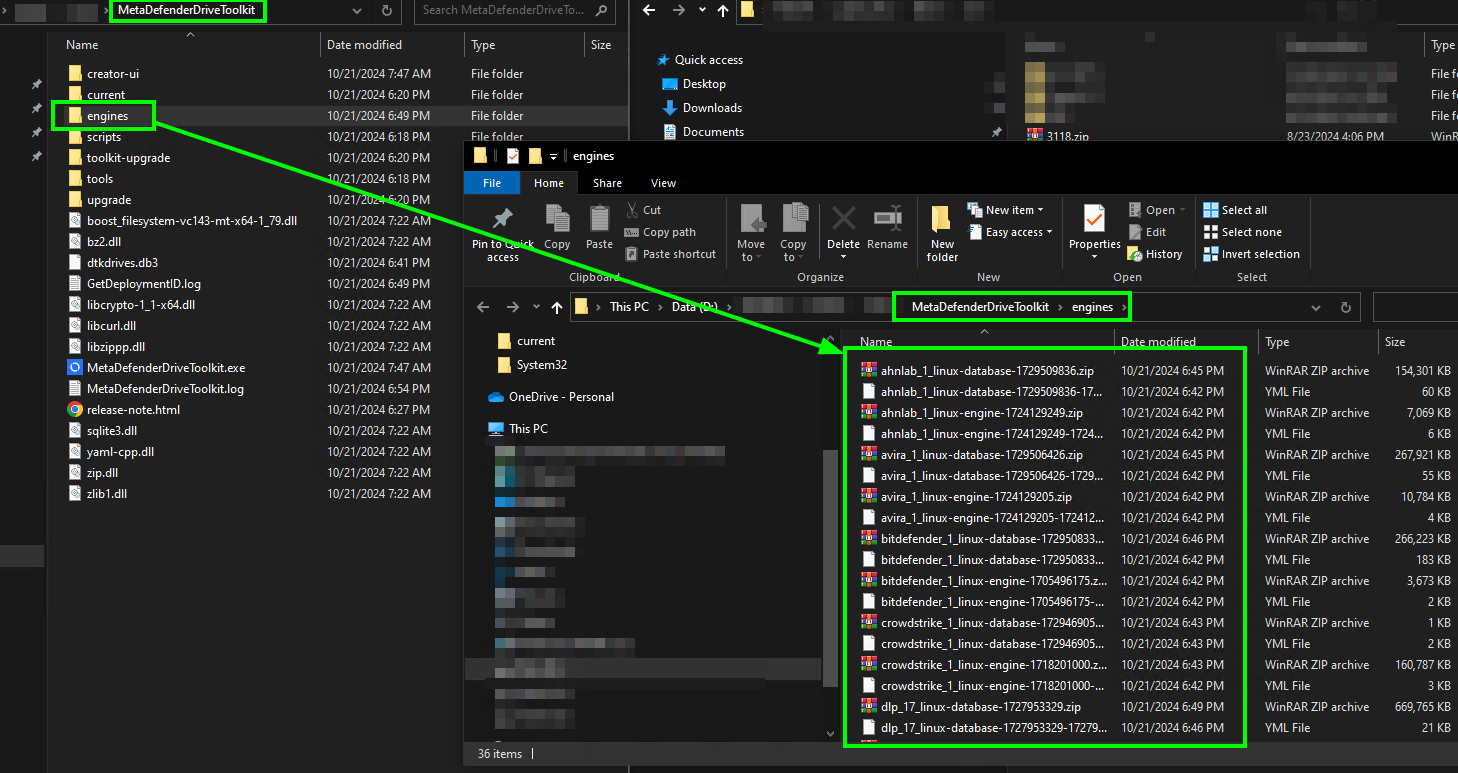
Open the MetaDefender Drive Toolkit folder and locate the engines subfolder.
Copy and extract the engine packages downloaded from the Update Downloader into the engines folder.
Offline MetaDefender Drive Version Update for MetaDefender Drive Toolkit
Step 1: Download USB/LCD image and yml from URLs
https://installer-cdn.opswat.com/MD_Drive/3.0/update_infra/main/mdd-dd.tgz
https://installer-cdn.opswat.com/MD_Drive/3.0/update_infra/main/mdd-dd.ym
Step 2: Extract file *.tgz of corresponding image, then you will see mdd-pkg.dd
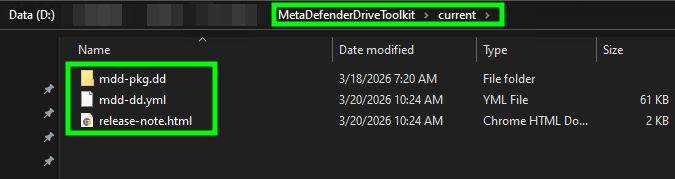
Step 3: Open MetaDefender Drive Toolkit folder and locate the current subfolder, then clean up all existed image in this subfolder
Step 4: Copy mdd-pkg.dd and its mdd-dd.yml that downloaded ad extracted from step 1,2 to current subfolder
After extracting, the folder structure should be looking like this