
MetaDefender Drive is fully functional offline, enabling license activation within air-gapped environments.
Obtain Deployment ID
Boot MetaDefender Drive for the first time until this screen shows up
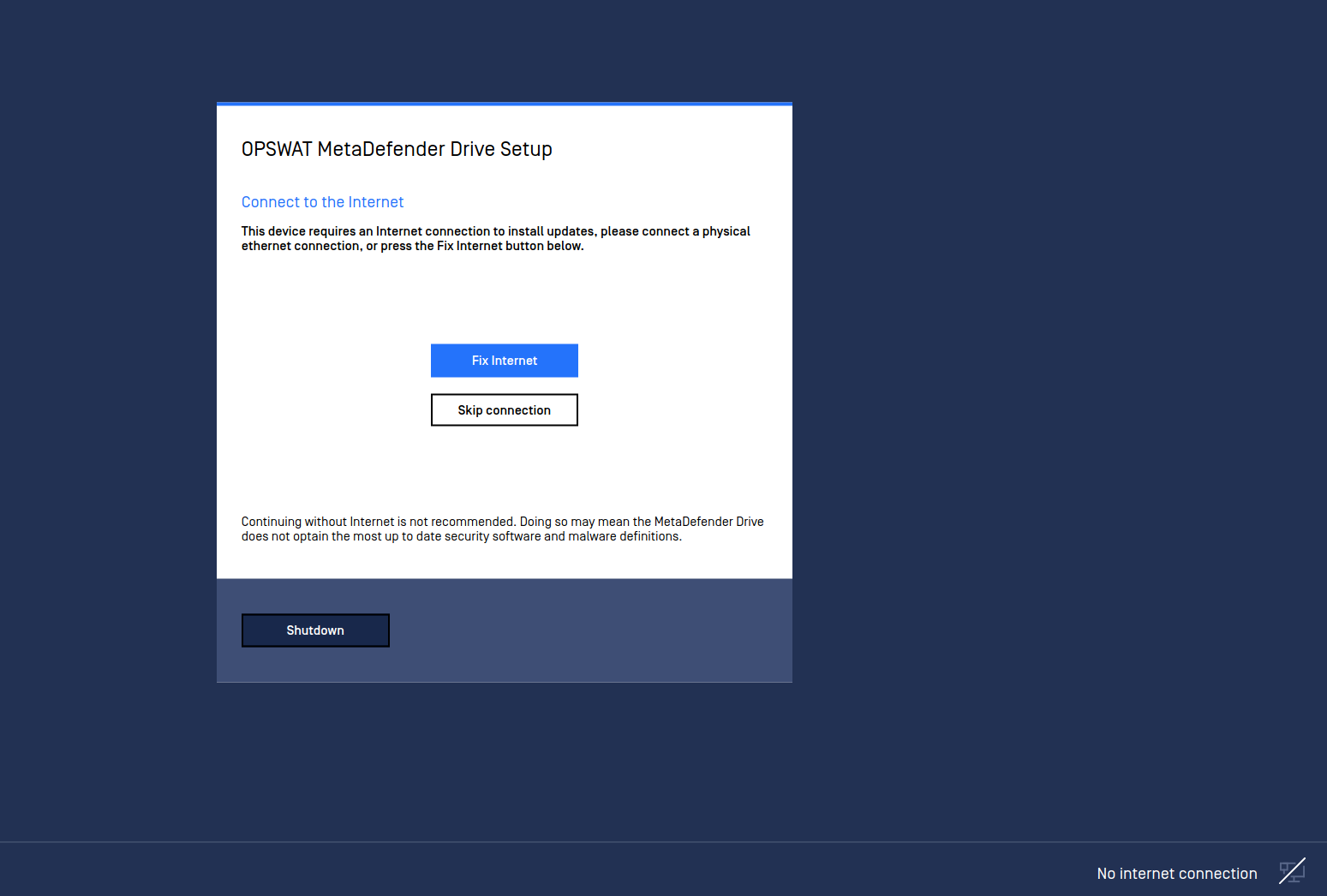
Shutdown then plug MetaDefender Drive into a running computer.
In the file browser, navigate to the MetaDefender Drive NTFS partition
Under the root of the NTFS partition, locate a file named deployment_id.txt, which contains your MetaDefender Drive deployment ID
Find the OPSWAT invoice provided with the activation key for MetaDefender Drive
Request a License File for Offline Activation
Navigate to "https://my.opswat.com/portal/license-management/organization-licenses", and log in using the credentials you set up during the sales process
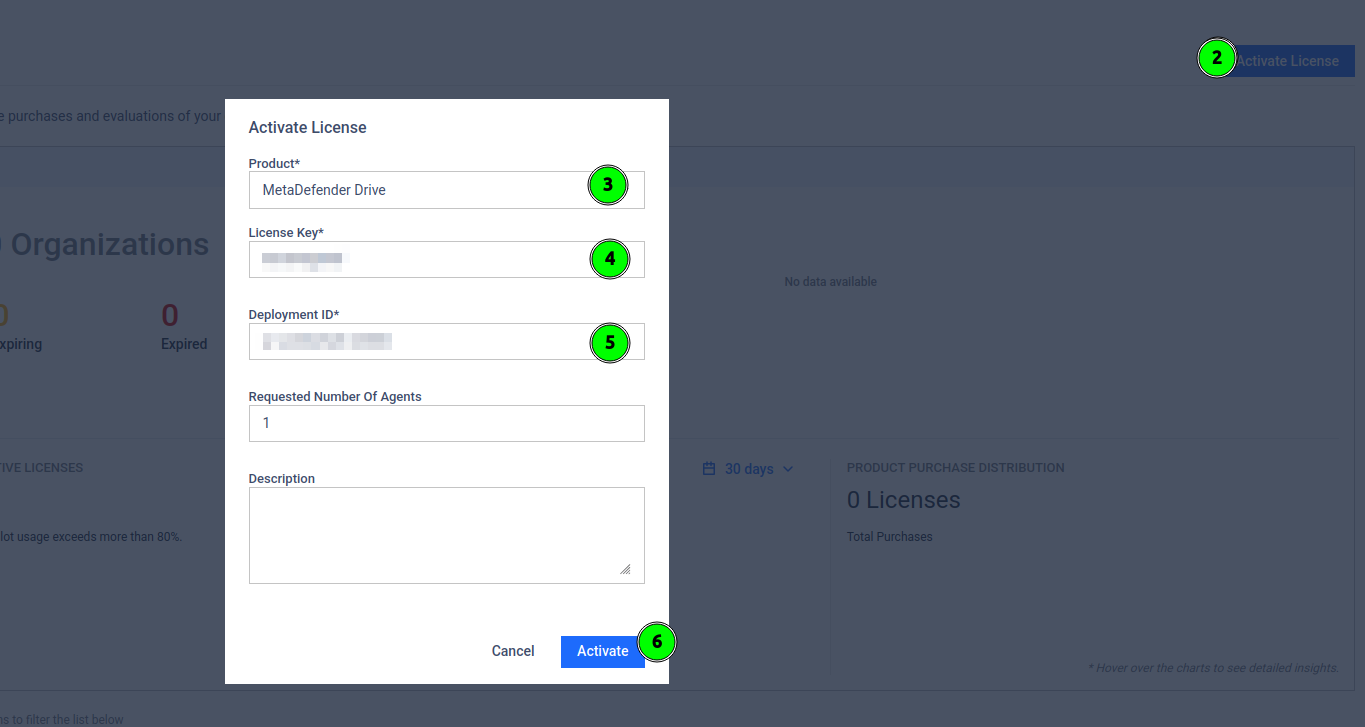
Select "License Activation"
Ensure Products reads "MetaDefender Drive"
Enter your Activation Key in the given field
Enter your Deployment ID in the given field
Click Activate
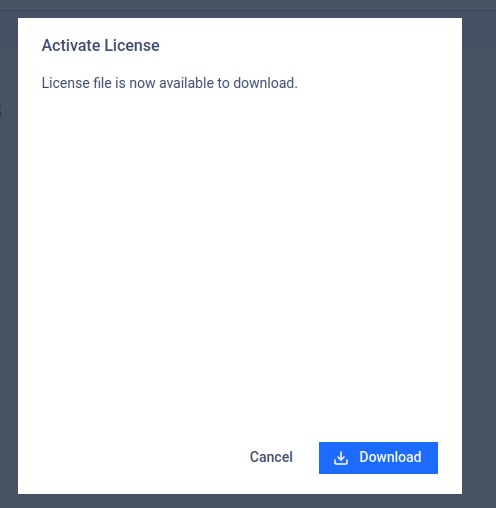
Click Download when activation is successful. You should receive a file called "<Deployment ID>.yml"
Copy License File to MetaDefender Drive
Move the <Deployment ID>.yml file into the air-gapped area where the MetaDefender Drive you want to license is located
Insert MetaDefender Drive into the system
Copy <Deployment ID>.yml to the license folder on the MetaDefender Drive NTFS partition
Rename the <Deployment ID>.yml to license.yml
Eject MetaDefender Drive
Boot MetaDefender Drive
If MetaDefender Drive loads into the Update process, the license has been accepted!