
Issue
After selecting Continue to run with the recommendation settings, the selected scanning engine's status is Disabled.
Solution
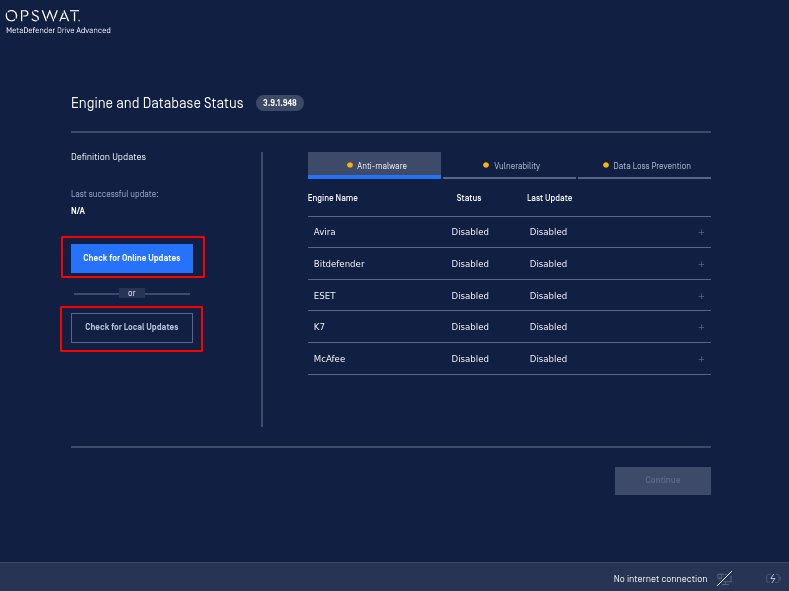
Trigger an online or a local update by pressing either Check for Online Updates and Check for Local Updates on the Engine and Database Status page.
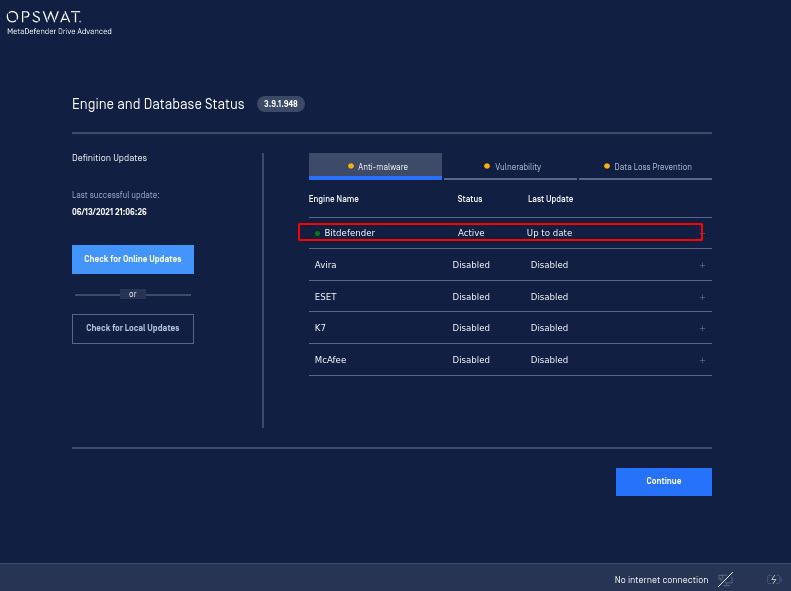
After triggering an update, the engine will start initiating and its status will change to Active.
.
Was this page helpful?
Knowledge Base