
MetaDefender Drive enables users to adjust general scan settings, including the file sizes and scan timeouts. To adjust these settings, navigate to Settings → Preferences → Scan Settings page, and click Edit Settings.
The available settings in the Scan Settings window are:
Max File Size to scan [in megabytes]:
The default maximum size of a single file per scan is set to 200MB
The maximum file size per scan depends on the available space of the MetaDefender Drive.
Max Minutes to Scan a File [in minutes]
Max Minutes per Engine to Scan a File [in minutes]
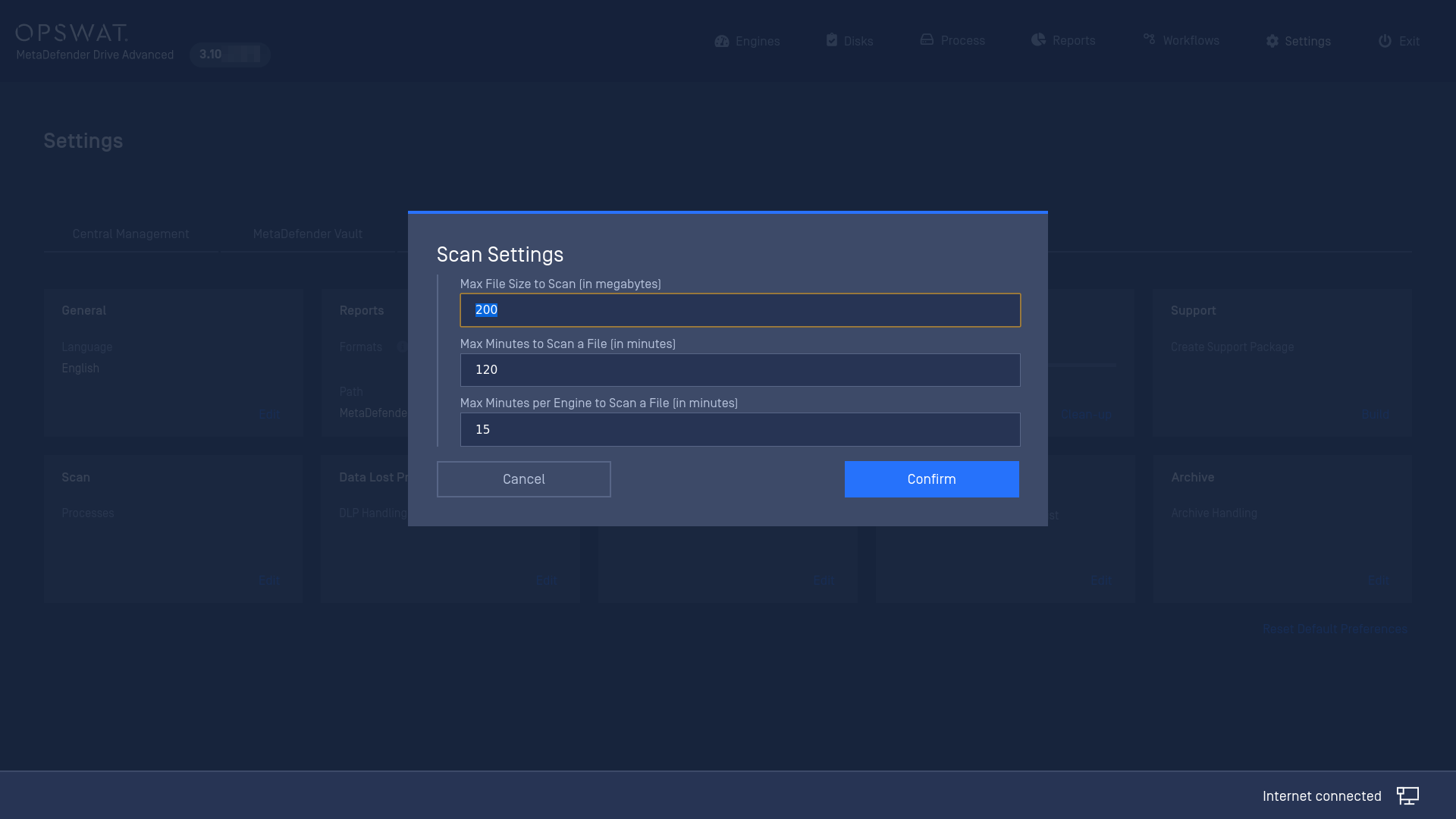
.
Was this page helpful?
Configuration