
When a new version of MetaDefender Drive Toolkit or a new MetaDefender Drive software image becomes available, a clickable yellow notification bar will be displayed, which directs you the Updates page.
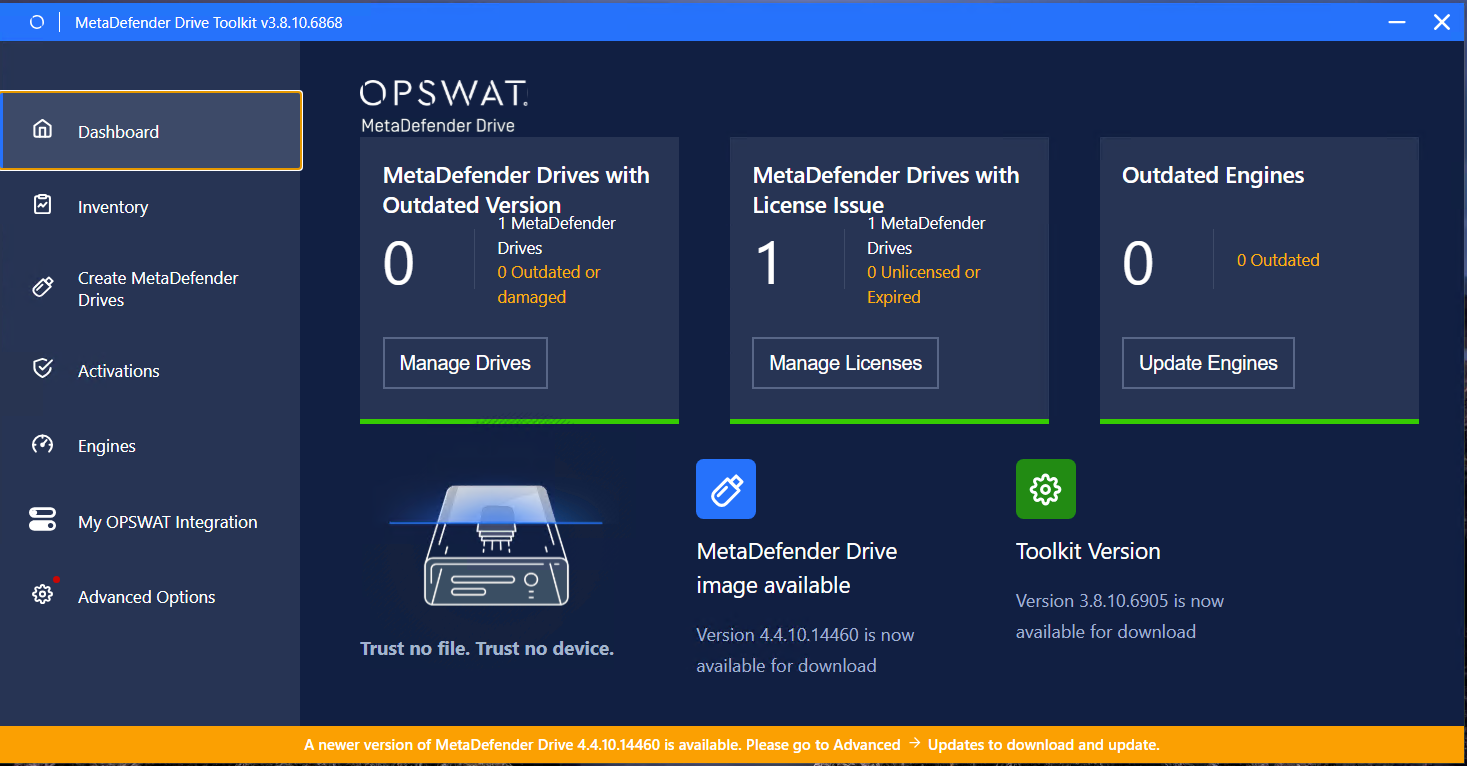
Then, you can check for MetaDefender Drive Toolkit updates by at the Advanced Options → Updates page.
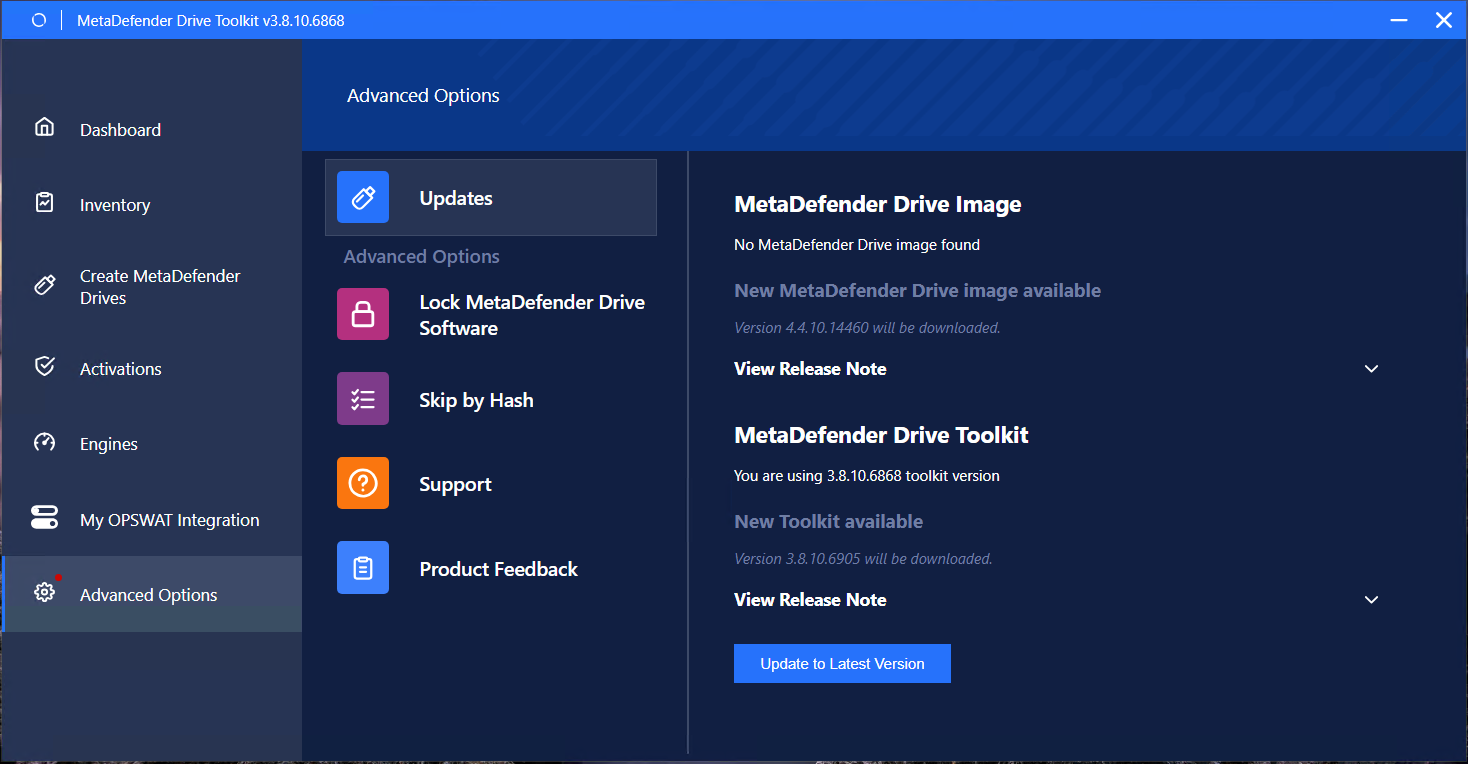
Click Update to Latest Version, the Updates will first update the Drive Toolkit
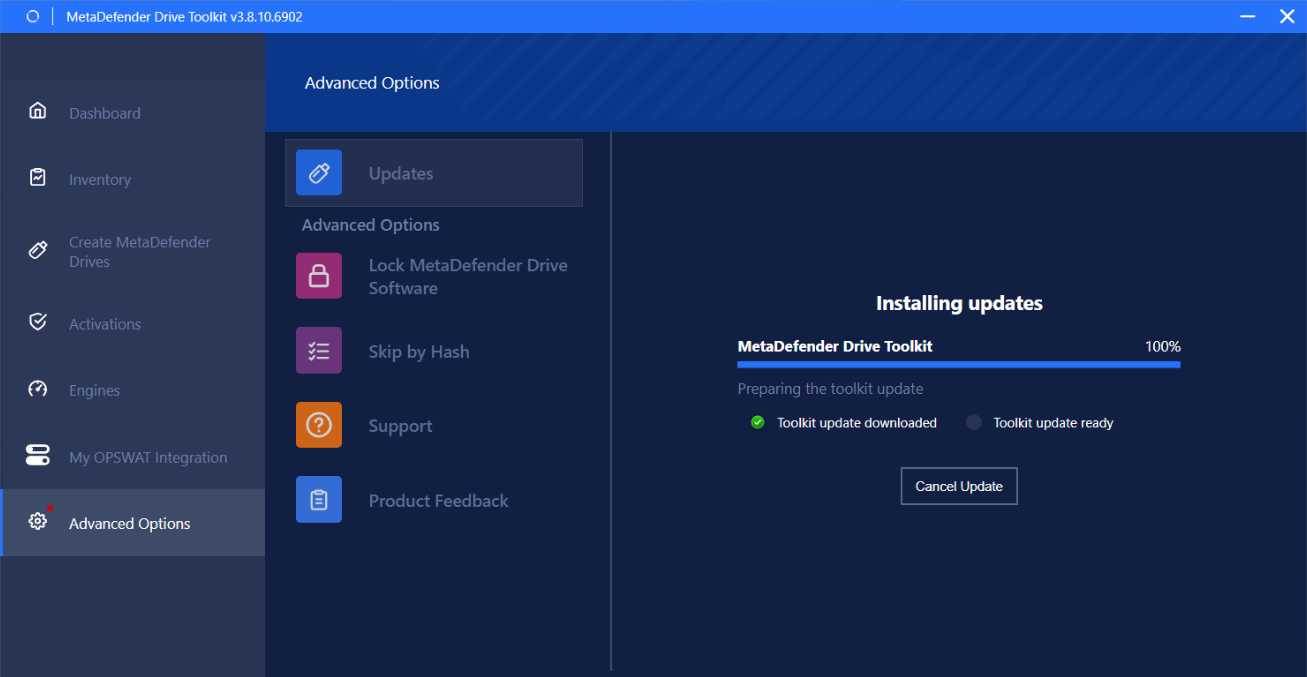
After finish Drive Toolkit, it will suggest Relaunch
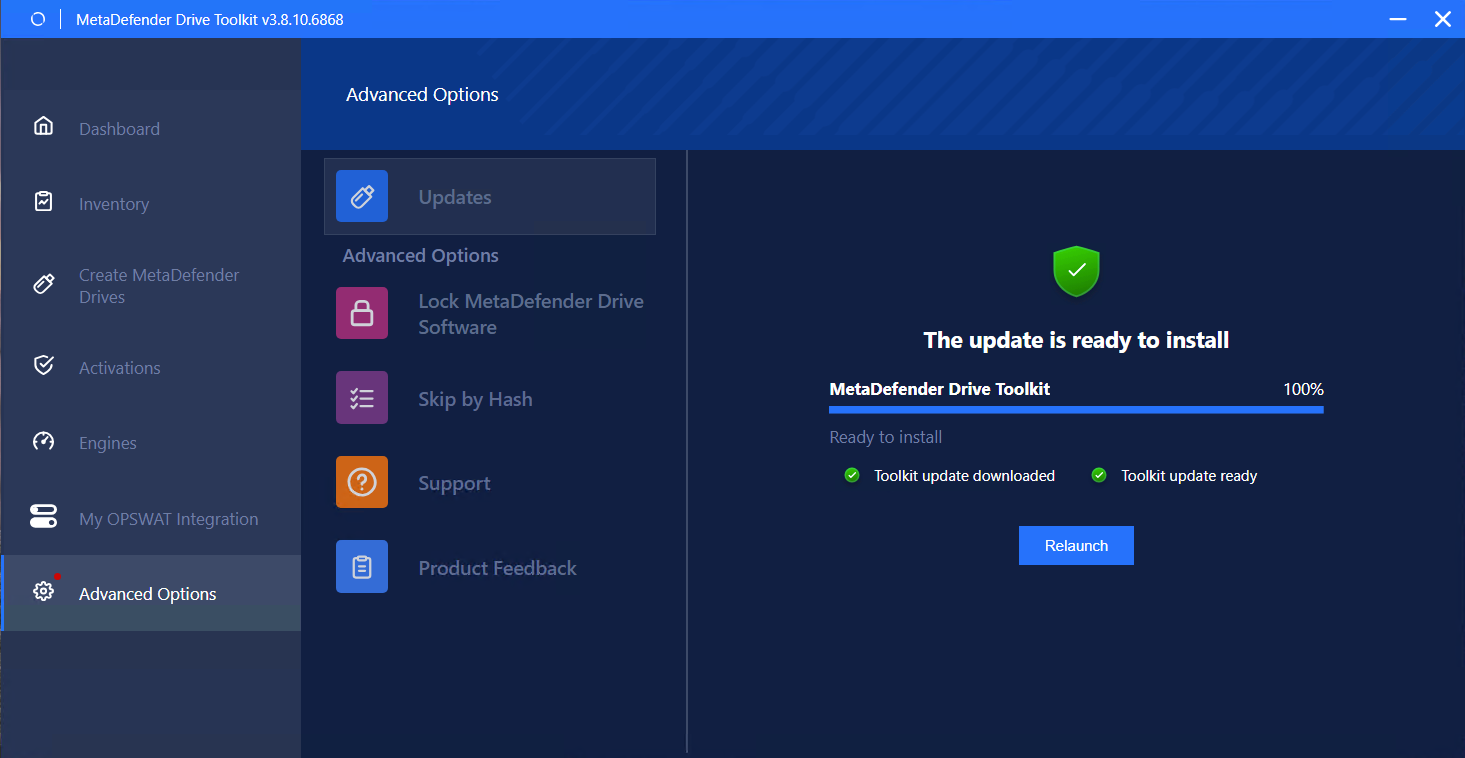
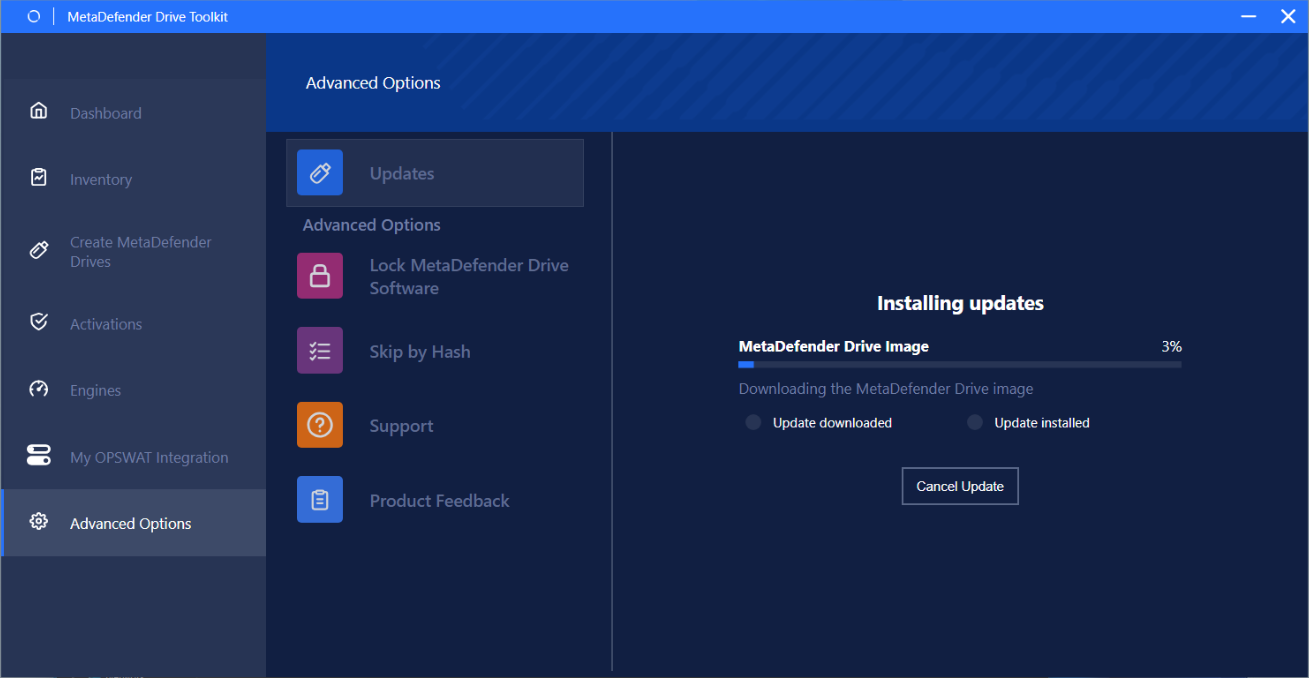
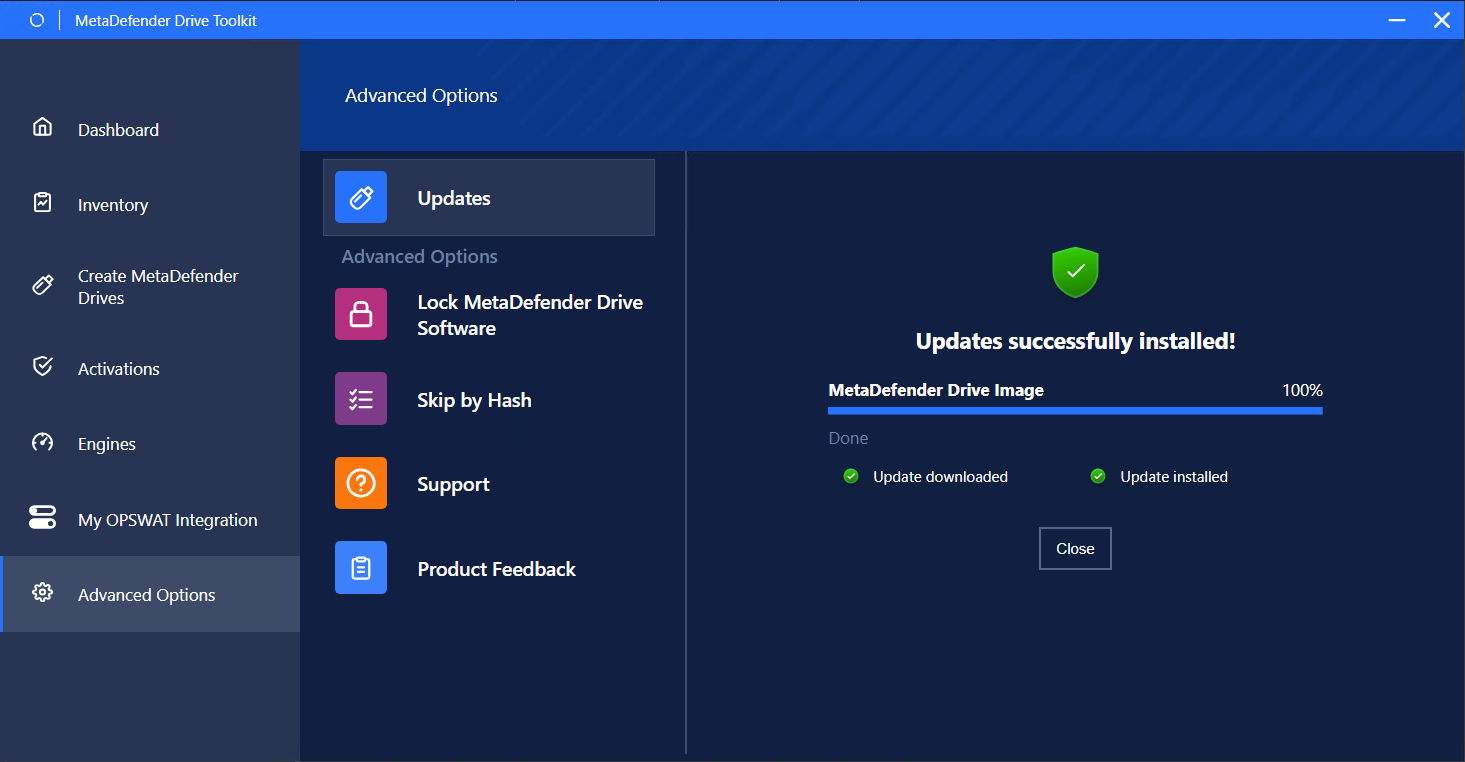
Then when Relaunching, it will next download the MetaDefender Drive Image
Was this page helpful?
Introduction