
Mostly, legacy devices are unable to boot directly from MetaDefender Drive. A workaround is built into MetaDefender Drive to enable users to boot from a file.
The following steps demonstrate how to boot MetaDefender Drive from a file. The screenshots might differ based on your device manufacturer:
Power on your device and enter the Boot Menu by repeatedly clicking the boot menu button. This button depends on your device manufacturer. Usually, it is F12 , F9 , F10 , or esc .
Select Enter Setup from Boot Manager
Select Boot From EFI File
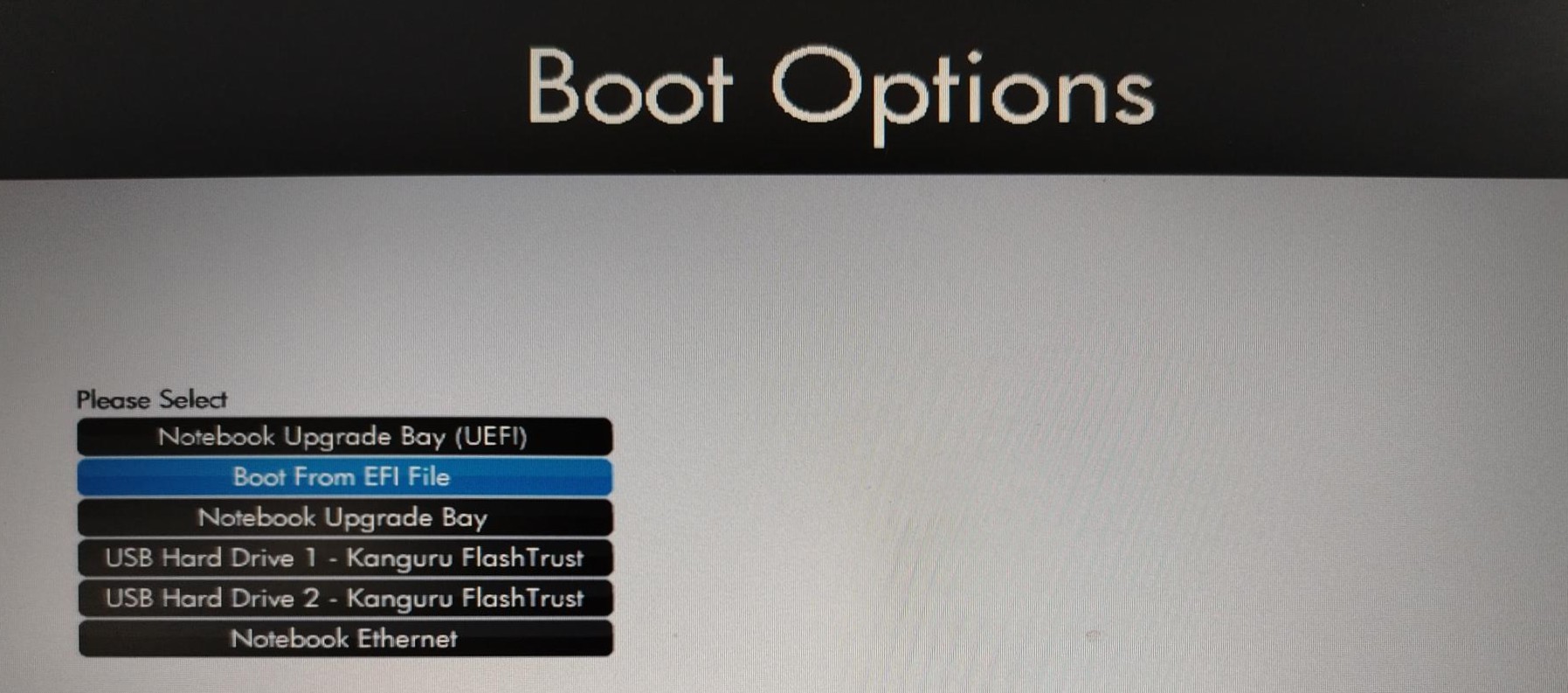
Locate the MetaDefender Drive file system and select it
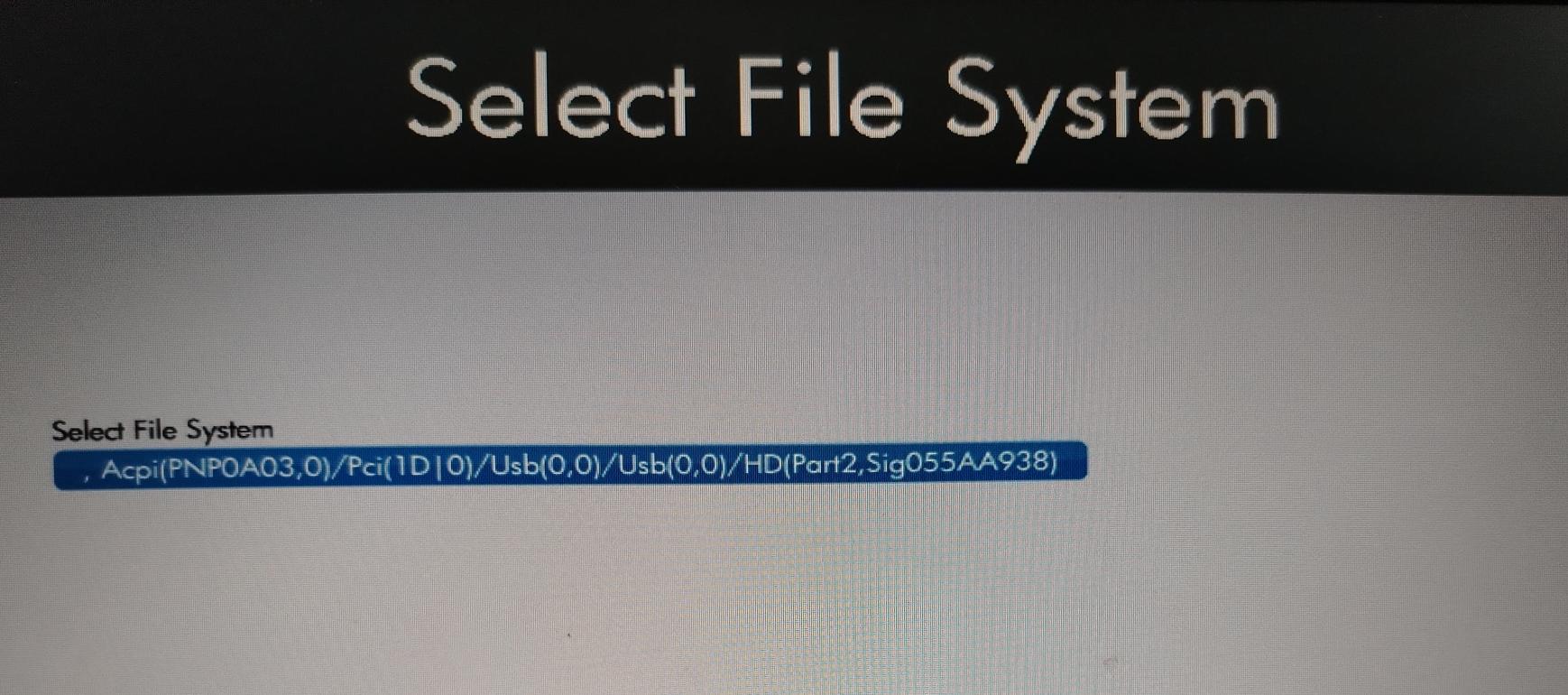
Select EFI
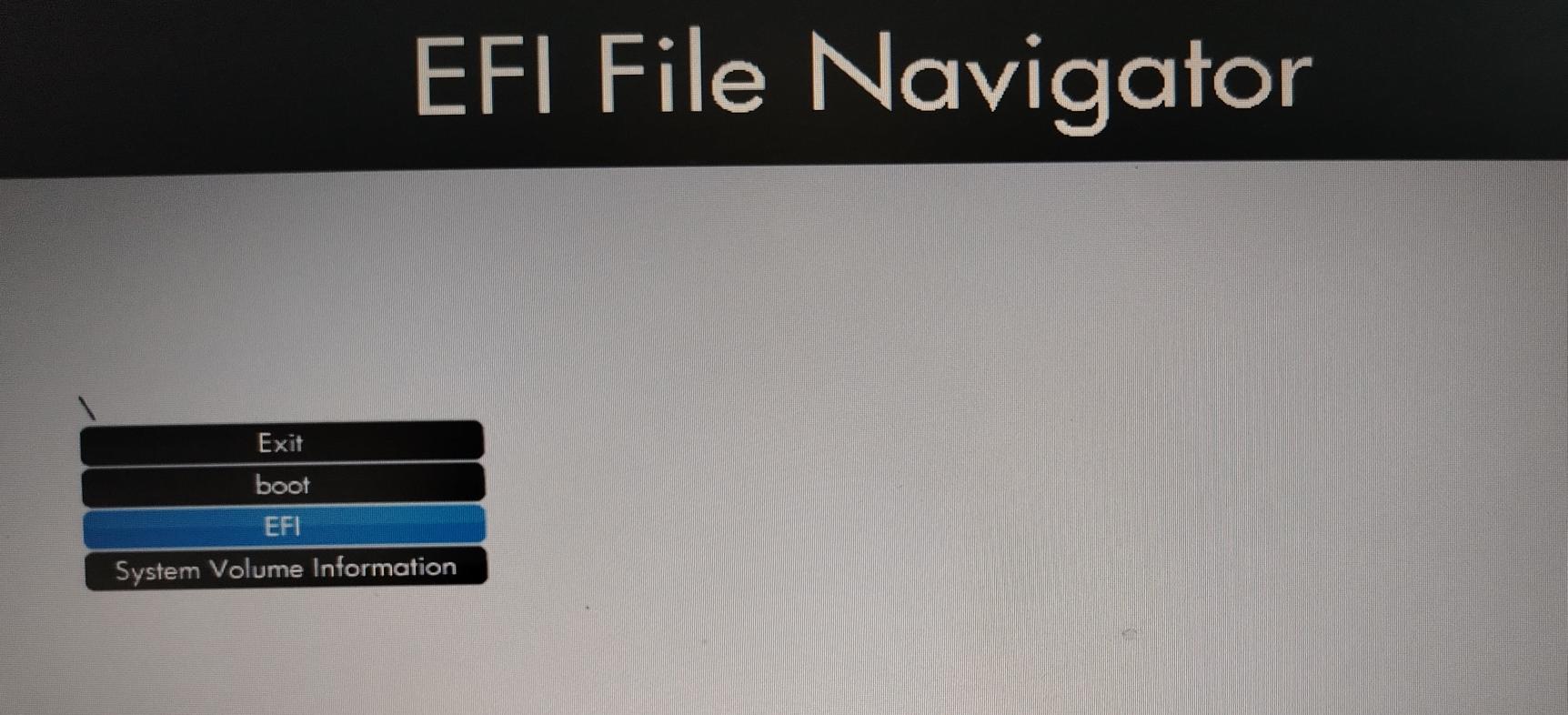
Select BOOT
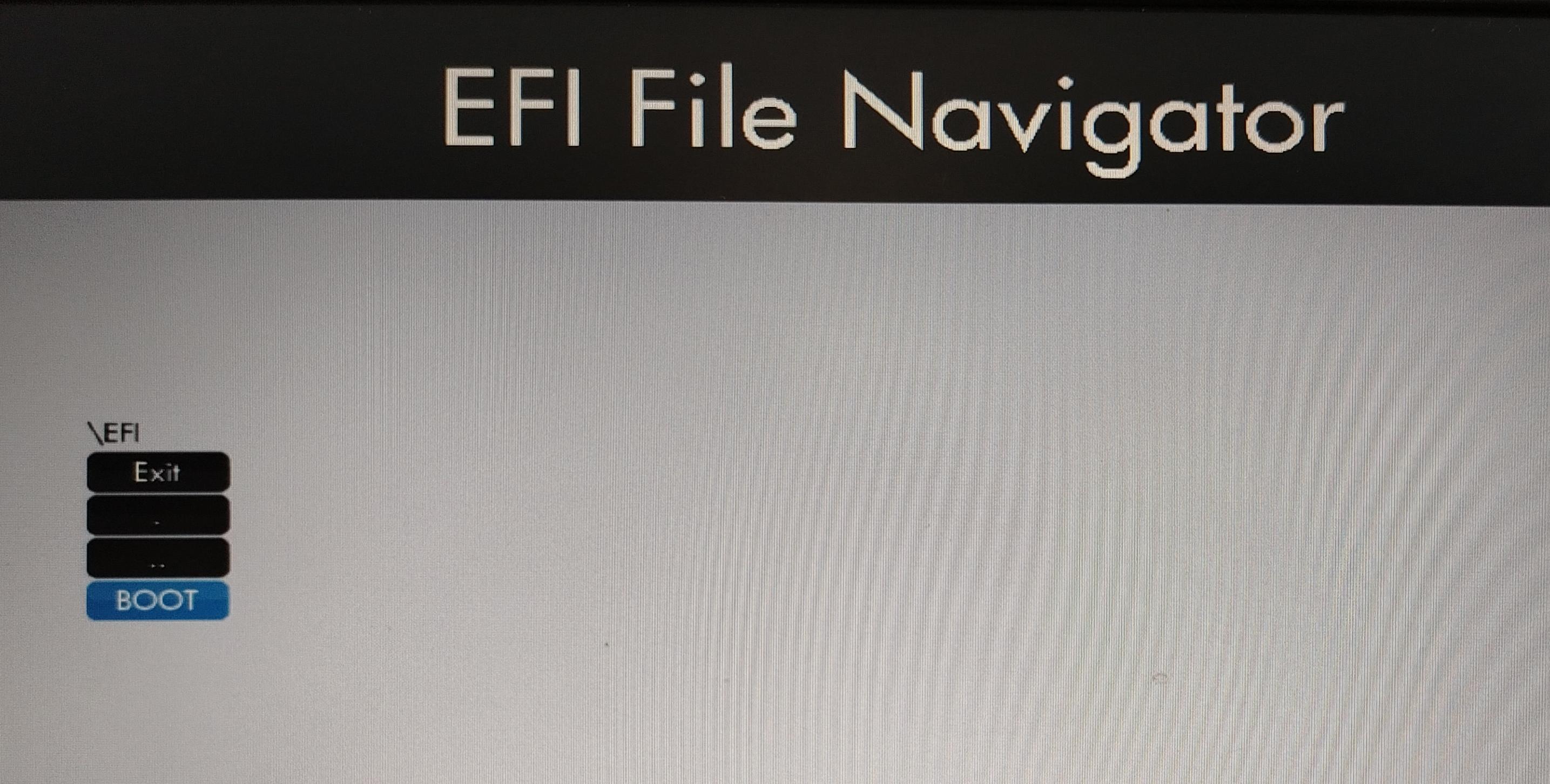
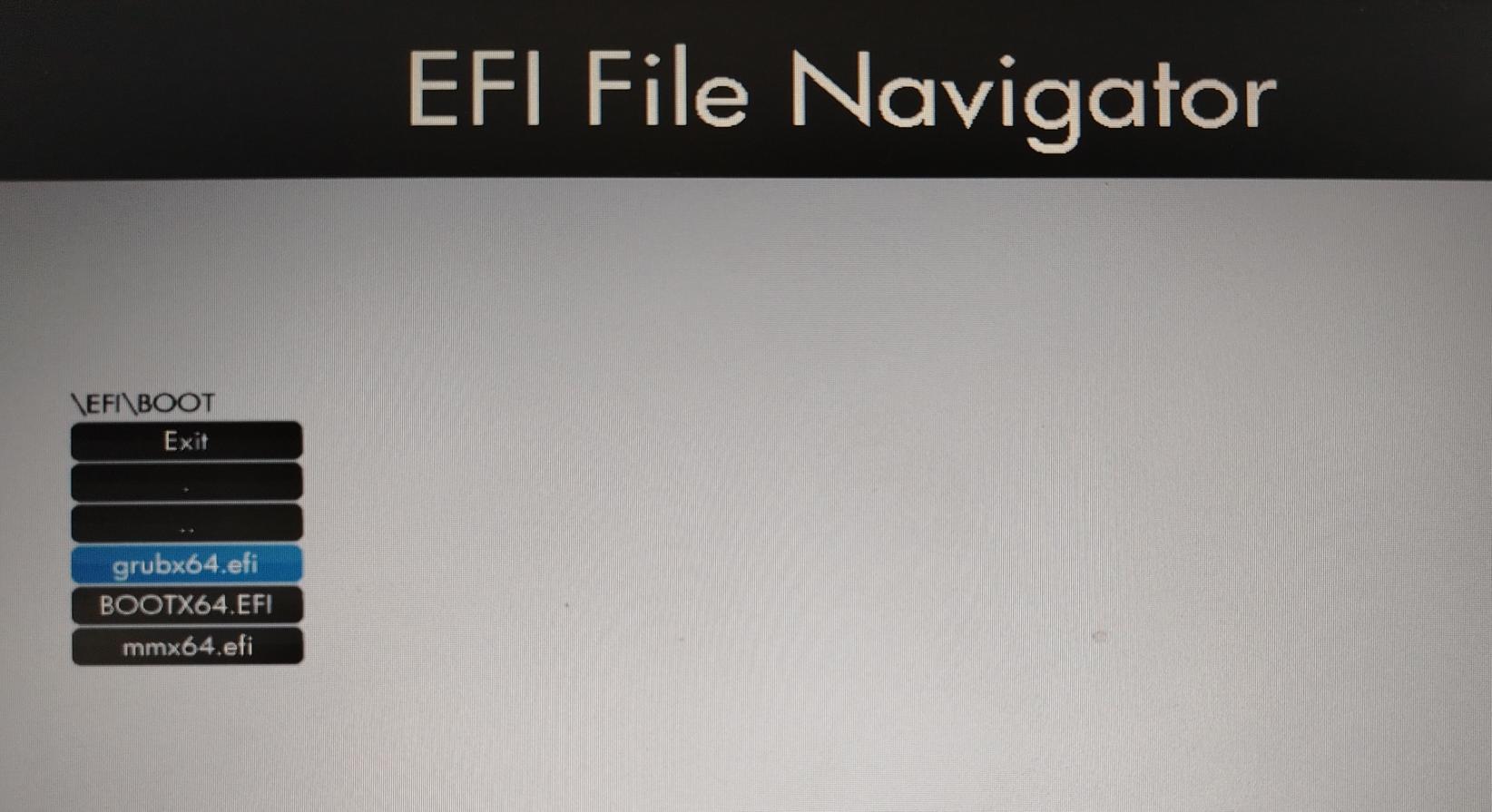
Select grubx64.efi, then wait for MetaDefender Drive to boot
.
Was this page helpful?
Advanced Usages