Maintenance
v4.3.5
Search this version
Maintenance
Maintenance
Title
Message
Create new category
What is the title of your new category?
Edit page index title
What is the title of the page index?
Edit category
What is the new title of your category?
Edit link
What is the new title and URL of your link?
Eject MetaDefender Drive
Copy Markdown
Open in ChatGPT
Open in Claude
To prevent data loss or potential damage, MetaDefender Drive must be safely ejected. Follow the steps below to ensure proper removal.
- Navigate to Create Multiple Drives page
- Click the Safe Removal icon next to the MetaDefender Drive you wish to remove.
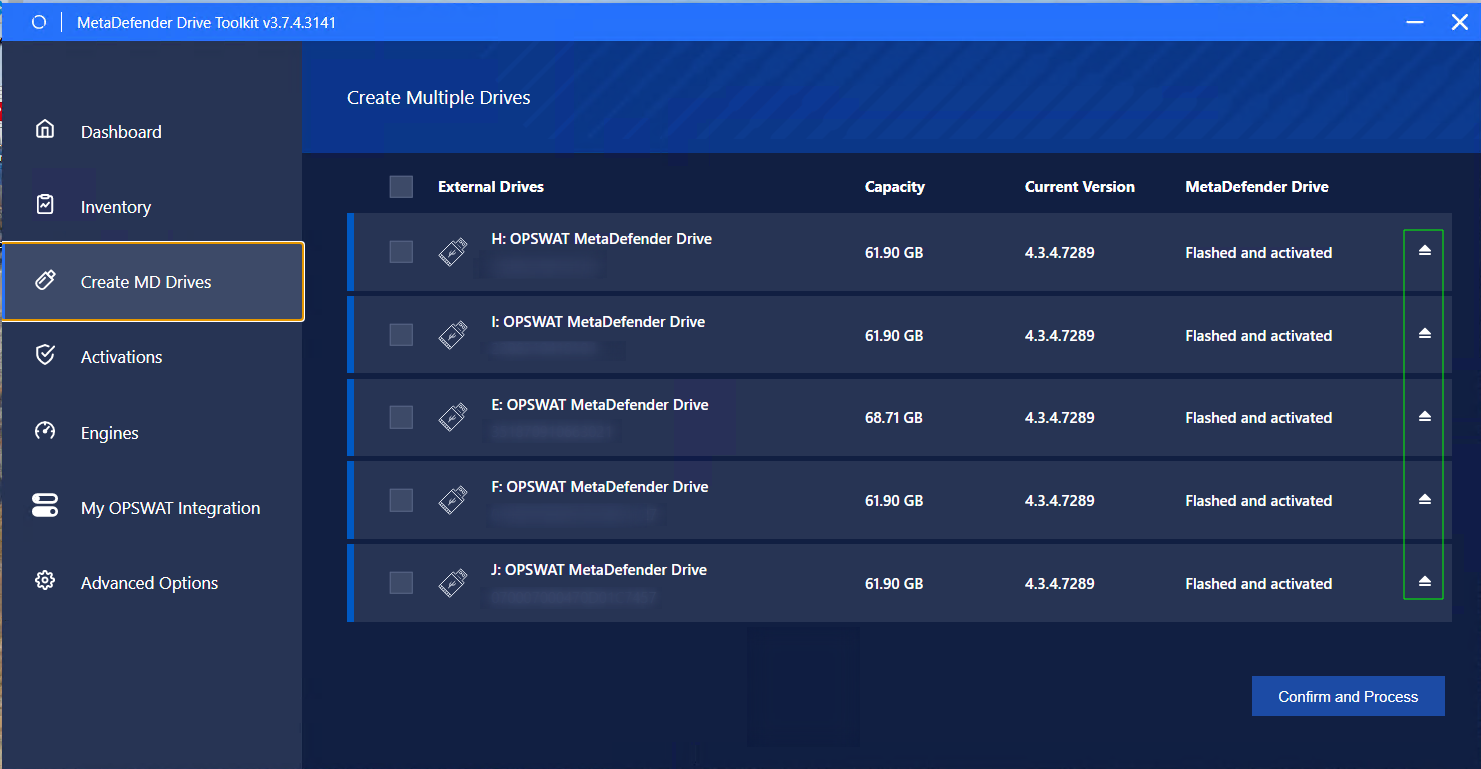
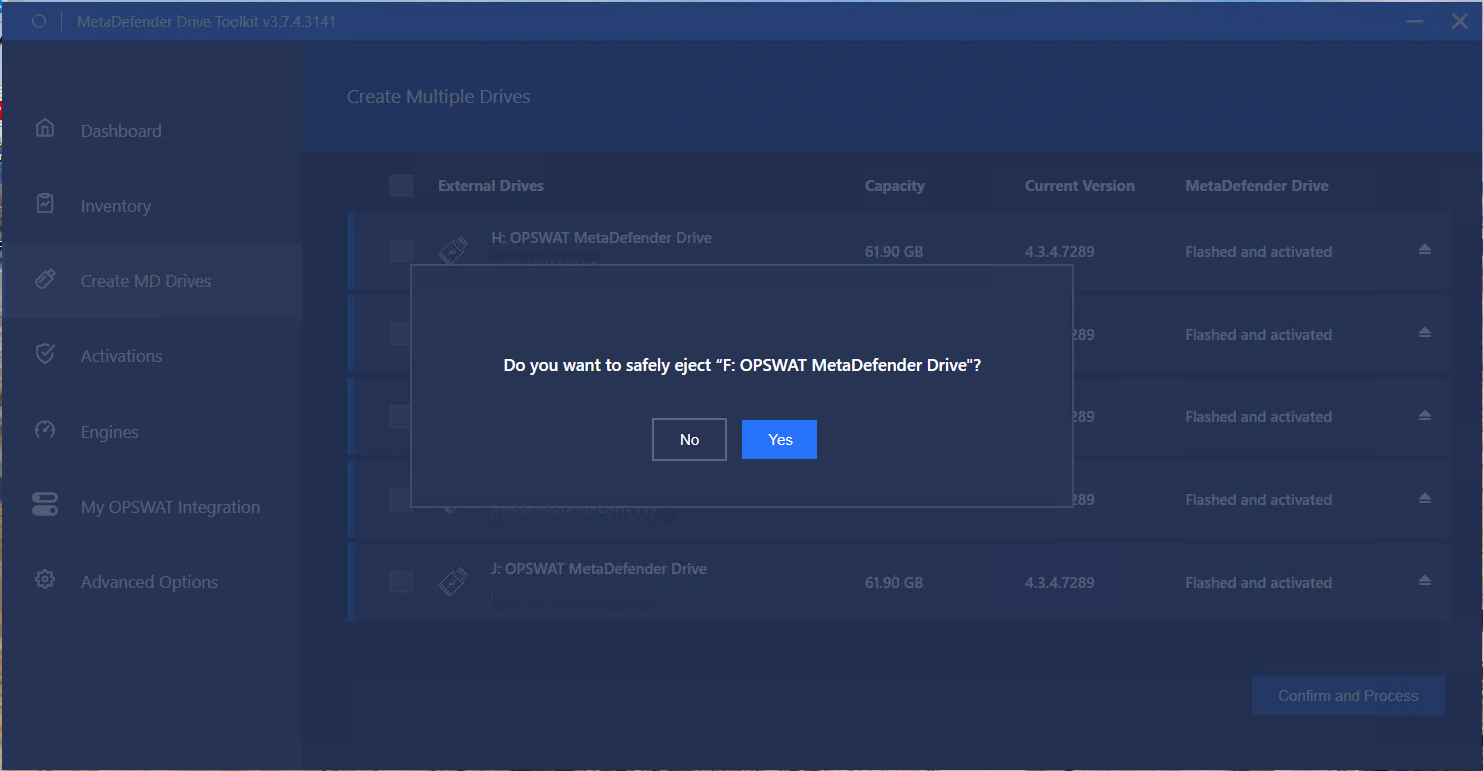
- Click Yes to safely eject the selected MetaDefender Drive.
- After a successful ejection, a confirmation prompt will be displayed.
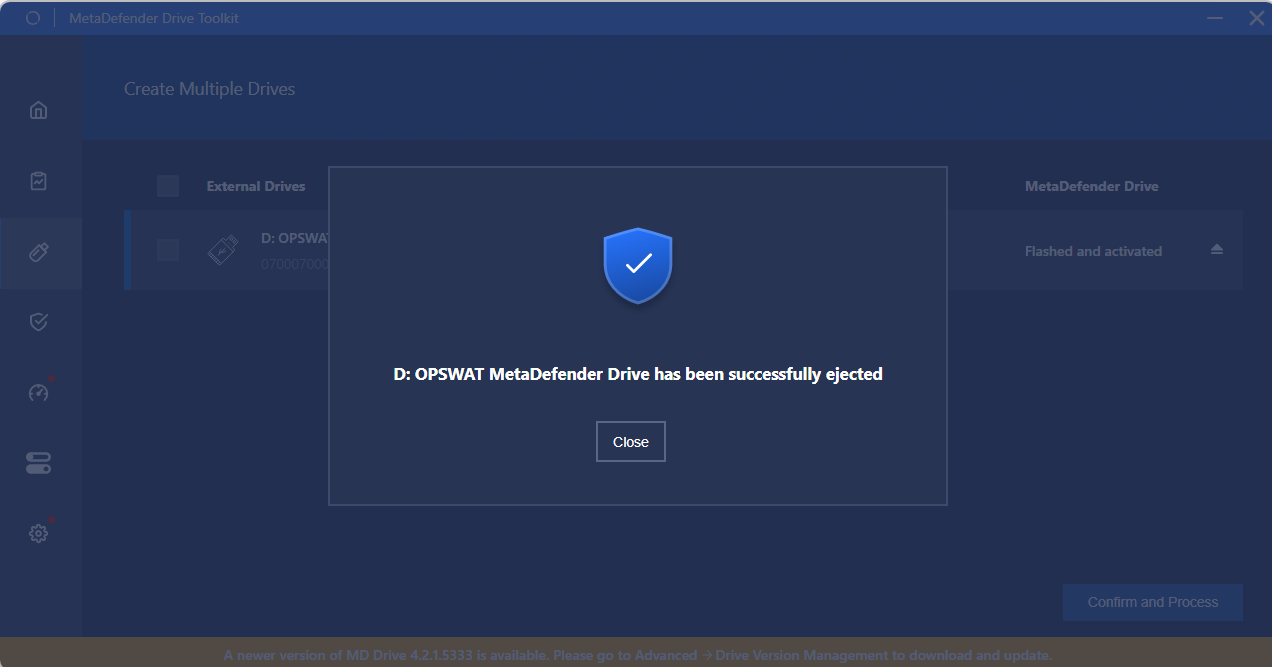
Confirmation after ejecting a MetaDefender Drive
Type to search, ESC to discard
Last updated on
Was this page helpful?
Next to read:
MetaDefender Update DownloaderDiscard Changes
Do you want to discard your current changes and overwrite with the template?
Archive Synced Block
Message
Create new Template
What is this template's title?
Delete Template
Message
