
After the MD Drive Toolkit is initialized, the MD Drive image must be updated to the latest version.
Click the gear icon on the left panel. Navigate to MD Drive Version Management → Update to Latest Version. The image will begin downloading automatically.
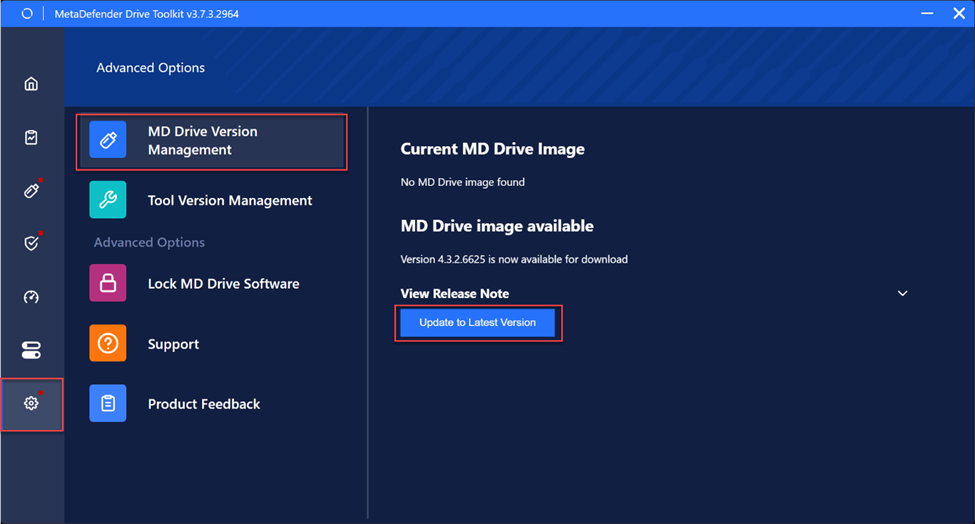
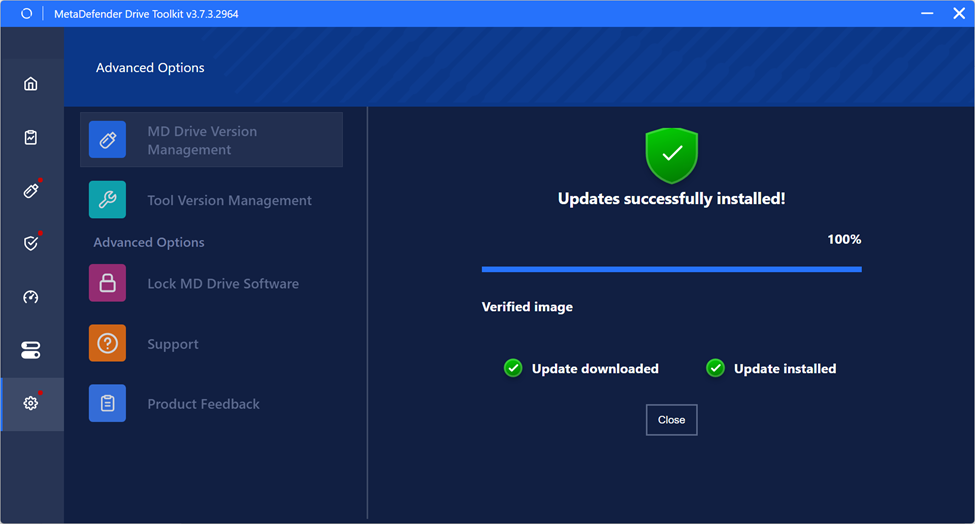
Wait until the download process is complete.
Support:
If Further Assistance is required, please proceed to log a support case or chatting with our support engineer.
Was this page helpful?
Troubleshooting