Process
v3.14.0
Search this version
Process
Process
Title
Message
Create new category
What is the title of your new category?
Edit page index title
What is the title of the page index?
Edit category
What is the new title of your category?
Edit link
What is the new title and URL of your link?
Transfer Clean Data to External USB Storages
Copy Markdown
Open in ChatGPT
Open in Claude
Transferring Clean Files to External USB Storage
Simply click Transfer to Drive and follow the on-screen guidelines to plug in an external USB disk and copy your files over.
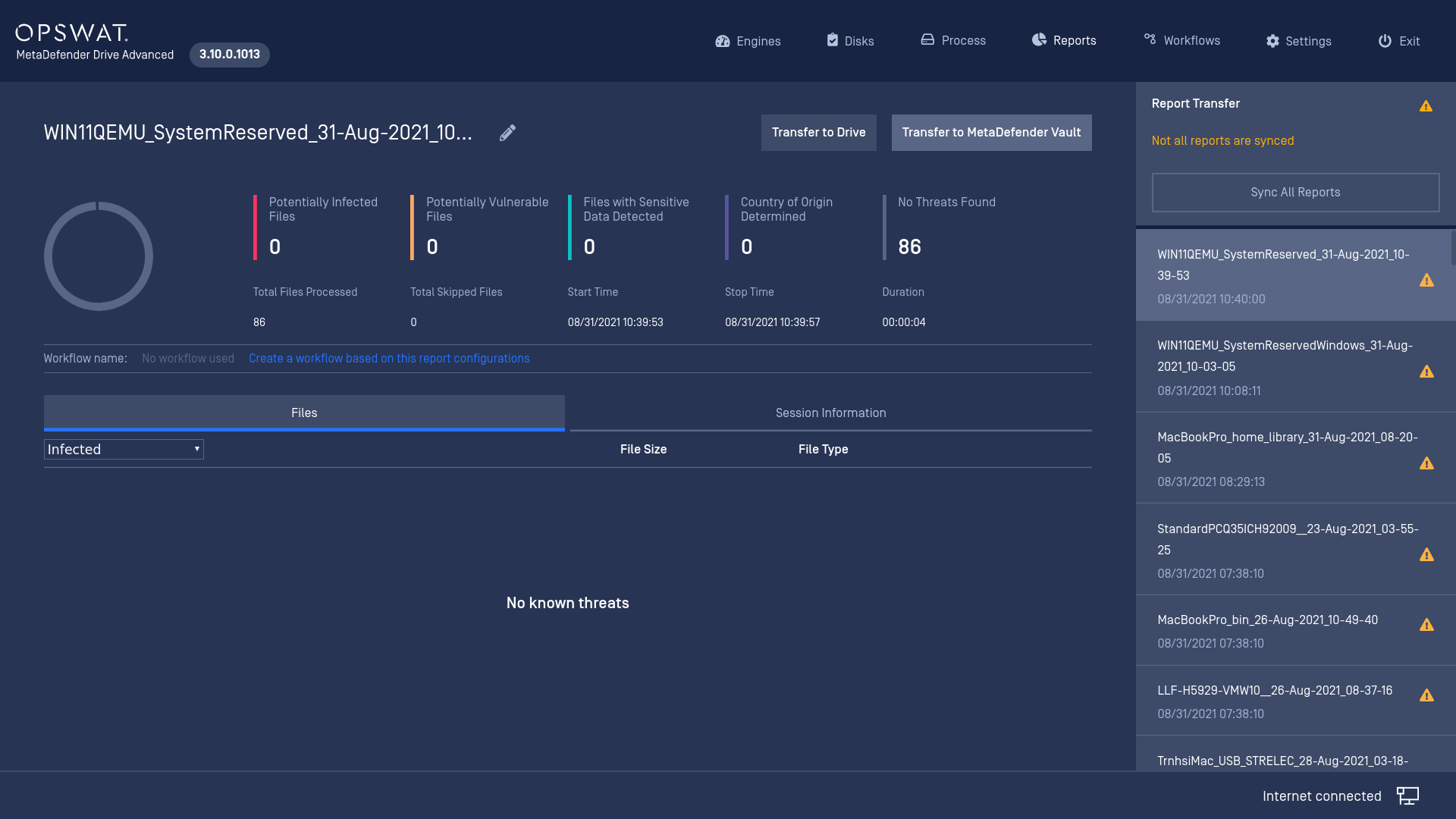
We only support unecnrypted destination drives formatted in FAT, exFAT, NTFS, ext2, ext3, ext4.
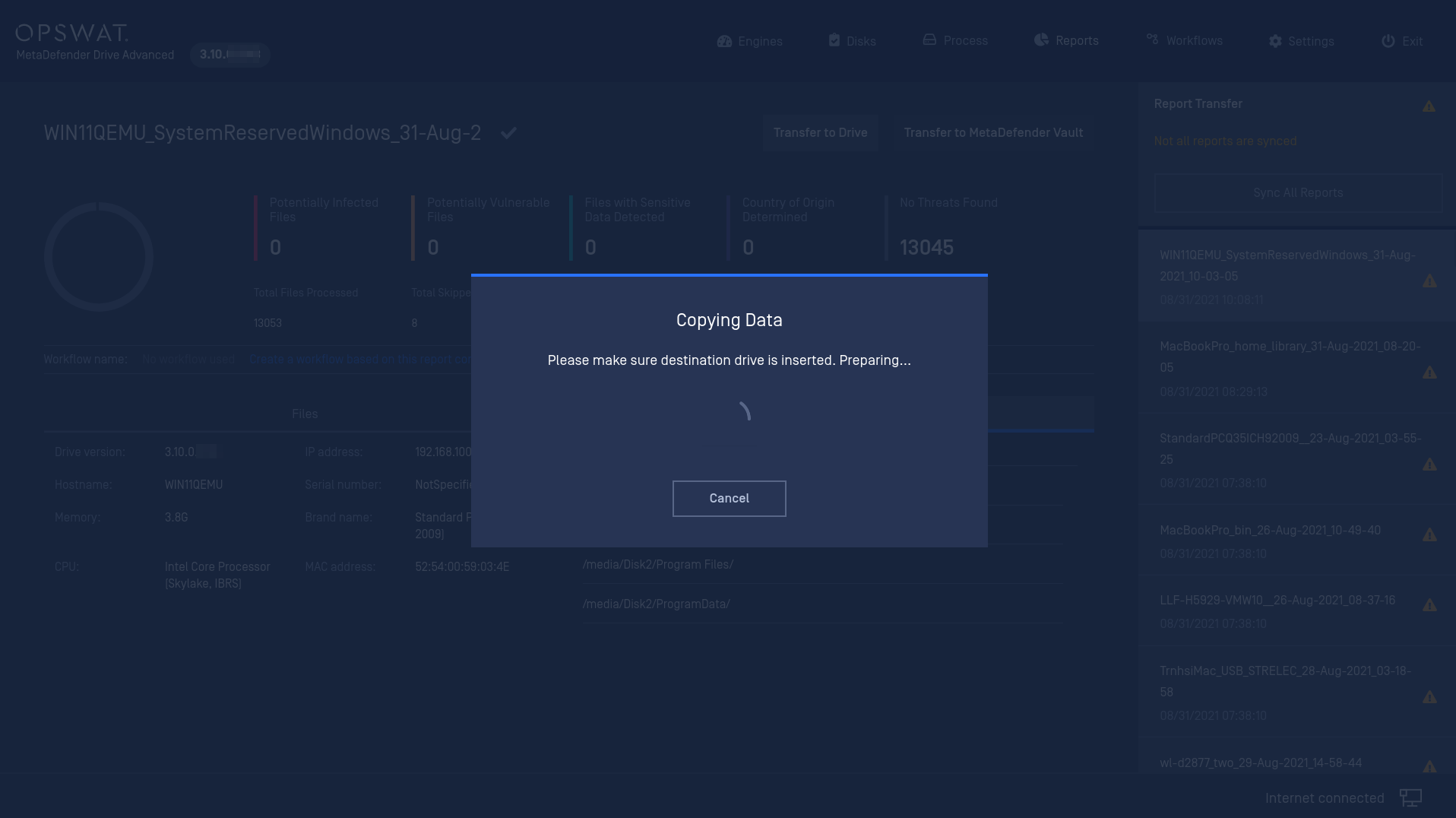
Click the Transfer to Drive button and plug an external USB stick when prompted.
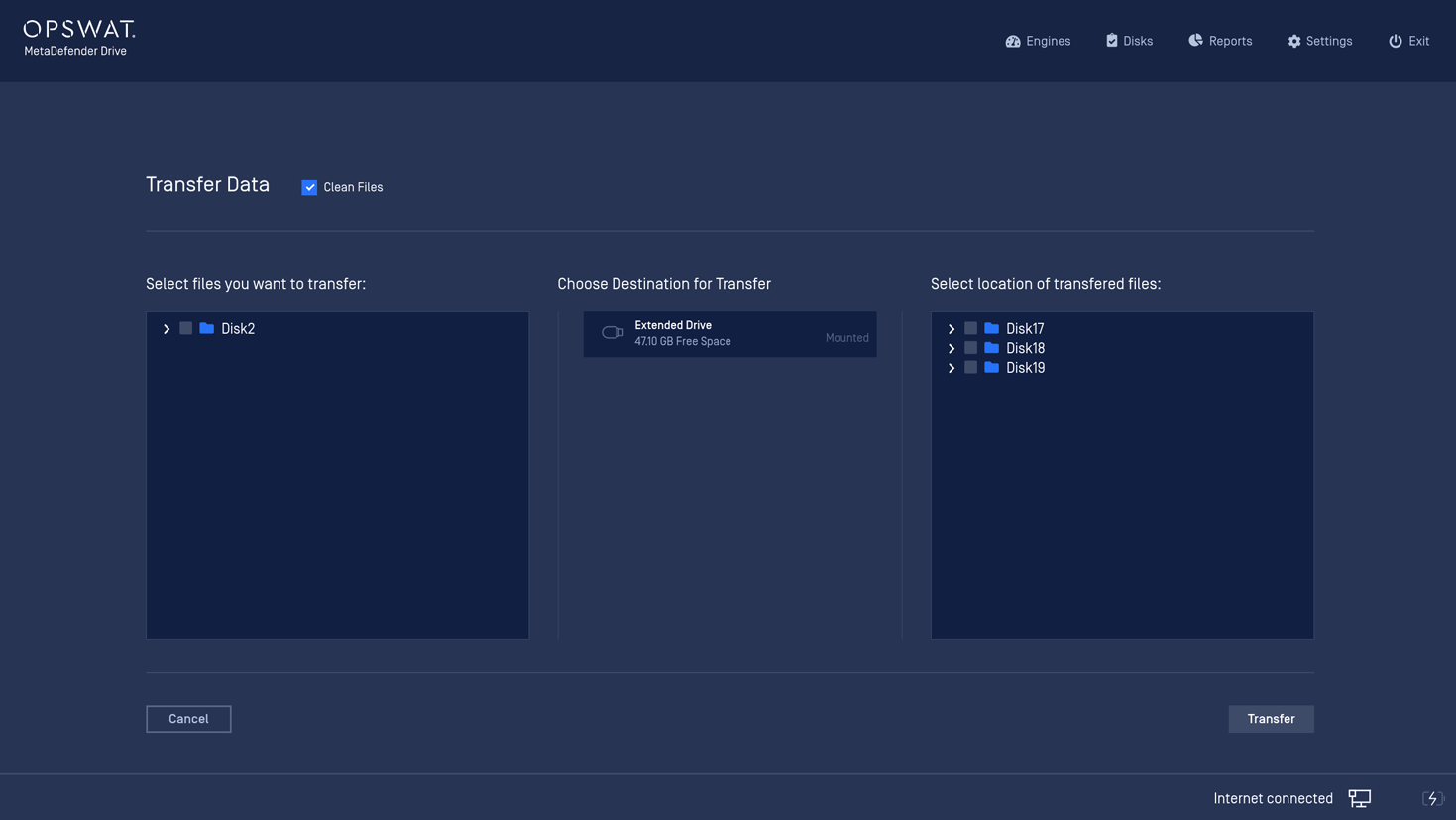
Select files and destination to transfer your clean data.
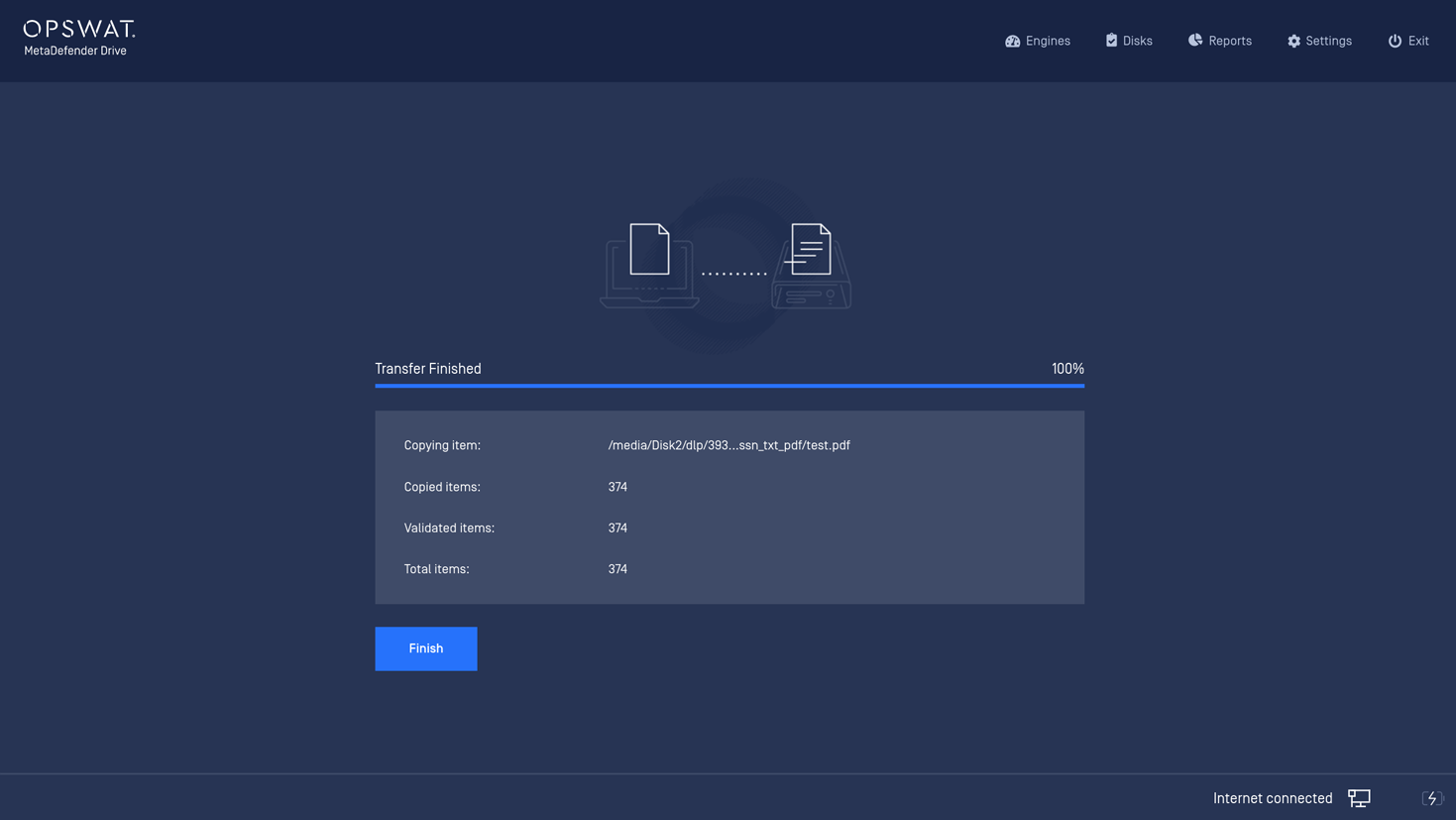
Transferring completes. You can safely unplug your external USB and bring it to another computer to retrieve your clean data.
Type to search, ESC to discard
Last updated on
Was this page helpful?
Next to read:
Transfer Clean Data to MetaDefender VaultsDiscard Changes
Do you want to discard your current changes and overwrite with the template?
Archive Synced Block
Message
Create new Template
What is this template's title?
Delete Template
Message
