This feature is only available since Update Downloader 2.5.0
We do not recommend to create post action and assign it to a product when:
Update Downloader shares an export folder with any MetaDefender Core, and
In Update Settings of that MetaDefender Core, the setting DELETE FILES AFTER IMPORT is enabled.
Reason: the packages in shared folder might be removed by MetaDefender Core first before the post action takes action on those packages.
Pre-defined post actions to be auto triggered whenever a downloaded engine, or its database, turns to ready state to deliver to your all associated offline MetaDefender product(s).
This feature setting can be found under Inventory menu → Post Actions
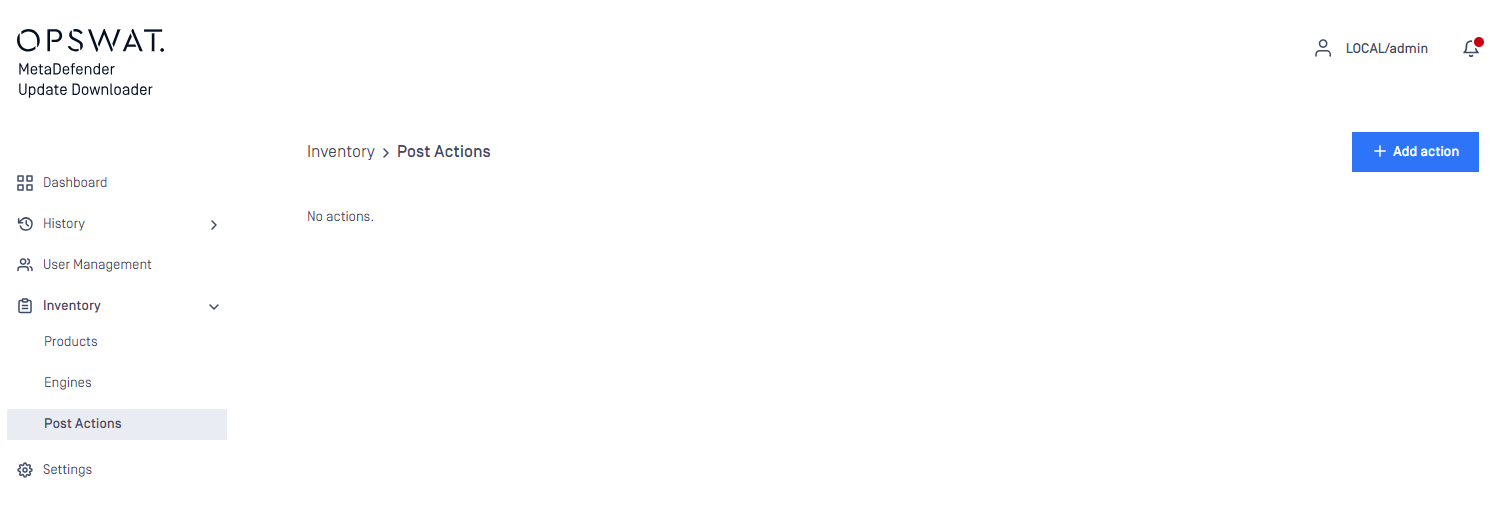
Hit ADD NEW POST ACTION to add a new one
One post action could be assigned to one or multiple created product(s) - Check 4.2.2 Products to learn how to create a product on Update Downloader
One created product can have one or multiple post action(s) assigned to run
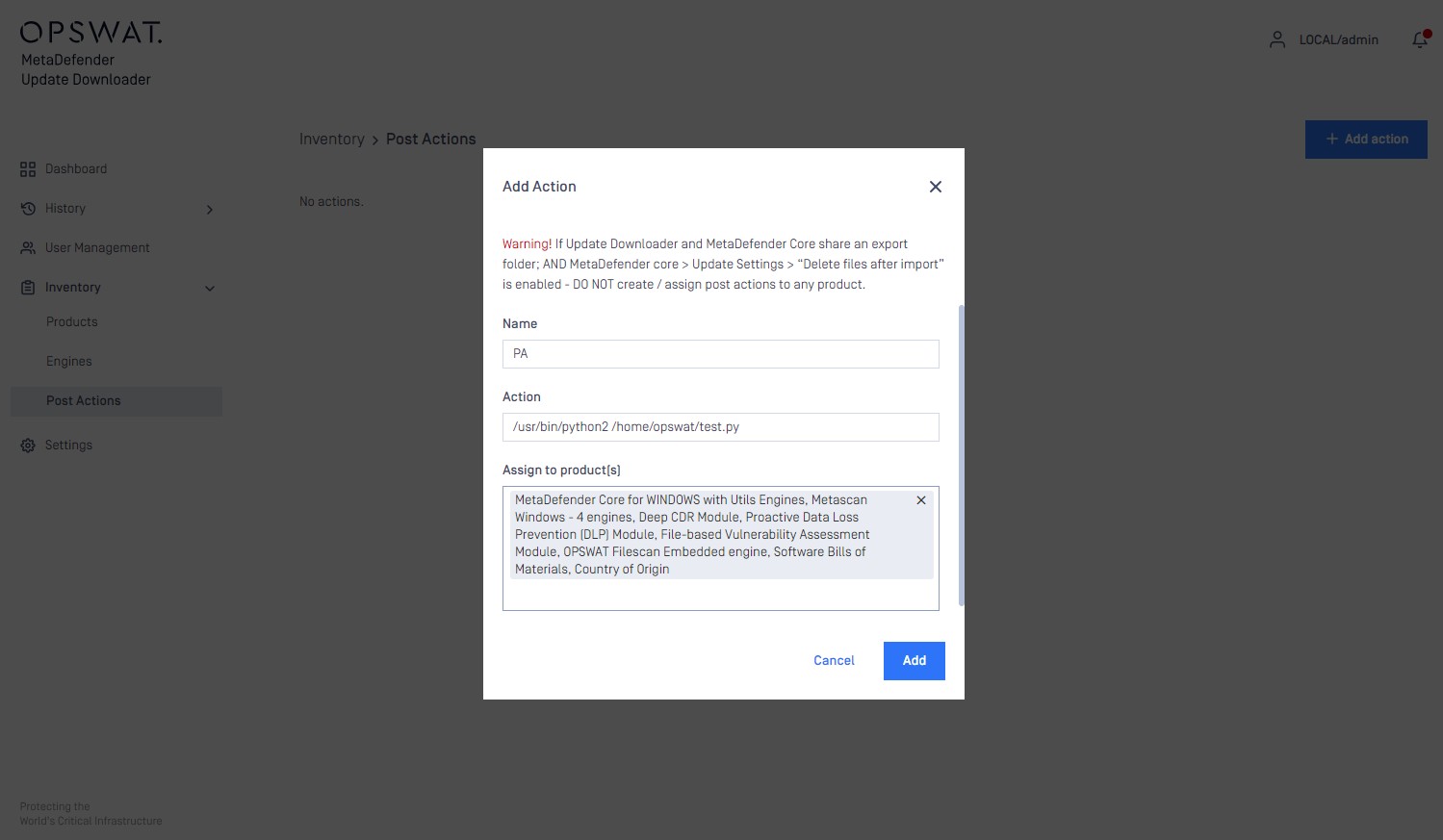
Hit ADD button to finish.
Integration instruction
STD input for your integrated script to consume and process:
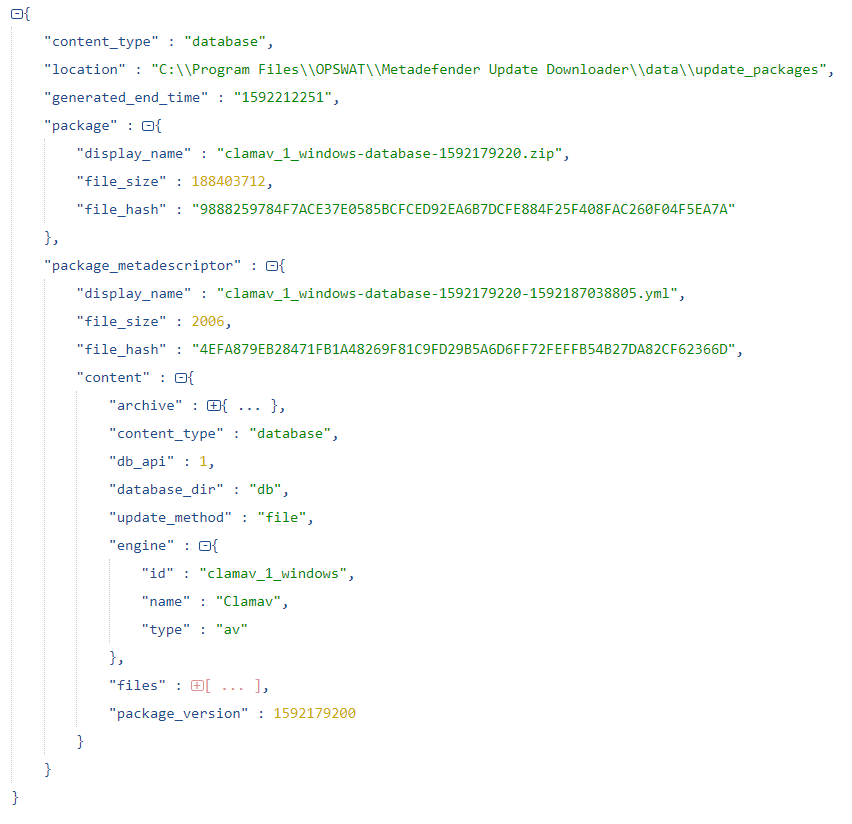
ORIGINAL file size and hash of .zip file are defined in the master .yml file "\data\updates\metadescriptor".
For example: