
Metadefender Update Downloader provides a Web-based user interface (default port is 8028) that gives a general overview of Update Downloader status and allows you to configure its options.
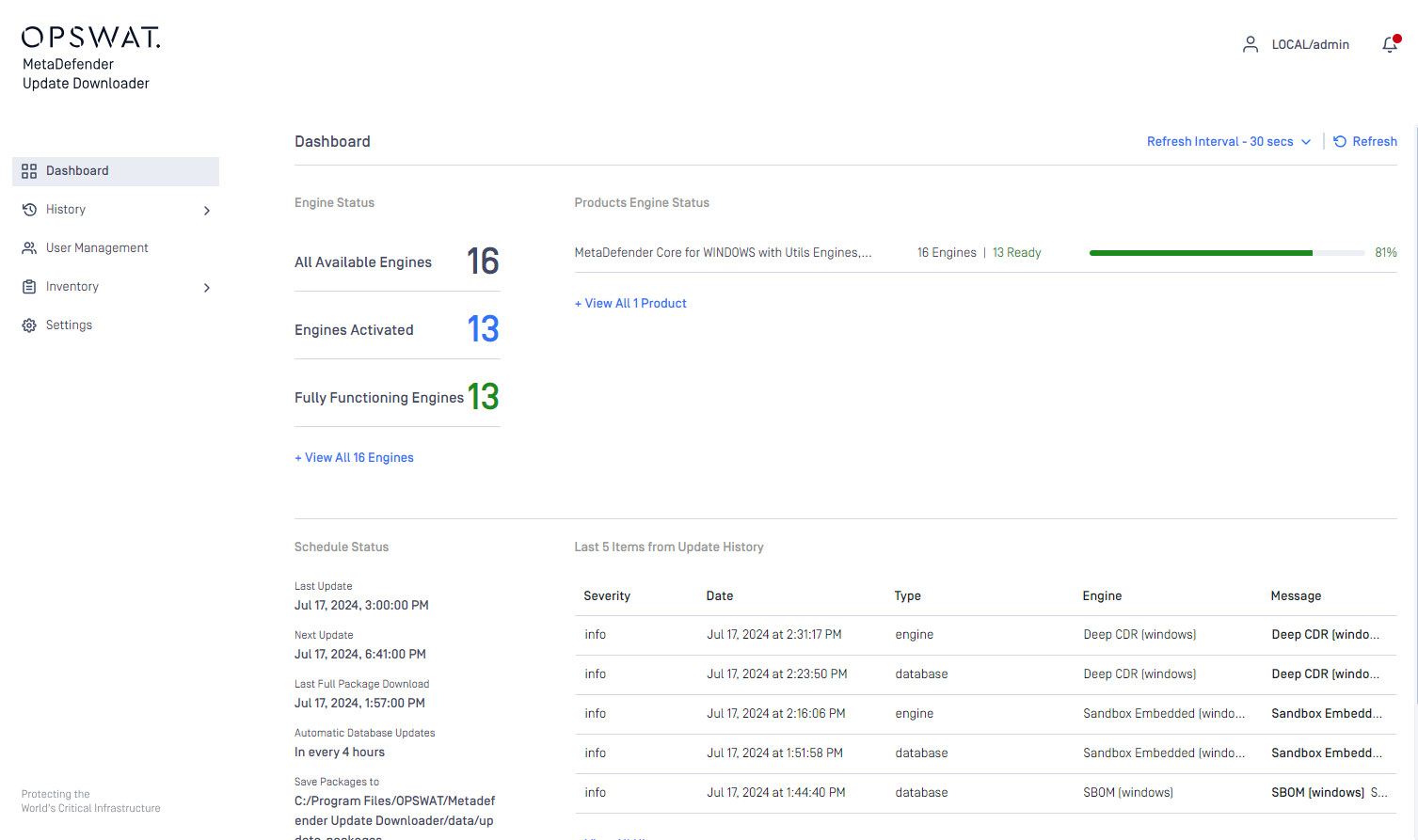
Dashboard overview
Overview page
The Overview page shows information on
Number of engines
Number of selected engines
Update status
Licence information
Active engines with platform, version and database information
Recent records from update history
Both the default refresh rate and the span of time displayed (24 hours) can be changed.
Update history
The Update history shows information on every update package related event.
On the Update history page you can also search for engine name, package type or message content. Also you can filter the list for severity.
Was this page helpful?
Operating