
Update settings are accessible under Settings > Module Update after successful login.
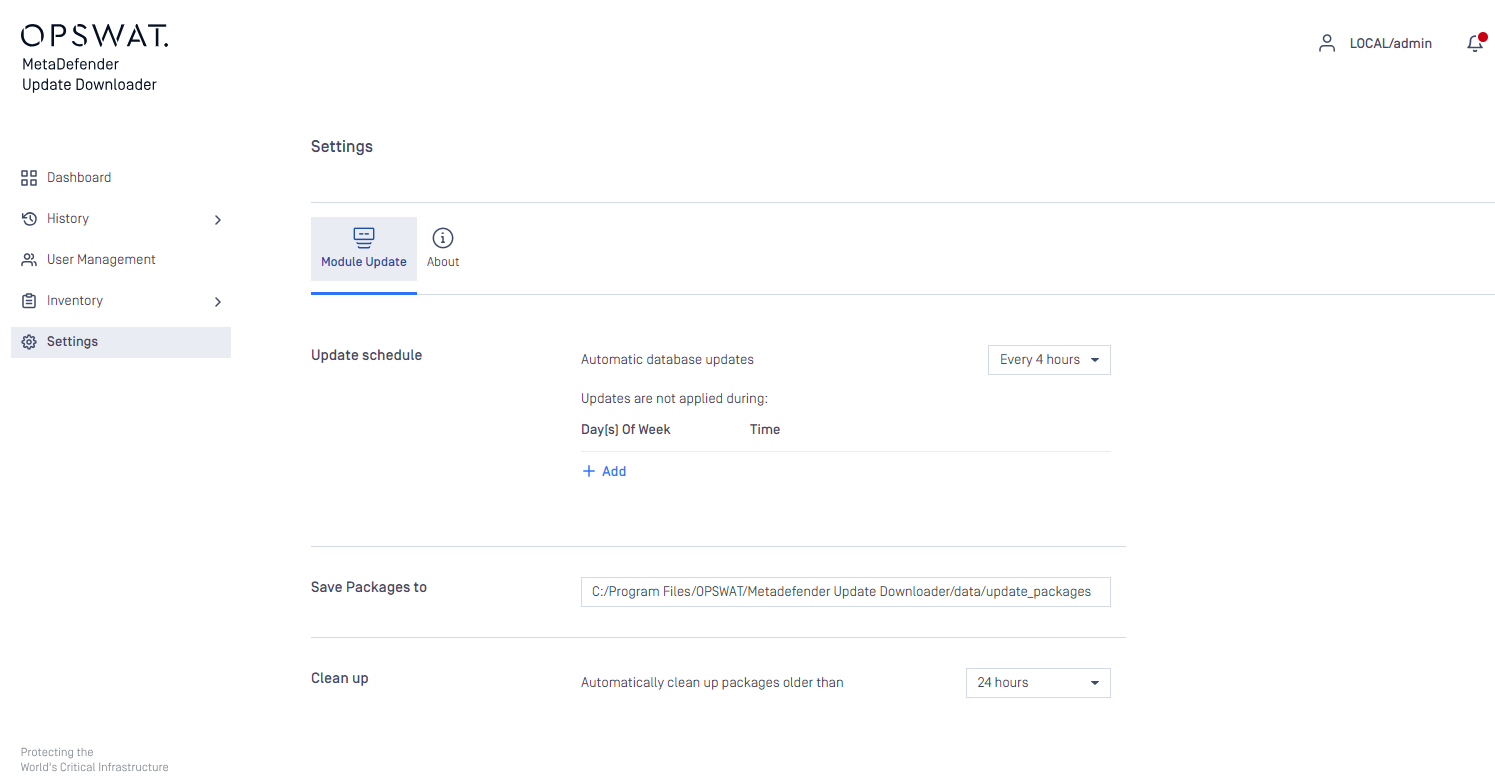
Update settings
Automatic database updates: Update Downloader will check for new updates according to this schedule.
If you have installed or if you wish to use the MetaDefender Update Downloader in a restricted environment, you will have to allow access to the following hosts' for engines / databases download:
Note:
IP address-based whitelisting on your firewall might probably fail after some time since OPSWAT uses CDN (Content Delivery Network) to faster delivery updates over the world, and IP address of edge servers might change over time.
Even the OPSWAT update servers host updates for all of the available engines we support, sometimes the custom engines might try to connect to their own cloud for updates, but this can be disabled in firewall and they will be updated just from OPSWAT.
Save packages to: You can find exported update packages in this directory. For Metascan v4.x/Central Management you can find updates in the root of this directory. For Metascan v3.x updates are generated into a subdirectory called MetascanV3
Automatically clean up packages older than: Product will clean up target directory regularly and delete packages older than the specified age.
Generate packages for: Metascan v3 and v4 use different format of update packages. To save your system resources you can control what packages need to be generated. Central Management uses Metascan v4+ packages even the managed products under Central Management are v3.
Update time: configure when NOT to export packages.