
Warning
Please, notice that the process to update from 1.7.X to 2.3.0 is different than the normal process explained in this section. Please, refer to support in order to update to version 2.3.0.
Info
A security dongle must be inserted in the server that you want to change, RED or BLUE.
You can easily update the software from the management UI.
Login using right credentials in the management UI
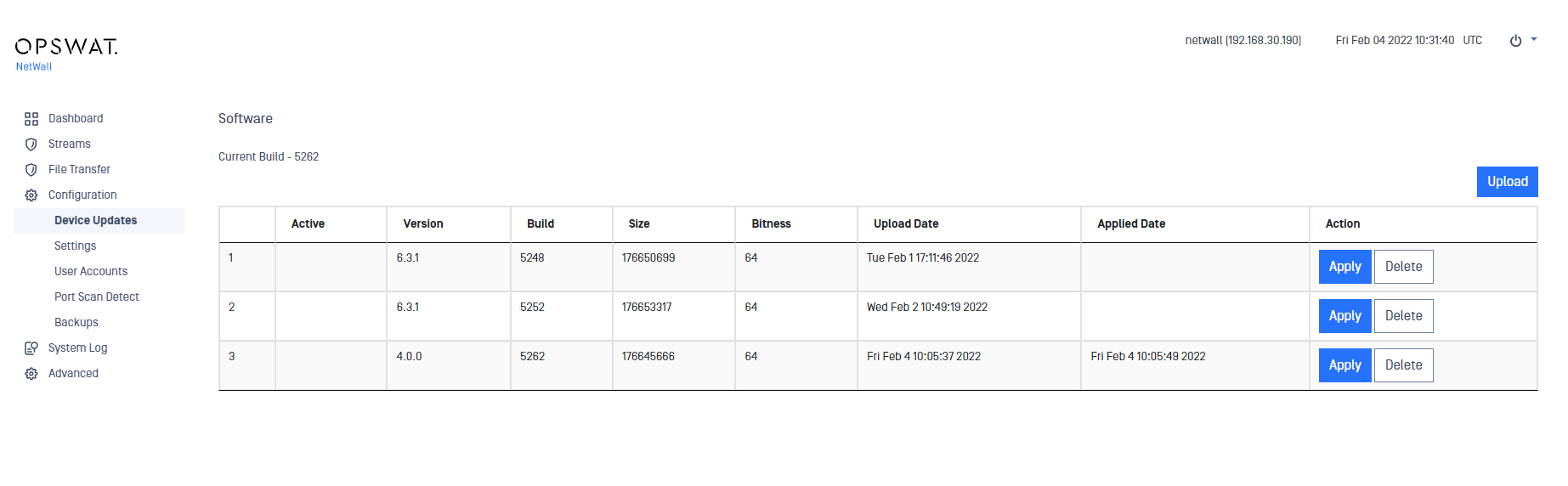
Go to Configuration-> Device Updates
Click on Upload button
Select a valid personality and click on Upload Package
Then click on Apply button, the system needs to reboot to apply the personality, continue by clicking on Apply and Reboot
Was this page helpful?
Configuration