
Introduction
Access the MetaDefender Core management console for the first time (i.e. http://localhost:8008), you are to complete a quick walkthrough for wizard setup in order to be able to use the product.
The administrative management console will be available only upon you have successfully finished this wizard stage.

This wizard may transfer sensitive information over an unencrypted connection. Always use this wizard on a secure, closed network or localhost, and with care.
Basic configuration steps
End-User License Agreement
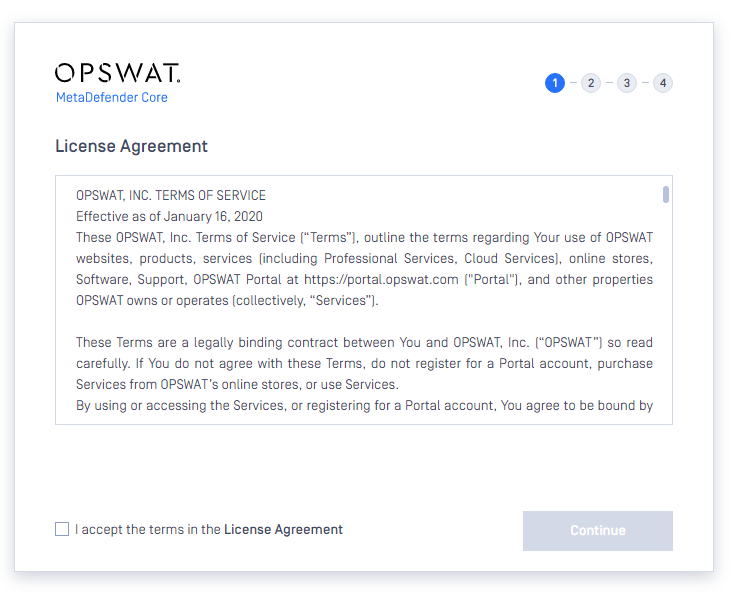
In the first page you can find the End-User License Agreement. You have to accept the terms before moving on.
Please read through the EULA (https://docs.opswat.com/policies/privacy-policy/portal-privacy-policy) carefully and if you agree with it, check I accept the terms in the **License Agreement** and click Continue to proceed.
Local Admin User Setup
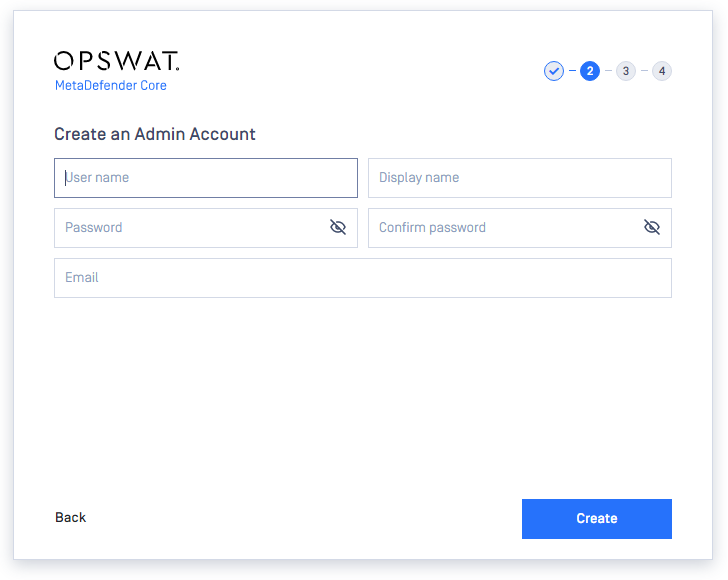
The next step is to set up a default local administrator account.
This account will be the first one being able to access the administrative management console, and to create accounts for other users. You have to fill out all fields in this page to be able to move forward. When you are done, click NEXT to continue.
The administrator account, that is created via the basic configuration wizard, is always added to the LOCAL user directory as a member.
Learn more about user directory: User directories
The following information is required for the administrator account:
ACCOUNT NAME | The unique name of the account that is used at the time of login and in log messages for accountability. |
|---|---|
ACCOUNT DISPLAY NAME | Name of the person bound to this account. This name (appended to the name of the account's user directory) is displayed in the top right corner of the administrative management console. |
PASSWORD | Password of the user bound to this account that is used at the time of login. Passwords sent clear-text As long as TLS is not configured for the basic configuration wizard, passwords are sent clear-text over the network and may be disclosed to unauthorized parties. As a mitigation action:
|
Email address of the person bound to this account. |
License activation
For license activation details see License Activation
Data Reporting
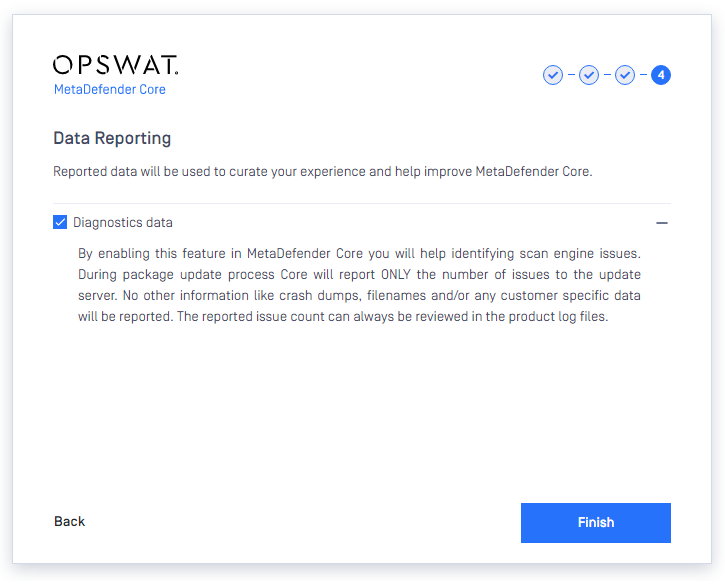
Enabling this option to allow MetaDefender Core collect its own engine issues and report back to OPSWAT for further analysis.
MetaDefender will not collect any other information.
Wizard completion
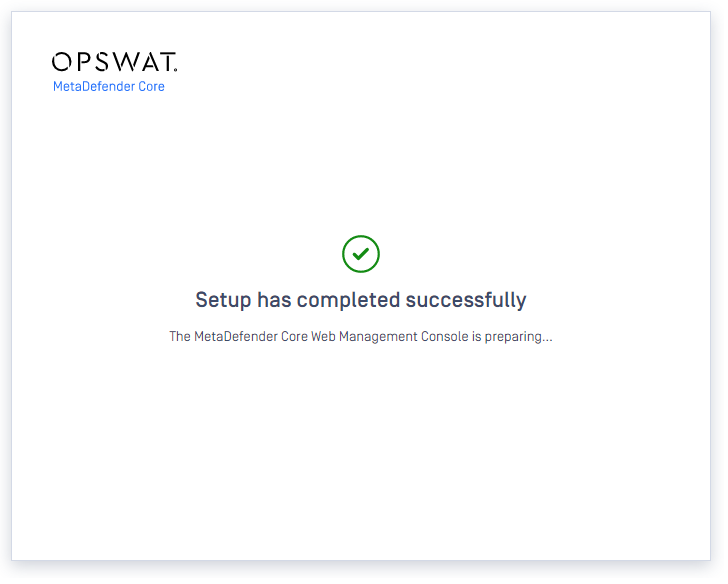
After you have completed every steps you are ready to finish the wizard and start using the product. Click the Fishish button to complete the wizard.
The product's service will be restarted and the browser will be redirected to the administrative management console. This could take several seconds.
You can login to the Web Management Console with the administrator user that have just been created in the previous steps.
Setup HTTPS
Transport Layer Security (TLS) is a cryptographic protocol that provides communications security over a computer network. Websites, like the Web Management Console, are able to use TLS to secure all communications between their servers and web browsers.
The TLS protocol aims primarily to provide confidentiality (privacy) and data integrity between two communicating computer applications.
No TLS for the wizard
By default, TLS is not enabled for the basic configuration wizard. As a consequence sessions between the wizard's backend and the browser may be insecure.
Performing the same steps as for the Web Management Console, it is possible to set up TLS for the basic configuration wizard. Remember completing the TLS setup before launching the wizard.
For instructions to set up TLS see Enabling HTTPS