
Clean up settings are accessible under Settings > Data retention after successful login.
Info
Data marked as deleted in the MetaDefender Core database still occupies the data storage, and shall be targetted for the data retention.
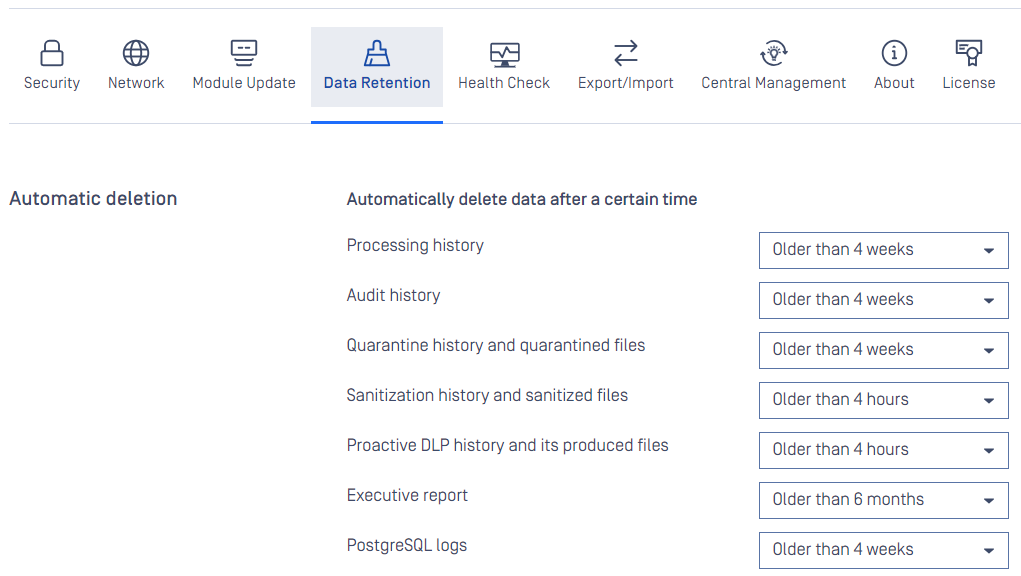
Stored scan results, quarantined files, audit log, statistics records and sanitized files that are older than the value set on this page, are permanently deleted from the server. In case you do not want to enable automatic clean up, set the value to off. This will prevent automatic removal of the scan history.
Warning
Setting the clean up value to off can have performance penalty.
Was this page helpful?
Configuration