
Check Your Version:
This article applies to MetaDefender Core releases 5.20+ deployed on Windows and Linux systems.
Overview
This article explains how to check the currently installed MetaDefender Core version from the product interface. Use this information to confirm whether your deployment matches the version covered by documentation, troubleshoot support issues, or verify that an upgrade completed successfully.
Steps
Click on the Question Mark Icon on the top right of the screen
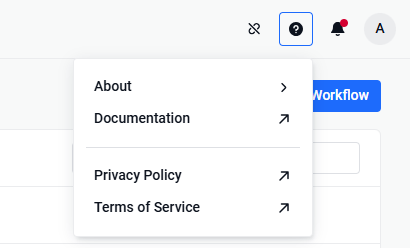
Click “About” to view the current version
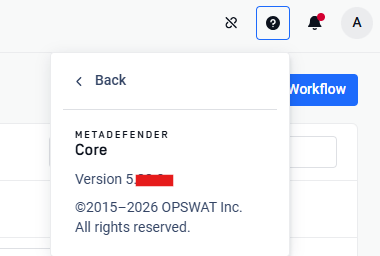
Support:
If Further Assistance is required, please proceed to log a support case or chatting with our support engineer.
Was this page helpful?
Knowledge Base