
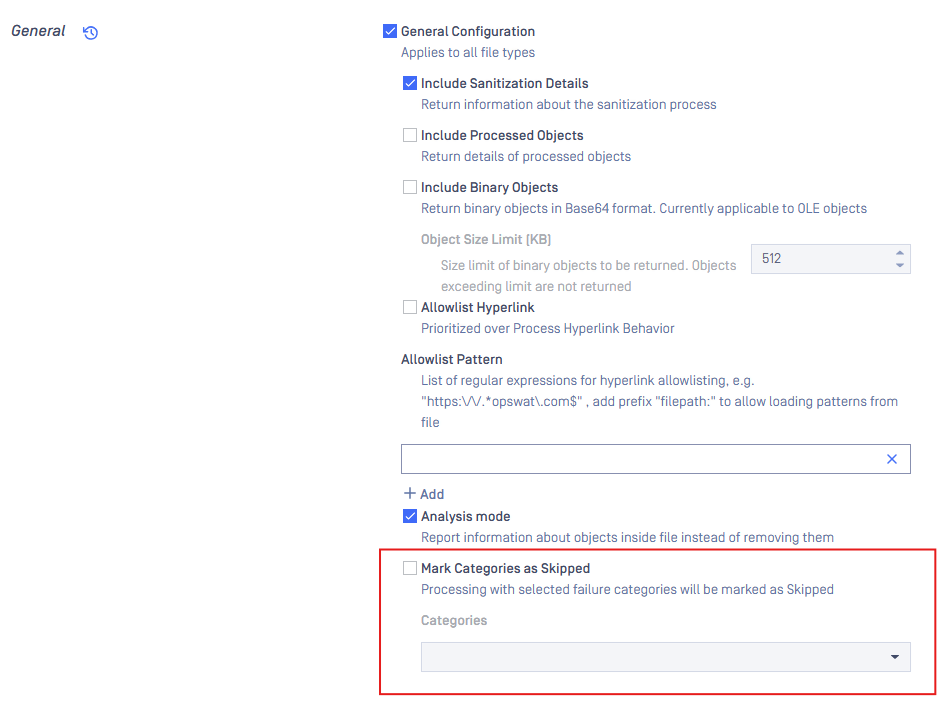
Users can configure to mark Sanitization results with certain categories as Skipped instead of Failure.
To mark sanitization result as Skipped, enable Mark Categories as Skipped under Workflow Management> Workflows > Workflow Name > Deep CDR > Advanced configuration > General Configuration.
Deep CDR can be configured to mark sanitization result as skipped, for the following categories:
Unsupported Version.
Exceeded File Size.
Password Protected.
Invalid File Structure.
Was this page helpful?
Deep CDR