
Red Hat Enterprise Linux 9
For more details about Center for Internet Security (CIS) please refer to this document
Instruction steps
I. Install OpenSCAP
II. Generate a result file and a HTML report using OpenSCAP scanner tool
III. Remediation of CIS Level 1 issues
Generate a remediation script based on the ssg-rhel9-ds.xml file:
And execute remediation script.
IV. Review the results after remediation
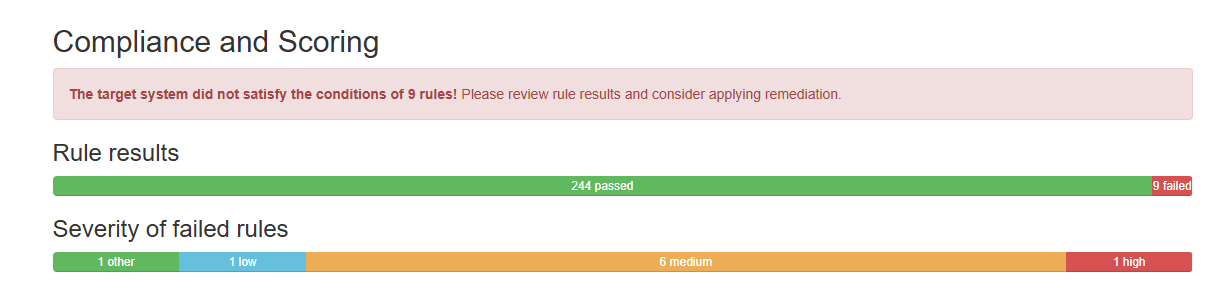
Example:
Ubuntu 22 Pro
Install the UA client
Set up the Ubuntu Security Guide
Check SCAP Content Overview (Security Content Automation Protocol)
Auditing an Ubuntu System for DISA-STIG compliance
The report is generated in /var/lib/usg/
Applying the CIS rules to a set of systems
There are 2 ways that apply CIS rules
Method 1: directly using usg command - recommend
Method 2: using usg to generate script and then run the script
A reboot is require to take the effect after apply the fix.
Notes
CIS Level 1 requires
/tmpfolder to be mounted in a separate partition. Please ensure that that new partition have enough disk space for MetaDefender Core to run.CIS Level 1 requires that "Ensure No World-Writable Files Exist".
For now, when freshly installing MetaDefender Core, all its binary files meet the requirement.
When installing/updating engines, some engines might create additional files for its operation, and it might violate this requirement. In this case, you need to again execute the remediation script in the step III.